Microsoft’s AI Revolution: Uncovering Hidden Bottlenecks in Windows 11

Microsoft has been diligently working to infuse AI technology into various aspects of Windows 11, but this effort hasn’t always met with enthusiasm. Many of the implemented changes feel more cumbersome than helpful. However, in its latest initiative, Microsoft has made a significant stride by assigning a truly valuable role to AI.
Redefining the Role of AI in Performance Analysis
The tech giant is currently testing an innovative AI integration for the Windows Performance Analyzer (WPA)—a sophisticated tool utilized by Microsoft engineers, hardware partners, and developers to diagnose performance issues. Instead of sifting through complex graphs and data tables, engineers will soon be able to pose inquiries in natural language about captured performance data.
Imagine asking questions like:
- What triggered a sudden CPU spike?
- Did any disk activity contribute to slowdowns?
- Which factors are creating bottlenecks?
The AI can then condense its findings and guide engineers directly to the pertinent evidence, streamlining the troubleshooting process.
Credit: Unsplash
Connecting AI with Performance Data
Powered by a Model Context Protocol (MCP) server, this integration enhances communication between the AI and the WPA, allowing tools like GitHub Copilot to query detailed information. Microsoft envisions this feature as a visual companion, merging AI insights with the complex graphs and tables that the analyzer presents.
Performance analysis traditionally demands specialized expertise. Even seasoned professionals may find themselves dedicating significant time correlating data from different views. Currently, this solution is tailored more for developers and manufacturers than for the average consumer.
Not a Quick Fix for Slow Laptops
Credit: Rachit Agarwal / Digital Trends
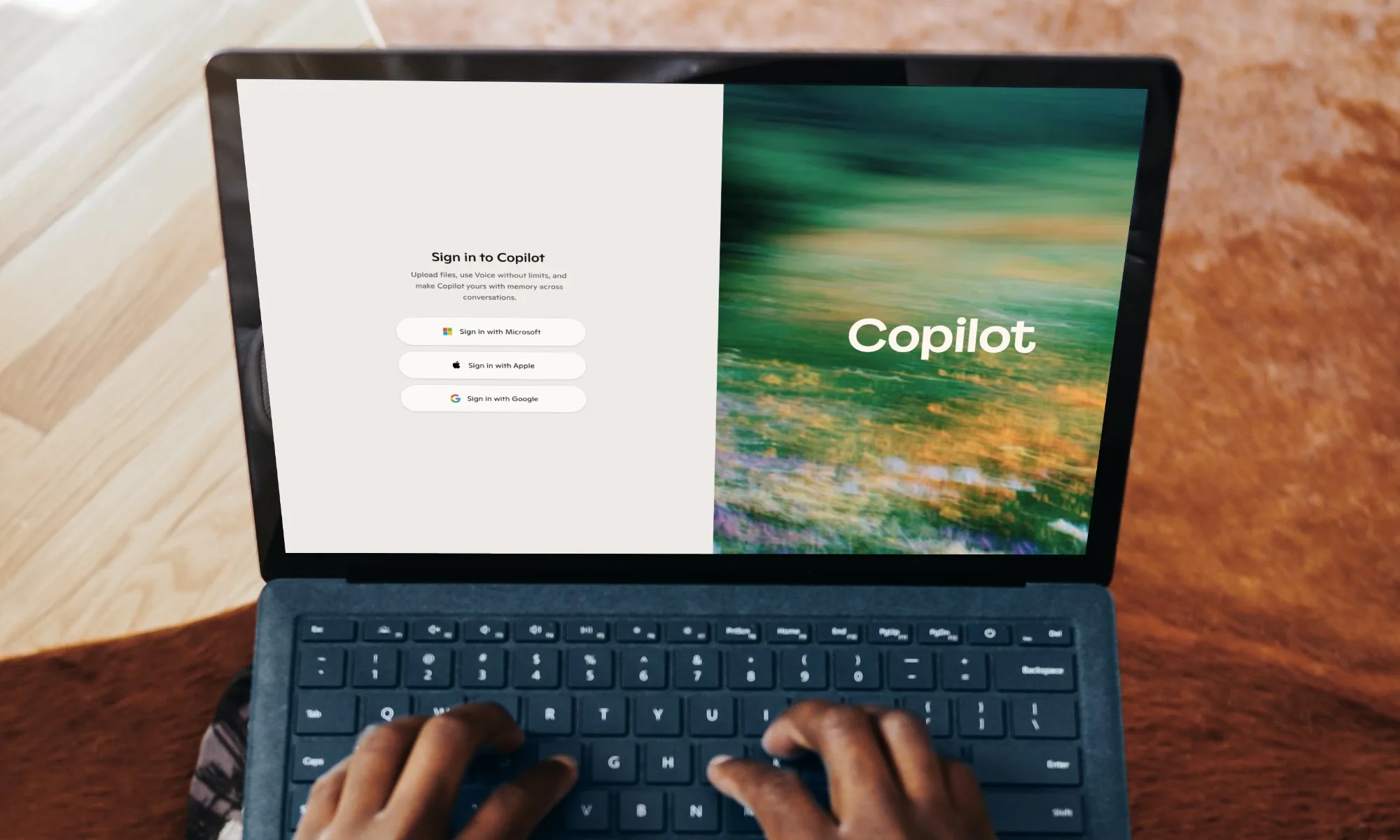
This technology isn’t designed to directly resolve sluggish laptop issues. Its primary focus is on supporting developers, manufacturers, and Microsoft’s Windows team. Unlike the consumer-friendly PC Insights feature in Copilot, which aids users in understanding storage, CPU, RAM, and battery concerns, the performance analyzer is more technical and still in its early stages.
As reported, current use of this performance analyzer requires GitHub Copilot and an active subscription to utilize its features effectively. Microsoft notes that AI-generated conclusions must still be cross-referenced with the underlying data, as they can sometimes be incomplete or inaccurate.
This initiative appears to be one of Microsoft’s more intelligent applications of AI within Windows. By assisting engineers in identifying problematic drivers or resource-heavy applications before they affect consumers, Microsoft is providing greater value than simply adding another button to the interface.
As we move forward in this rapidly evolving tech landscape, it’s exciting to see how Microsoft continues to innovate and enhance our experiences through intelligent solutions. For those eager to stay at the forefront of technology, exploring these AI tools could provide invaluable insights and improvements.