Windows 11’s Copilot Gets a Sidebar Upgrade: Discover the Similarities with Chrome’s Gemini
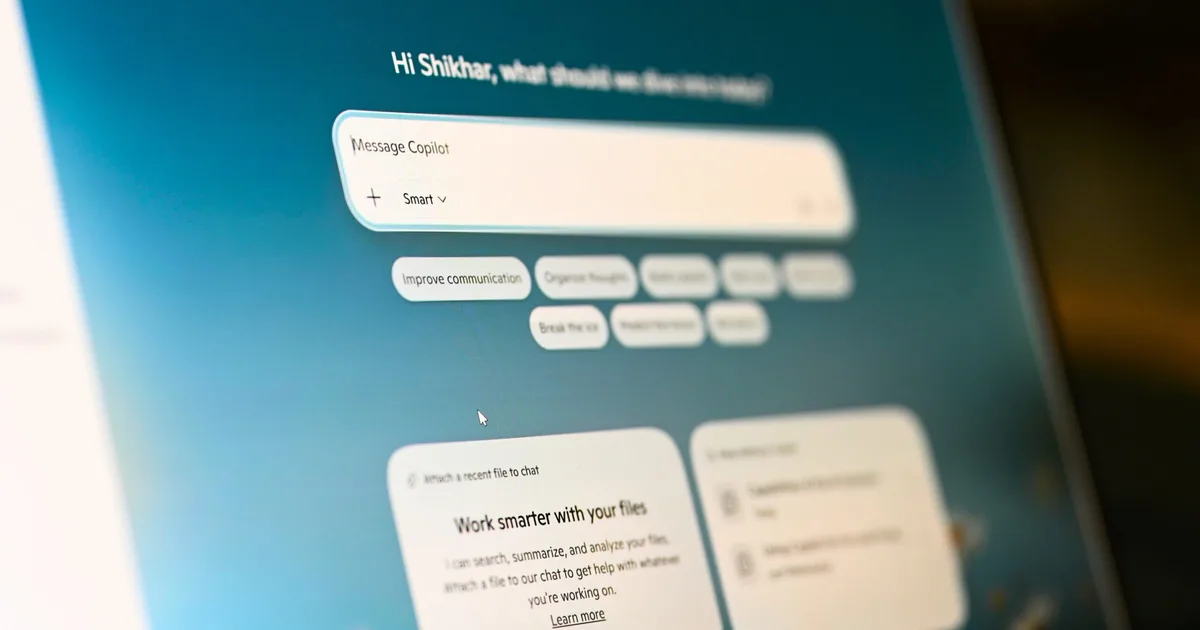
Microsoft has reimagined its Copilot feature for Windows 11, bringing back a concept that many users had previously found appealing. With a sleek and sophisticated sidebar design, this update allows for greater accessibility and integration, making it easier to navigate through tasks without interruption. Whether you’re working on a creative project or managing your day-to-day tasks, this thoughtful enhancement aims to elevate your overall experience.
A Fresh Take on the Copilot Sidebar
This latest iteration of Copilot introduces left and right docking options, providing a unique way to keep the AI assistant within easy reach. Unlike the standalone app format, this new design ensures that Copilot remains visible while you’re immersed in other applications. All you need to do is hover over the dropdown menu in the title bar to dock it at your desired side of the screen.
Seamless Docking Experience
While it may seem reminiscent of Windows 11’s native Snap Layouts, Copilot offers distinct layout choices that enhance your workflow:
- Persistent Sidebar: Unlike a floating window, the sidebar remains pinned while you work, allowing you to stay focused.
- Picture-in-Picture Mode: This feature gives you the flexibility to view Copilot without it taking over your entire screen.
Once docked, Windows 11 intelligently resizes your active apps to optimize the workspace, ensuring that everything fits snugly around the sidebar.
What Sets This Copilot Apart?
The newly designed sidebar is not merely a revival of an old idea; it is an evolution. The initial iteration of Copilot as a sidebar allowed for easy inquiries about on-screen content, but it was eventually replaced by a standalone app that lacked this integrated usefulness. The previous version was limited by its web-based technology, which constrained its performance and user experience.
The revamped Copilot now offers enhanced user control over placement and resizing. This thoughtful design change facilitates a more efficient working method that many will appreciate. Although it remains to be seen whether Copilot Vision will enable automatic docking, the gradual rollout of these features promises exciting developments.
Incorporating this sophisticated sidebar into your daily routine can redefine how you interact with technology. Its intuitive design allows for an unmatched balance between functionality and ease of use.
Embrace the Future of Productivity
Microsoft’s refined Copilot experience invites you to take control of your workspace like never before. As we continue to witness advancements in AI technology, these tools empower you to focus on what truly matters—your creativity and productivity.
Ready to explore the enhanced Copilot features? Dive into this new experience today, and transform the way you work and play. Your perfect workspace awaits!