Unveiling Google’s Latest Laptop: The Revolutionary Gemini Integration Everywhere
Googlebook’s Introduction: Bridging Innovation and Usability
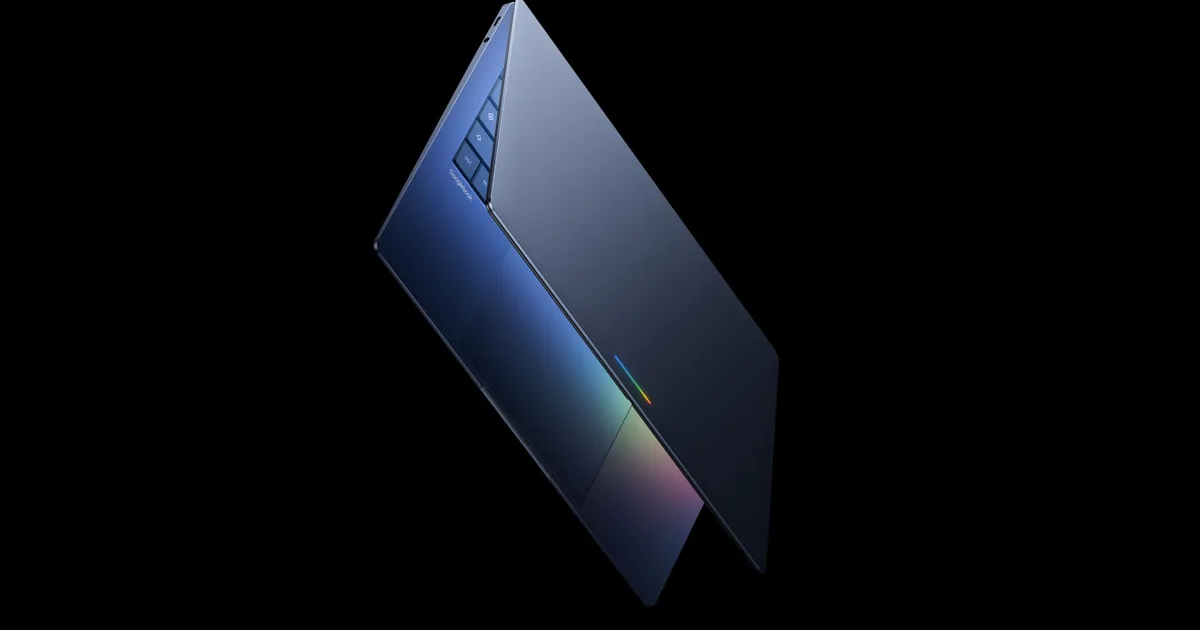
Prepare to be captivated by Google’s latest venture: Googlebook, a cutting-edge platform that places Gemini at the forefront of every interaction on your laptop. This innovative initiative aims to transform how you engage with your device, ensuring seamless integration and efficiency. With major brands like Acer, Asus, Dell, HP, and Lenovo launching their devices this fall, the future of computing is right at your fingertips.
What Sets Googlebook Apart?
At the heart of the Googlebook experience lies Magic Pointer, an extraordinary feature developed through collaboration with Google DeepMind. This tool brings Gemini right to your cursor, allowing for a more intuitive and interactive experience. Simply hover over any element on your screen, and watch as contextual suggestions spring to life.
- Point to a date in an email, and you’ll receive an invitation to schedule a meeting.
- Select multiple images, and Gemini can seamlessly blend them together.
Imagine accessing these capabilities without needing to install additional software or type in specific commands. The idea is to usher in AI assistance effortlessly, making it available at every touchpoint on your laptop.
Image Credit: Google
Additionally, Googlebook will feature the Create Your Widget tool. This innovative function allows you to craft personalized desktop widgets simply by describing your needs in natural language. By pulling information from your Gmail, Google Calendar, and the web, it creates a bespoke dashboard. For example, you can centralize flight details, hotel reservations, and trip countdowns into one convenient widget.
Seamless Android Integration
The brilliance of Googlebook doesn’t stop there. It promises to work seamlessly with your Android device, thanks to a feature known as Quick Access. This function enables you to browse, search, and directly insert files from your phone into your laptop’s file browser without the hassle of transfers.
Moreover, you’ll be able to run Android apps directly on the laptop without the cumbersome need for downloads or touch emulations.
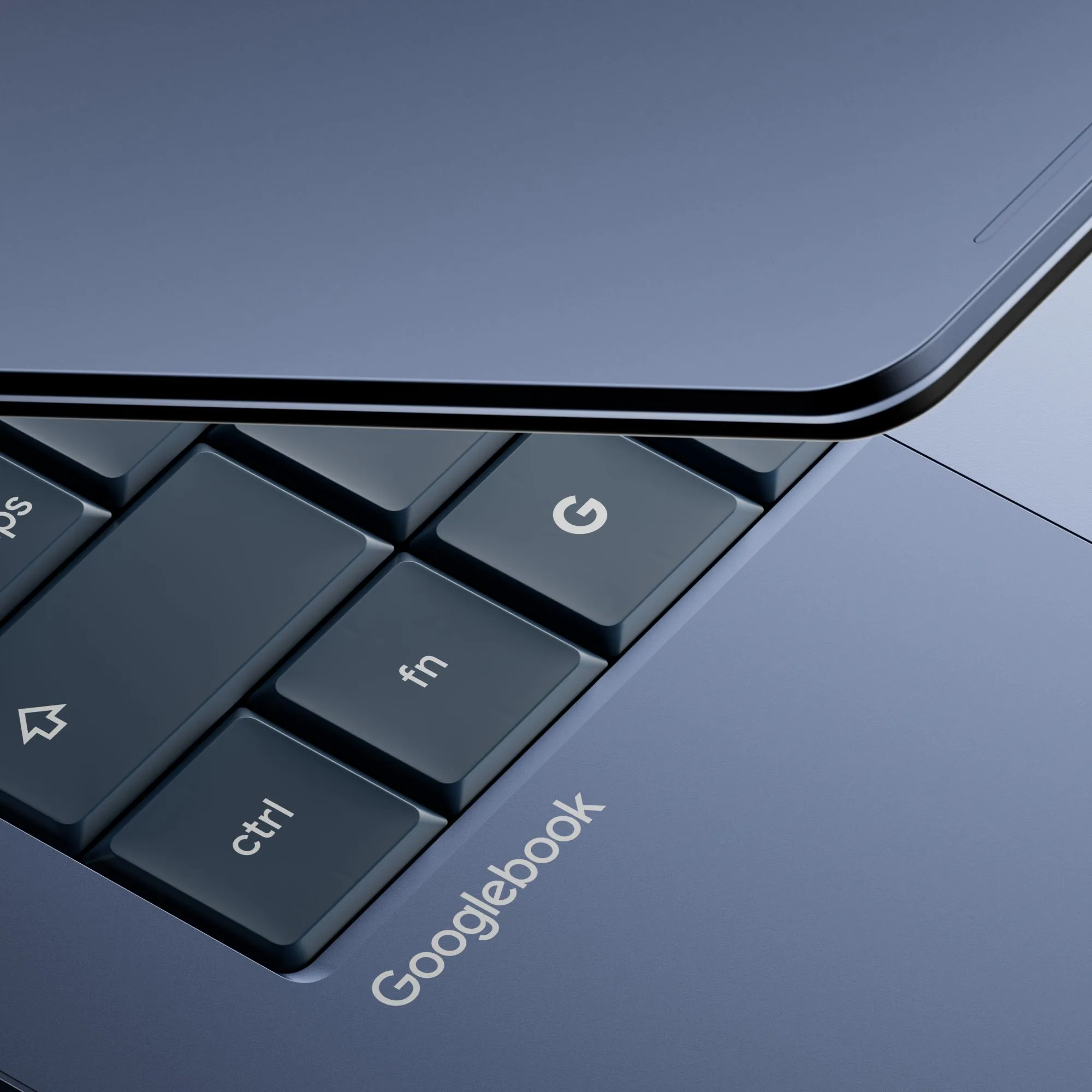
Image Credit: Google
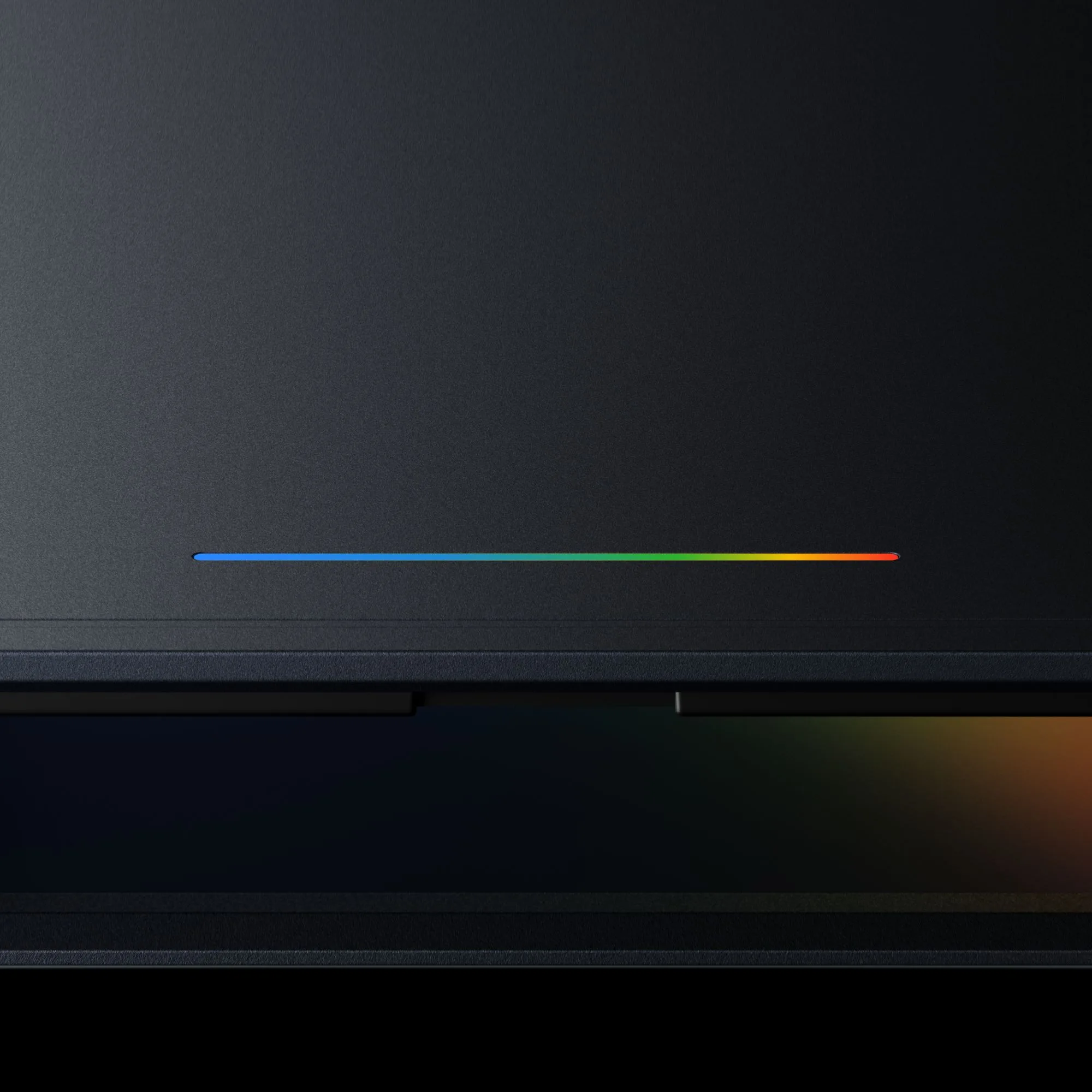
Image Credit: Google
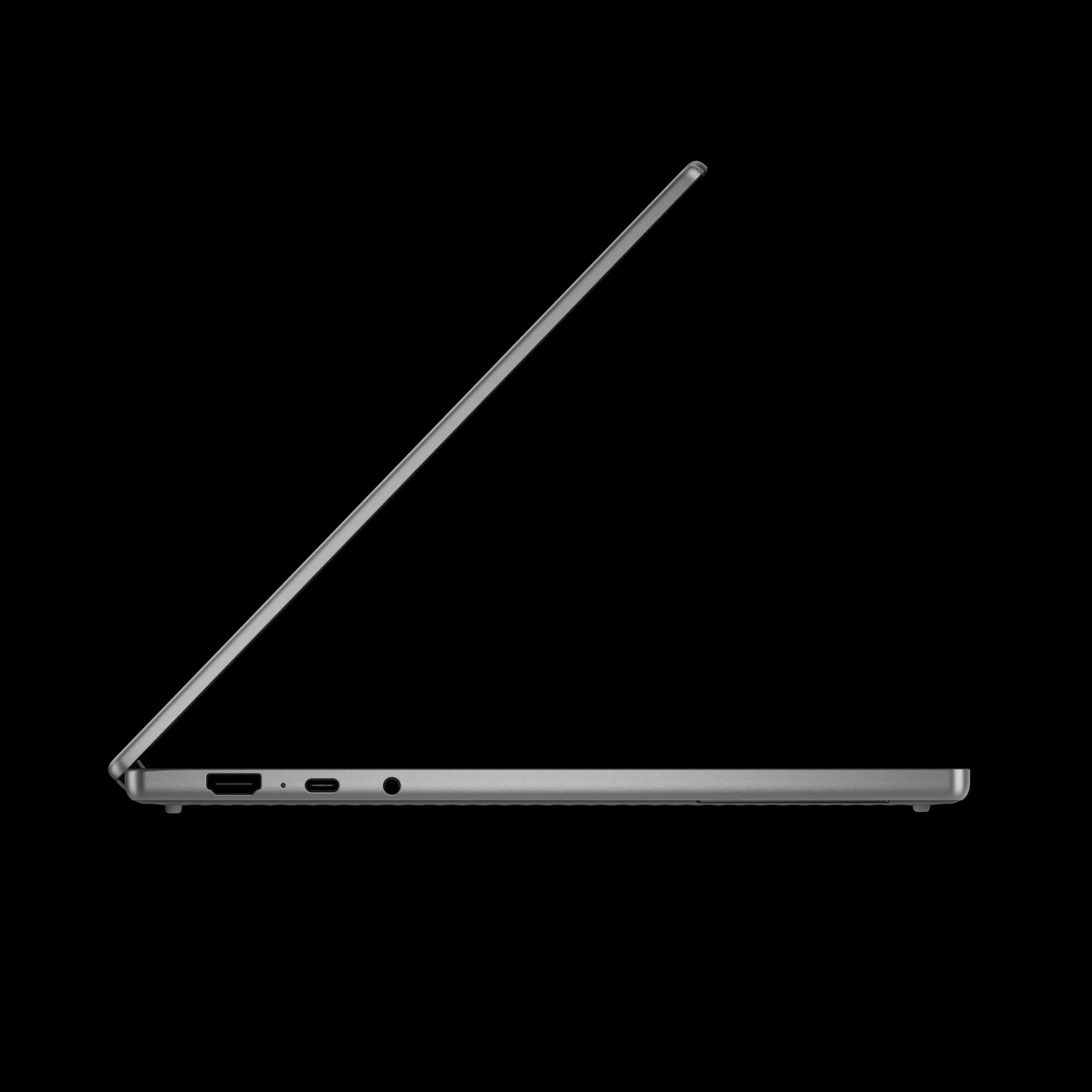
Image Credit: Google
Across every Googlebook device, a glowbar will serve as both a visual cue and a functional feature. It promises to adapt in a variety of shapes and sizes while running what Google describes as "a modern OS designed for Intelligence." This likely refers to the Aluminium OS, an amalgamation of ChromeOS and Android into a sleek desktop operating system.
Pricing and specific technical specifications are yet to be unveiled, and we are left anticipating what manufacturing partners will present when they launch later this fall.
Embracing the Future with Googlebook
As we look ahead, the true allure of Googlebook rests not just in its software capabilities, but also in the hardware innovations brought forward by its partners. With a commitment to streamlining everyday interactions and enhancing productivity, Googlebook is not just about technology; it’s about creating a more intelligent workspace.
Are you ready to explore the possibilities that Googlebook offers? Stay tuned, as the next chapter in computing is set to unfold, inviting you to unlock your potential with the power of Gemini at your fingertips.