Unlocking the Secrets of Android 17: Your Ultimate Guide to What We Know So Far
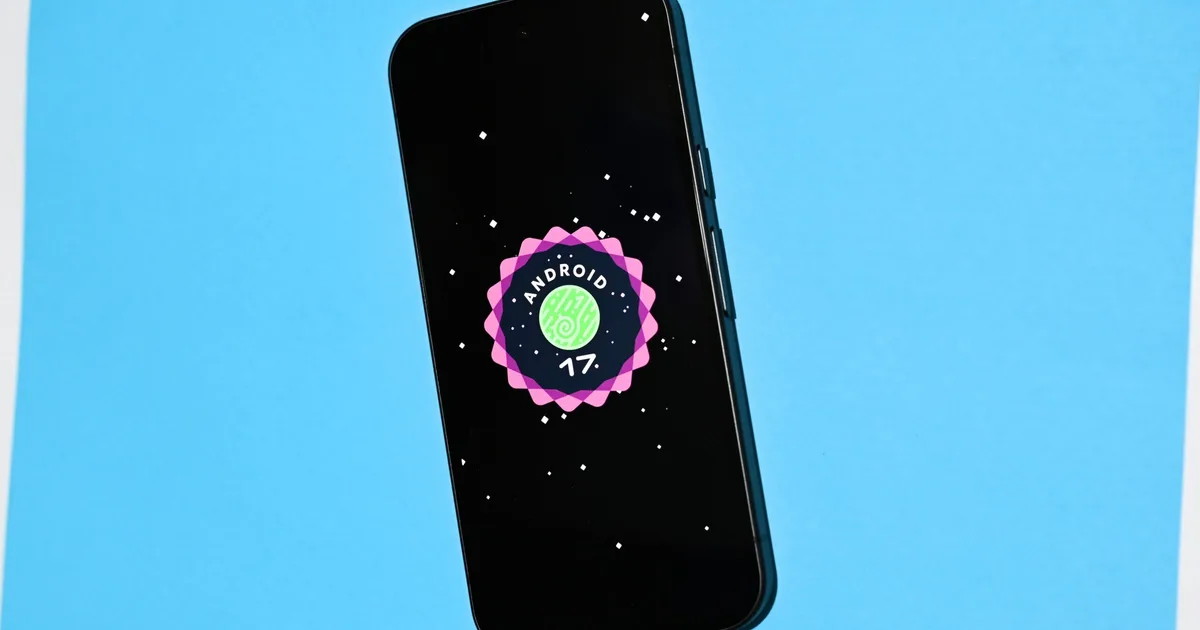
In the ever-evolving world of technology, Android 17 stands out as a shining gem, poised to redefine the user experience. With dazzling features aimed at enhancing productivity, security, and overall usability, this latest update is set to transform how we interact with our devices. As we delve into the key upgrades, you’ll discover everything from AI-driven tasks to an impressive array of multitasking enhancements.
What’s New in Android 17?
Android 17 brings a host of innovations that promise to enrich user experience. This update is particularly exciting due to its integration of Gemini Intelligence, a revolutionary feature that streamlines multitasking and simplifies everyday tasks. Imagine starting an online booking while you attend to other things—that’s the essence of Gemini Intelligence.
Gemini Intelligence and Core UI Updates
One of the most intriguing aspects of Android 17 is Gemini Intelligence. This updated AI assistant goes beyond simple voice commands, allowing users to perform complex tasks effortlessly. It can parse information from a web page, understand context, and carry out bookings or fill out forms—all in the background. You’ll only need to confirm your payment information.
Another user-friendly feature is Create My Widget, enabling you to craft personalized widgets simply by describing them. It’s as intuitive as chatting with a friend!
Android 17 Release Timeline
The release timeline for Android 17 is quite unique this year. Instead of the traditional Developer Preview, Google introduced the Android Canary channel, allowing earlier access. Here’s a quick glance at the significant stages:
- Beta 1 – February 13, 2026
- Beta 2 – February 26, 2026
- Beta 3: Platform Stability – March 26, 2026
- Stable Public Release – Expected June 2026
How to Download the Android 17 Beta
If you’re eager to dive into the latest features, downloading the Android 17 Beta is straightforward for supported Pixel users. Simply enroll in the Android Beta Program, back up your data, and you’ll be ready to explore. Just bear in mind that opting out before the stable release will require a factory reset.
Supported Devices
Every Pixel device powered by a Tensor chip is on the list for receiving the Android 17 update. Expect models ranging from the Pixel 6 to the latest Pixel 10 series to get their turn at this feature-rich experience.
Enhancements for Content Creators and Gamers
Android 17 also excels in content creation and gaming. Among its many features is Screen Reactions, which allows for simultaneous screen and camera recording, perfect for the burgeoning social media influencer market. Additionally, the Advanced Professional Video (APV) format offers flexibility for those focused on high-quality video production.
Privacy and Security Features
Security remains a top priority in Android 17. The update introduces Live Threat Detection, which proactively identifies suspicious activities on your device. Enhanced privacy controls also allow for granular access permissions, ensuring you can manage which apps access your contacts or GPS data.
Conclusion
As we look at the advancements Android 17 brings to the table, it becomes clear that this isn’t just a simple update; it’s a significant leap forward in usability, security, and overall functionality. With features designed to cater to both productivity enthusiasts and casual users alike, this upgrade is essential for anyone eager to enhance their Android experience.
So, whether you’re a devoted techie or simply someone looking to streamline your daily tasks, don’t wait too long—explore the wonders of Android 17 today and transform how you interact with your technology!
Are you ready to unlock this incredible upgrade? Let us know how you plan to make the most of Android 17!