Unlock the Power of Gemini: Save and Reuse Chrome Prompts with the New Skills Feature!
Google has just made waves with its latest feature that promises to revolutionize how you interact with AI prompts. If you’ve ever found yourself repeatedly entering the same query into Gemini across different tabs, you’ll appreciate this new enhancement. Google’s Skills in Chrome allows users to save their most effective prompts and execute them with just a single click, streamlining your experience and saving precious time.
What You Can Achieve with Skills in Chrome
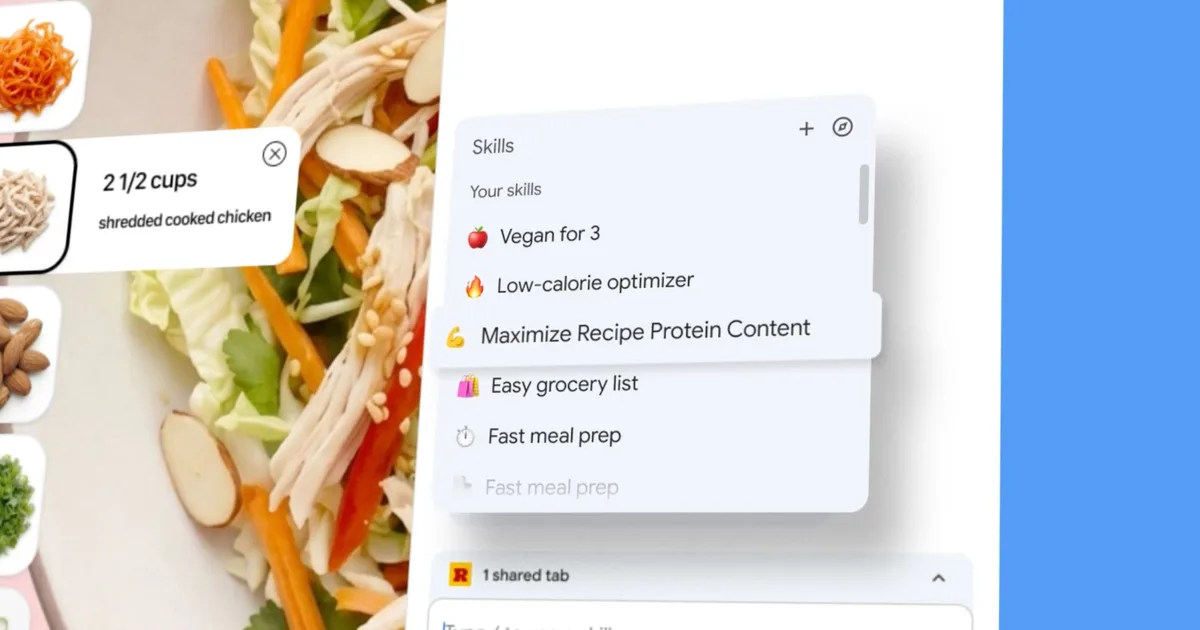
With Skills, your Gemini prompts transform into reusable one-click tools. Once a prompt is saved, it’s accessible from any desktop device logged into your Google account.
Early testers have found innovative ways to leverage this feature, including:
- Calculating protein/macros directly from recipe pages.
- Generating side-by-side comparisons of product specifications across various tabs.
- Summarizing lengthy documents with ease.
In addition, Google will roll out a pre-built Skills library containing ready-to-use prompts for everyday tasks. Feel free to use them as they are or customize them to meet your specific requirements. Plus, to safeguard your privacy, the feature includes confirmation prompts for sensitive actions like sending emails or scheduling calendar events.
Getting Started with Skills in Google Chrome
Currently, Skills are being introduced to desktop Chrome users who have their language set to English (US). To save a Skill, simply open Gemini in Chrome and input a prompt you’d like to retain. Once your conversation is stored in your chat history, you’ll find an option to save it directly as a Skill.

Google
To access your saved Skill, type a forward slash (/) in the Gemini chat box and select your desired Skill from the list. Alternatively, use the plus sign (+) button for quick access. If you need to manage or edit your Skills, simply type the forward slash (/) followed by the compass icon. To explore the pre-built library, you can find this within the same menu.
Keep an Eye Out for Future Features
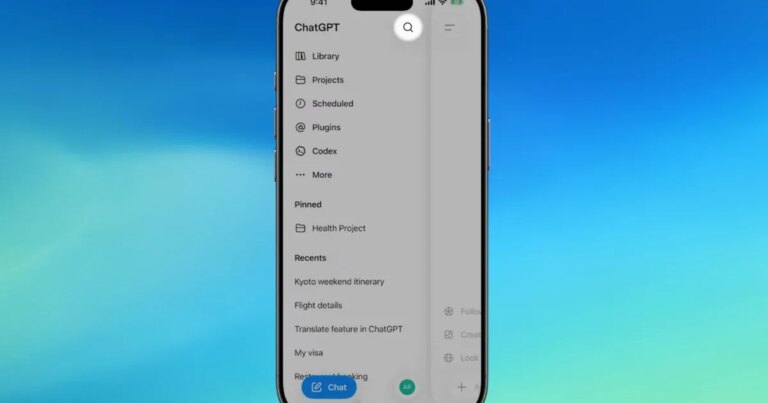
It’s also exciting to note that Google is experimenting with a Projects feature for Gemini, which will help organize AI chats into folders—similar to what you may know from ChatGPT. However, this feature is still in the testing phase and available only to a limited group of users, meaning it’s not yet fully operational.
As you dive into these new capabilities, imagine the possibilities for enhancing your productivity and creativity with Gemini.
Ready to simplify your browsing experience? Explore these new features today and discover how Google is making AI more accessible and efficient than ever before!