Unlock the New Feature: ChatGPT for iPhone Allows Easy Access to Recent Photos with a Long Press
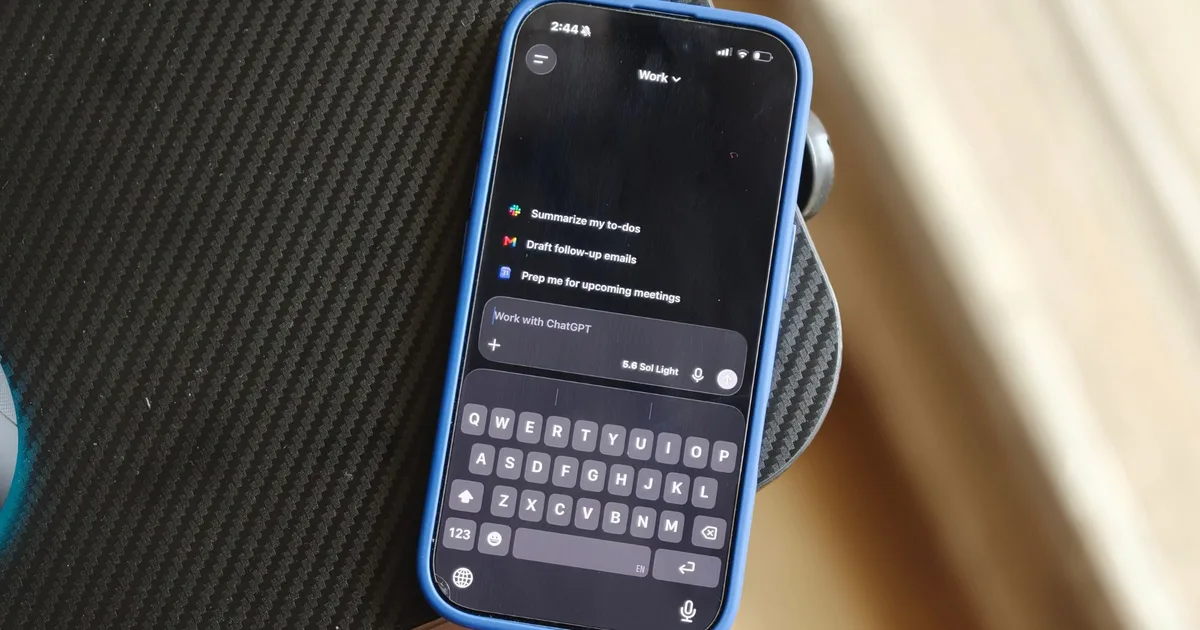
Attaching photos to your ChatGPT conversations on iPhone has just become a breeze, thanks to the latest update. Now, instead of navigating through multiple menus, you can access your recently captured images with just a long press. This streamlined process is bound to elevate your experience, whether you’re asking for identification, analysis, or a simple reaction to something in front of you.
Enhancements in Image Attachment
According to Adam Fry, OpenAI’s Consumer Product Lead, this new feature is a part of a slew of improvements aimed at optimizing the user experience in the ChatGPT app. For anyone who frequently incorporates images into prompts, this quick access to recent photos is a substantial change.
Streamlined Process: From Clutter to Clarity
Previously, attaching an image involved opening the "+" menu, selecting Photos, and then scrolling through your library—an unnecessary diversion for those who share images regularly. Now, with this simple shortcut, you can enjoy a more efficient experience.
By long-pressing the "+" button next to the ChatGPT prompt box, you’ll immediately see your four most recent photos. Choose one instantly, and attach it to your conversation. Fry emphasizes how this feature not only makes image sharing more seamless but enhances your interaction with AI.
This update, highlighted on August 21, reflects a trend toward more intuitive user interfaces by reducing the steps needed for common tasks.
Why It Matters
Even though the shortcut might seem minor, it underscores the growing importance of visual interaction in AI assistants. Whether it’s a screenshot of an error message or a photo of an intriguing object, having quick access to recent images makes it feel natural to include visual context in your queries.
OpenAI is committed to improving the ChatGPT experience on iOS further, with initiatives designed to make photo uploads faster and smoother.
Removing Barriers to Efficiency
This new gesture is a game-changer for those who use ChatGPT for visual inquiries. Need to troubleshoot? Send a screenshot. Have an unfamiliar object? Snap a photo and ask away. Context can often be better conveyed through visuals, and reducing the number of steps to access them helps users ask questions more effortlessly.
Recent photos are usually those you’ve taken specifically for querying, eliminating the need to sift through your entire photo library. While navigating is not overly challenging, any added friction can be distracting, especially when you’re keen to get answers quickly.
Credit: Shimul Sood / Digital Trends
In addition to this new feature, numerous enhancements in ChatGPT have been made, including heightened awareness of the current time and performance tweaks for extended conversations on the web.
Small Yet Significant Changes
While this update may not introduce radical redesigns or groundbreaking AI capabilities, the best innovations are often the ones that blend seamlessly into your routine. With a few usages, the long-press function for recent photos will likely become second nature, transforming how you initiate conversations with ChatGPT.
Are you ready to streamline your experience? Update your app and embrace the simplicity and speed that this new feature brings to your daily AI interactions!