Transform Your Posture: How I Developed a Mac App Using AirPods Without Writing a Single Line of Code
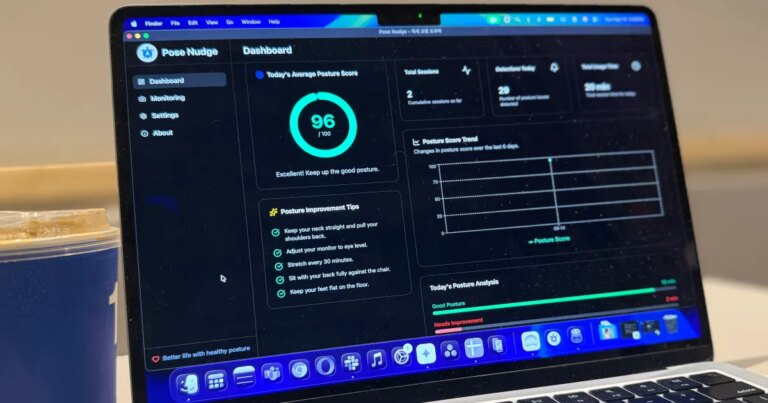
A few weeks ago, I shared my experience with an innovative app that monitors your posture through your Mac’s webcam, alerting you with a notification whenever you slouch. While this open-source tool was a game changer, it sparked questions among users about data privacy and security—valid concerns, given that this software accesses your camera for real-time monitoring. Could it be tracking more than just your posture? Thankfully, the app processes everything locally on my Mac, alleviating those fears to some extent. Still, curiosity about creating my own version took hold, leading me on an unexpected journey.
Taking the Leap into App Development
Instead of relying on a camera to assess my posture, I pondered the potential of using the motion sensors in my AirPods. Unfamiliar with coding, I turned to an AI tool that has been redefining user interactions—Anthropic’s Claude.
Initially, I was hesitant. How could I possibly build an app when I’ve never written a line of code? However, to my astonishment, Claude guided me through the process, and within half an hour, I had developed a fully functional posture-checking app. All it took was a few prompts in a chat interface.
Building the App: A Surprising Experience
The impressive part? I never had to view any code—Claude asked for my preferences, guided the design, and surprisingly, crafted everything from scratch. It even generated a menu bar icon and a notification system for when my posture was less than ideal.
- Visual Elements: Created an appealing menu bar icon.
- Notification System: Set up alerts for poor posture detection.
- Calibration Controls: Ensured accurate motion tracking with ease.
With minimal input from me, the app was ready to go. I merely expressed my idea, and the rest unfolded seamlessly.
How the App Operates
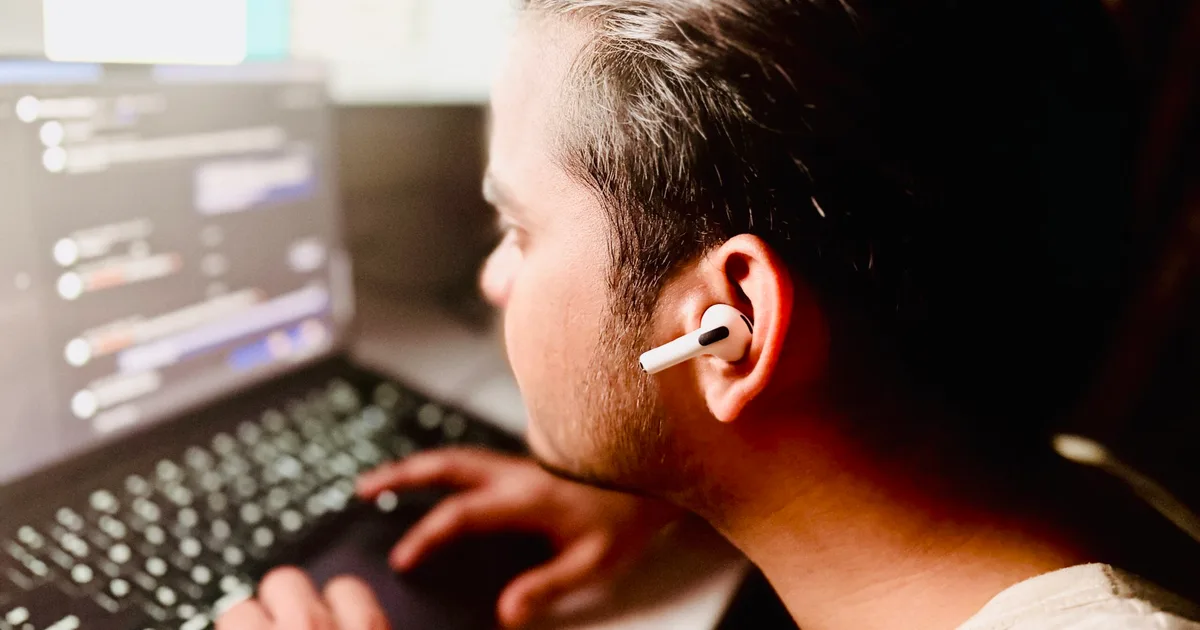
To operate the app, simply wear the AirPods, launch it, and calibrate your ideal and slouched postures. The app captures angular data through the AirPods’ motion sensors, establishing a baseline for good posture.
- Calibrating Posture: Sit upright to set your ideal posture, then slouch to record an unhealthy position.
- Background Utility: Remains a discreet menu bar tool, avoiding clutter on your desktop.
The colors of the app icon serve as alerts. When I sit straight, the icon is gray; if I slouch, it turns yellow, and if I remain in poor posture for over twelve seconds, it boldly displays a fiery red triangle alongside a notification banner urging me to straighten up.
Enhanced Privacy Protection
As someone wary of privacy, I couldn’t help but reflect on the potential risks of fitness and health-tracking applications, especially when coupled with wearables. Would I really trust an independent developer with my health data?
The app I created processes everything on-device, ensuring my health logs stay private. There’s no exposure to cloud storage or third-party interference.
The Game-Changer: Bringing Ideas to Life
This entire experience has been transformative. For years, I found programming intimidating—the unfamiliar jargon and the complexity of coding kept me at bay. But with innovation in AI coding tools, the landscape has changed dramatically, making app development accessible for anyone, regardless of technical background.
The journey has opened doors to endless possibilities—what I can now create simply by conversing with AI. If you’ve ever had a spark of an idea for an app but hesitated to dive in, let this be your inspiration.
Ready to take that leap? Whether developing your own app or exploring new creative projects, start with confidence. Let AI be your partner in innovation, transforming your ideas into reality!