Revolutionizing Muscle Memory: How iOS 27 Transforms Notification Swiping on Your iPhone
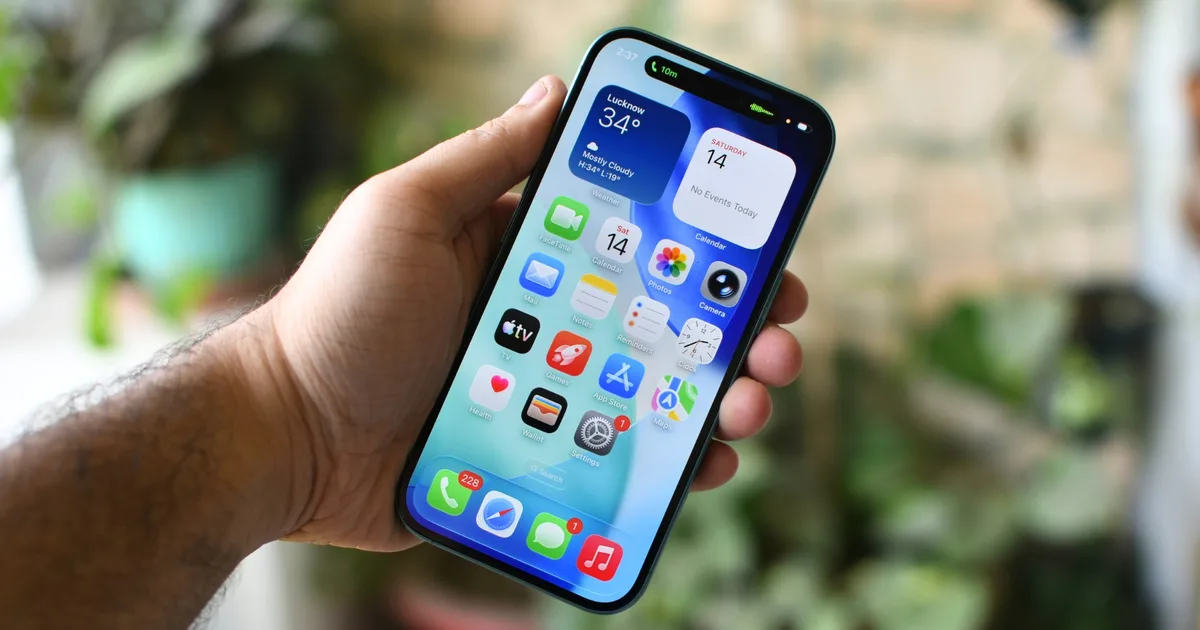
Apple is on the brink of a significant transformation in how notifications function across its latest iterations of iOS and iPadOS. This shift, indicated by insider reports, promises not just a visual change but a complete reimagining of user interactions that could redefine our familiarity with iPhone gestures. Are you prepared for a new way to engage with your device?
A Shift in Notification Access
For years, a simple gesture has been the lifeline for iPhone users: swiping down from the center to unveil notifications. However, this is set to change with the upcoming iOS 27 enhancements.
Shimul Sood / Digital Trends
Under this fresh framework, performing a swipe down from the center of the screen will no longer open notifications. Instead, it will launch an AI-powered assistant panel or search function. To access your notifications, you’ll need to initiate a swipe from the left side of the display. This is a significant adjustment that could challenge even the most seasoned iPhone users to adapt.
Embracing New Navigation Patterns
- New Gesture for Notifications: Notifications will now require a distinct gesture, swiping down from the left side.
- AI and Search Integration: Swiping from the center will interact with the AI assistant.
Anyone who has ventured into a new smartphone ecosystem knows how quickly muscle memory develops for these gestures. Adjusting to a new system can be a daunting task, particularly when it involves breaking long-held habits.
The Drive Behind the Change: AI Integration
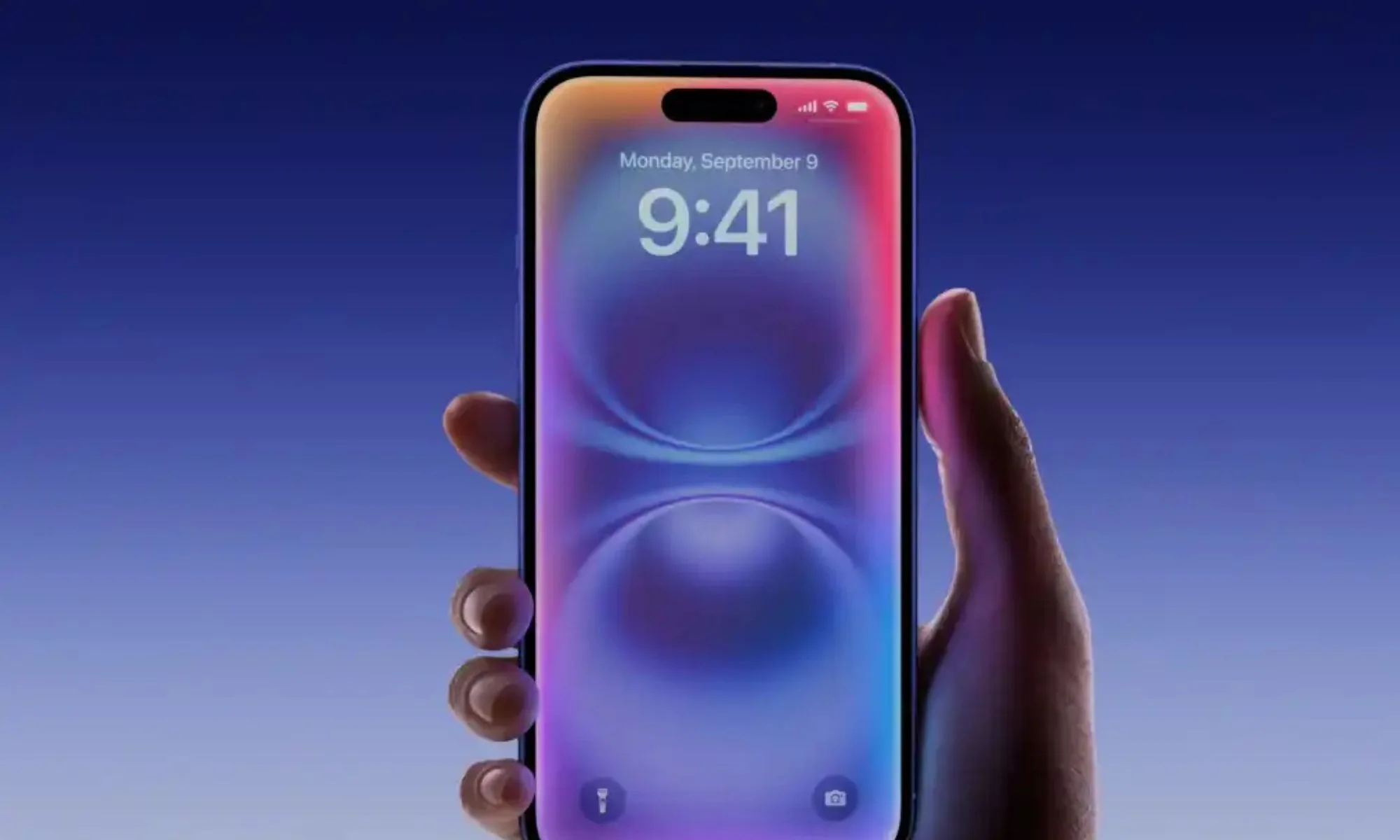
This redesign is more than just a surface-level update; it reveals Apple’s ambition to give AI features and search capabilities a more prominent position in the user experience. By assigning core functionalities to the most intuitive gestures, Apple is sending a clear message about the future of smartphone interactions.
Apple
With notifications sliding in from the left, the animation not only reinforces the new swipe direction but also aligns seamlessly with the overall interface philosophy. While some may welcome these changes, others might harbor reservations, remembering past instances where minor alterations have led to heated debates among users.
As iOS 27 prepares to roll out, it’s not just the look of the software that’s changing; the way millions of individuals instinctively navigate their devices may be at a crossroads.
Adapting to this new direction will require patience and open-mindedness. Are you ready to embrace this evolution in your iPhone experience?
As we look forward to the arrival of these features, let this serve as an invitation to engage with your device in fresh and exciting ways. Change can be daunting, but it can also lead to newfound efficiency and enjoyment. Take a moment to reflect on how these upcoming updates can enhance your daily interactions.