Major Google Maps Upgrade for Android Auto Expands to More Users
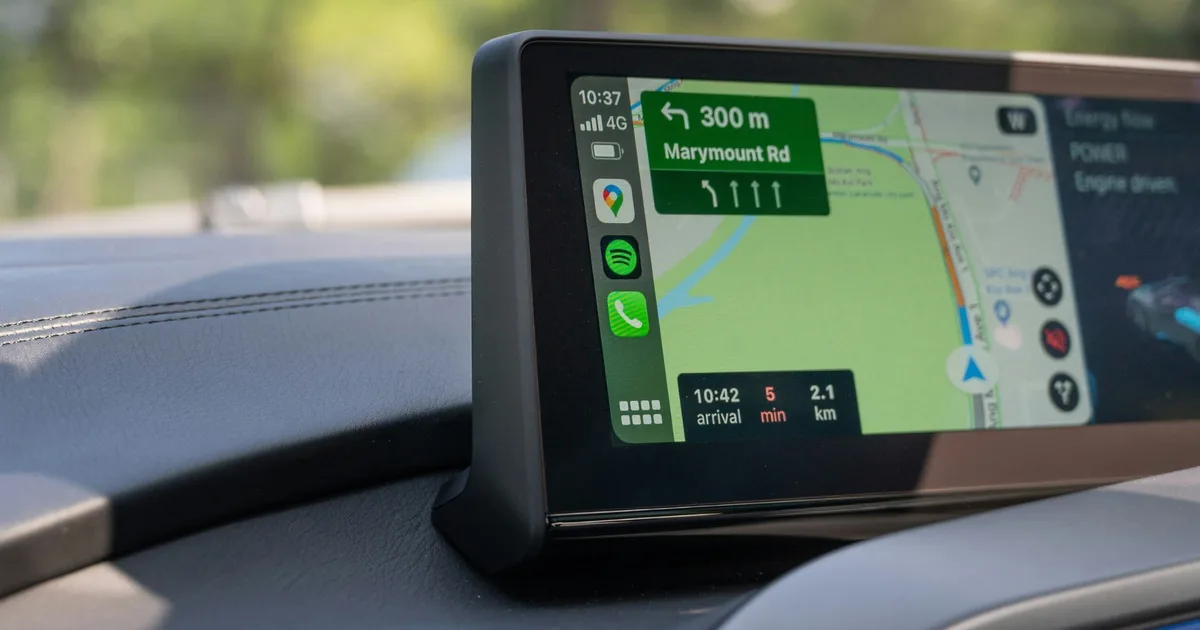
Google Maps is enhancing the navigation experience for Android Auto users with two highly anticipated features: Immersive Navigation and a built-in live speedometer. After a cautious rollout phase, many users are now reporting access to these features, transitioning from a world of limited availability to a more dynamic driving experience.
A New Era for Android Auto Navigation
Google is dedicated to modernizing the Android Auto navigation system, and these recent enhancements epitomize that commitment. Launched earlier this year, Immersive Navigation stands as one of the most significant upgrades to date, focusing on clarity and ease of use. Initially available only to a select few, the gradual rollout indicates Google’s confidence in scaling these improvements to a wider audience.
Yet, it’s important to remember that this rollout varies across regions and devices. As such, patience may still be required by some users eager to explore this transformative experience.
Immersive Navigation: A Visual Journey
With Immersive Navigation, navigating becomes easier and safer. Here’s what to expect:
- Rich Road Layouts: Experience more visually detailed representations of road layouts.
- Clearer Lane Guidance: Say goodbye to confusion with enhanced lane indications that guide you seamlessly.
- Intuitive Intersections: Get a better grasp of what lies ahead with a more detailed view of intersections.
This updated interface is designed to be easily interpretable with just a glance. It aims to minimize the need for drivers to scrutinize their maps, ensuring a more effortless journey.
Image Credit: Unsplash
Live Speedometer: Keeping You Informed
In conjunction with the new navigation view, Google is also expanding the release of a live speedometer feature in Android Auto. This addition means that instead of merely receiving speed limit alerts, users can now see their vehicle’s current speed directly on Google Maps. This reduces the need for drivers to glance back and forth between displays, enhancing focus on the road ahead.
Further updates to the interface include a change on Android devices, where the Google Assistant shortcut has now been replaced by a Gemini icon, reflecting Google’s ongoing transition across its platforms.
A Gradual Rollout: What To Expect
While many users are delighted to access these updates, it’s essential to note that they are not available via a standard app update. Instead, Google appears to be implementing a server-side rollout. This means that simply having the latest version of Google Maps or Android Auto doesn’t guarantee instant access to these features. Fortunately, they are now becoming accessible on stable builds rather than being limited to beta users.
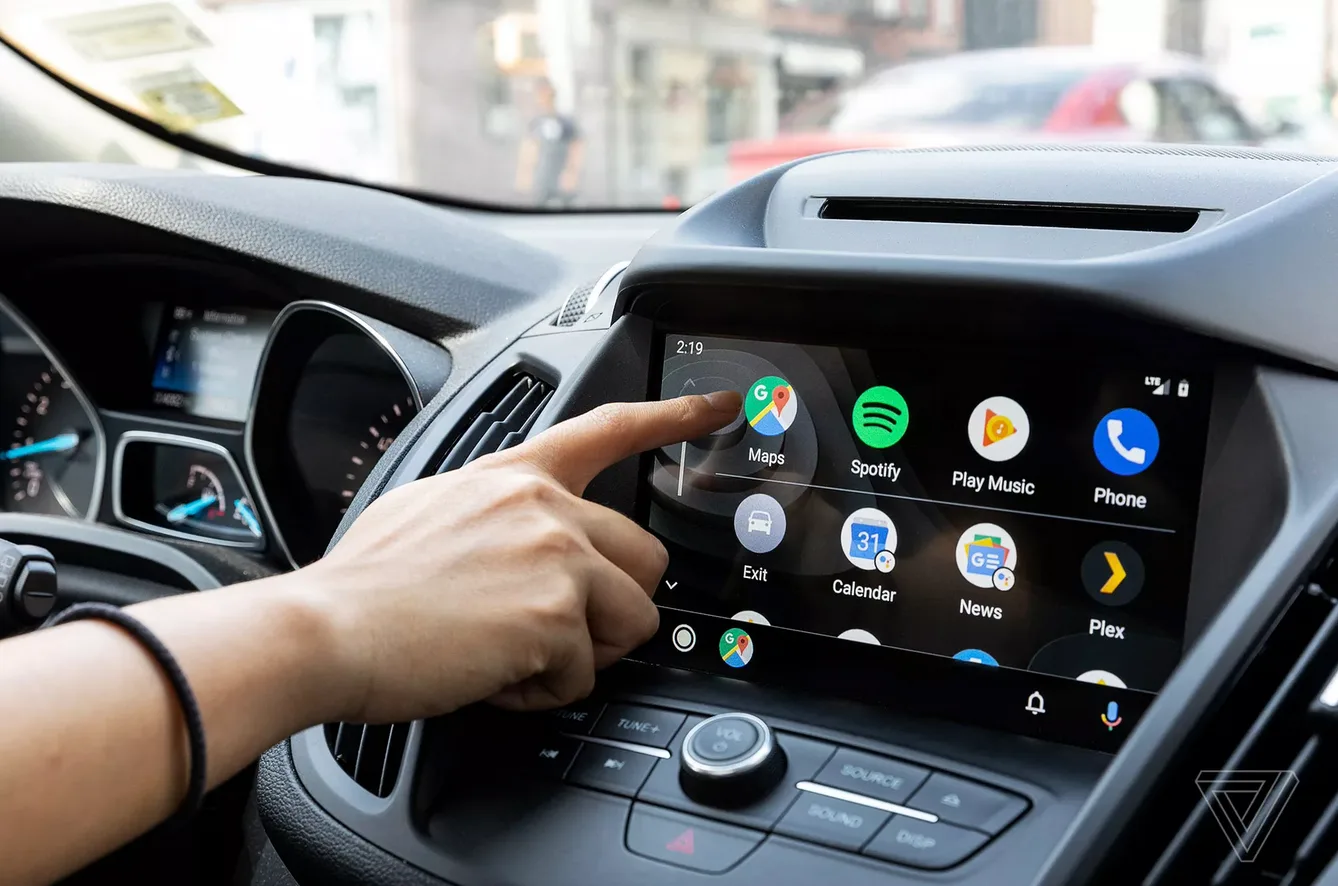
Image Credit: Google
Enhancing Everyday Driving
For Android Auto enthusiasts, these updates are less about flashy new features and more about enhancing the overall driving experience. Improvements in lane visualization, navigation guidance, and the incorporation of a speedometer work together to create a more cohesive, reliable navigation tool. As the rollout continues, more drivers will benefit from these seamless upgrades without needing to enter any beta programs.
As you embark on your next journey, take full advantage of these updates! Embrace the transformation that Google Maps brings to your driving experience, ensuring every trip is both enjoyable and stress-free. Happy driving!