Google Home Enhances Voice Commands: Are You Among the Users Missing Out?
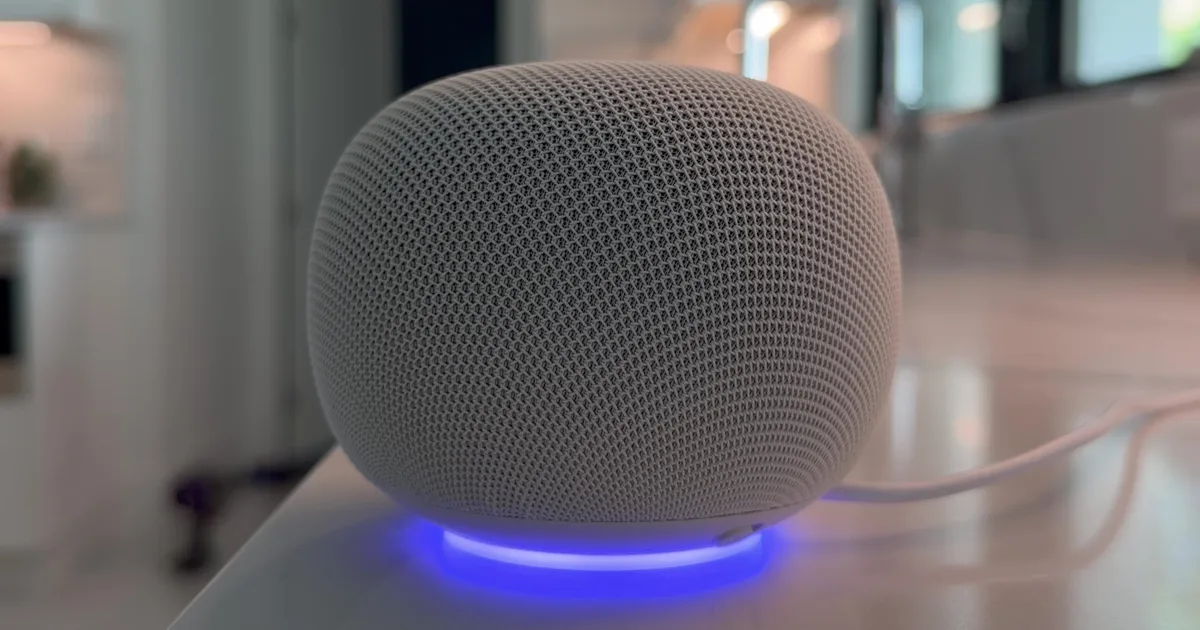
The most requested fixes are still a part of the early access program.
In the ever-evolving landscape of smart homes, maintaining a seamless and elegant experience is paramount. Google has recently introduced a captivating upgrade to Google Home, enhancing its voice command functionalities. However, a crucial detail lingers beneath the surface: these improvements are primarily accessible to those participating in the early access program.
Exciting New Features Unveiled
Google’s latest update has introduced a remarkable functionality: the ability to specify light colors using Kelvin values. This innovation addresses years of cumbersome command structures, streamlining your interactions with smart lighting. However, it’s essential to note that these enhancements predominantly benefit users who have opted into the early access program.
Digital Trends
What’s New in Voice Commands?
Among these updates, the color temperature control stands out. Now, you can instruct your Google device, “set the living room lights to 2700 Kelvins,” and enjoy that exact ambiance with ease. This update transforms the otherwise tedious task of adjusting a slider into a simple voice command.
However, a small challenge remains. Users must familiarize themselves with the corresponding Kelvin values for their preferred lighting:
- 3000K: Warm light
- 4000K: Neutral or room-like light
- 5000K and above: Cool light
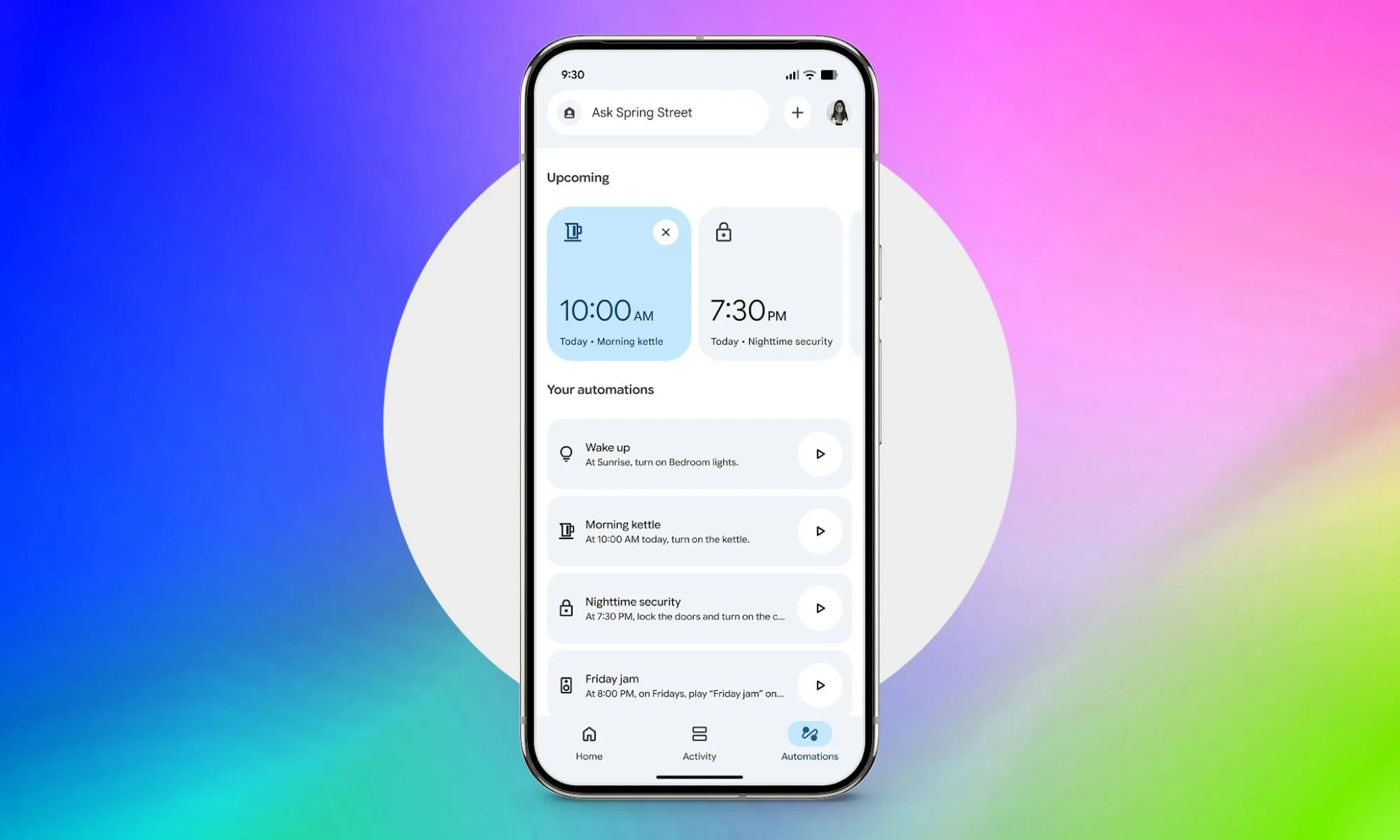
In addition, improvements for Spotify functionalities mean better song and playlist recognition, enhancing your auditory experience with more accurate results. The broadcasting feature has also been refined. Now, you simply need to say, “OK Google, broadcast message,” and follow it with your message a moment later—allowing for a more natural flow in communication.
Google
How to Access These Features
Both the exciting enhancements and the efficient broadcasting functionality are exclusive to users within the Gemini for Home early access program. If you haven’t joined, these features won’t be available to you, regardless of whether your app is updated.
Fortunately, there are still some improvements for everyone. Users can now enjoy smoother Android live streams without the previous limitations of 360p resolution. Additionally, if you have European-style smart locks, independent unlatch and unlock controls are now clearer, enhancing user experience. Finally, temperature units are consistently aligned across the app, voice commands, and Nest devices.
As the world of smart homes continues to advance, staying informed about these updates can enrich your experience. Don’t miss out on the revolution in home automation—consider joining early access to unlock the full potential of your Google Home. Embrace the elegance of cutting-edge technology in your space today!