ChatGPT Atlas Shuts Down: Essential Homework Tasks Before Your Migration
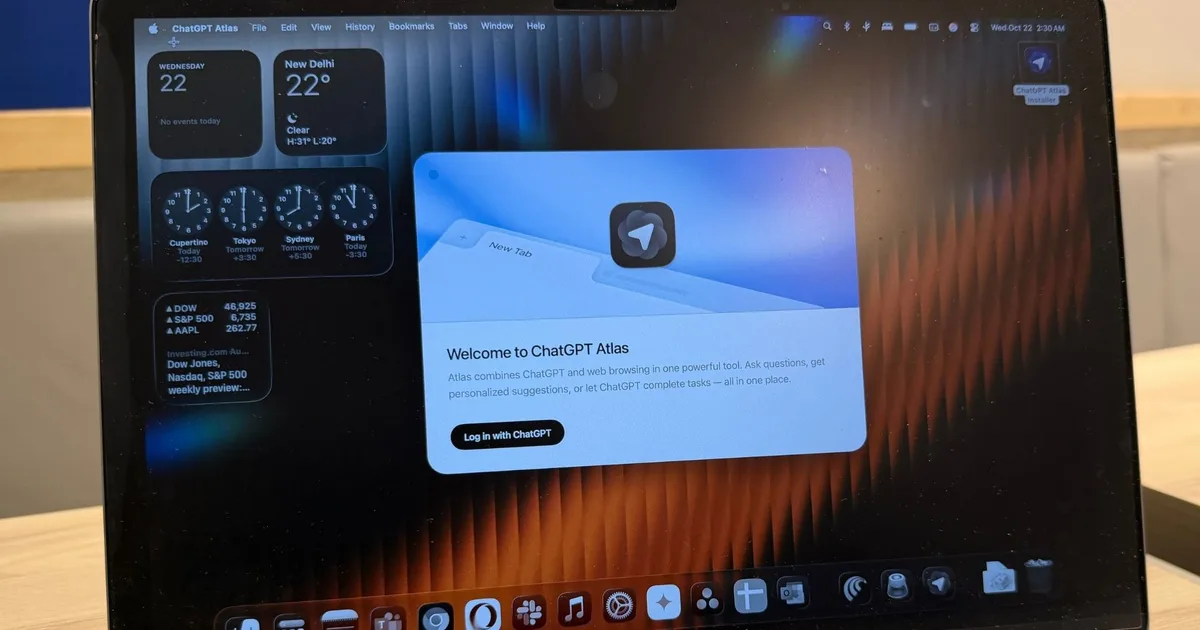
OpenAI is set to retire Atlas, its innovative browser that many users have come to love. As the countdown begins, users may want to prepare for this transition by saving their crucial data and exploring new options that fit their browsing needs. With the official shutdown slated for August 9, 2026, there’s no time to waste—let’s dive into what this means for you.
The Departure of Atlas: What to Expect
Sadly, once Atlas is gone, it won’t just be a simple case of switching to another browser. OpenAI has confirmed that its powerful features will be integrated into ChatGPT and Codex, but this shift won’t come without some inconvenience.
Important Data Doesn’t Automatically Transfer
One key challenge you’ll face is that bookmarks from Atlas won’t migrate to other browsers seamlessly. Here’s a step-by-step guide on how to safeguard your valuable data:
- Export Bookmarks: First, you’ll want to export your bookmarks as an HTML file from Atlas.
- Import into New Browser: After exporting, you can then import that file into a browser like Chrome.
- Manual Backup: Unfortunately, open tabs and your browsing history will not travel with you. Be sure to bookmark important pages and manually save their URLs in a document.
While OpenAI does provide export options for cookies where possible, maintain caution. Active session files are sensitive and should be handled with care due to potential access to your logged-in accounts. Keep in mind that your ChatGPT conversation history will remain separate and accessible through ChatGPT, unaffected by Atlas’s closure.
A friendly reminder: OpenAI has given users a 30-day wind-down period following the announcement, so it’s wise to act quickly. Moreover, if you remain with Atlas, security maintenance will cease, presenting another reason to transition soon.
Shopping with Agent mode on Amazon. Credit: Nadeem Sarwar / Digital Trends
A Bigger Picture: Integrating Atlas into ChatGPT
OpenAI is not just severing ties with Atlas—it’s evolving. Insights gained from Atlas will shape a more advanced browsing experience within ChatGPT. The new desktop app will feature:
- Multiple tab support
- File downloads
- Enhanced navigation
- More comprehensive agent-led browsing capabilities
For those who favor using Chrome, the newly designed ChatGPT extension or sidebar is an alternative. However, access will vary based on your region, device, and specific account settings. The automation features previously found in Atlas will now be part of Codex, enabling users to seamlessly navigate logged-in websites and applications.
Essentially, while Atlas may be fading, its legacy continues in a more extensive ecosystem crafted by OpenAI, making it an era of integrated convenience.
Credit: Atlas / ChatGPT
Embrace the Change
It’s understandable to feel a touch of nostalgia for Atlas, but this evolution opens doors to a richer browsing experience. Now is the time to embrace the opportunities ahead and adapt to a more integrated and robust future with ChatGPT.
Ready to take the leap? Start by exporting your bookmarks today, and explore the powerful capabilities of the new ChatGPT app. This is your moment to elevate your browsing game—let’s make it happen!