Microsoft Teams Set to Resolve Frustrating Daily Meeting Issues
A mic test is coming before calls, and privacy-first Copilot recaps are coming after them.
In the dynamic world of virtual communication, maintaining clarity and privacy is essential. Microsoft is stepping up its game with exciting updates to Teams that promise to enhance your online meeting experience significantly. This suite of changes aims to tackle common frustrations while ensuring that your sensitive information remains secure. Let’s delve into what’s on the horizon for Microsoft Teams users and how it can transform your virtual interactions.
Pre-Meeting Preparations: Say Goodbye to Audio Mishaps
Introducing the mic and speaker test, a simple yet revolutionary feature that addresses a common meeting woe. Before you dive into your calls, you’ll have the opportunity to test your audio setup right from the pre-join screen.
What Can You Expect?
- Record a Sample: Users can easily record a short clip of their voice.
- Immediate Playback: Listen to the recording to ensure your setup is functioning perfectly.
- Catch Issues Early: Identify any problems, whether it’s a muted microphone or incorrect speaker output, before the meeting begins.
This rollout is expected to commence in May 2026 for both desktop and Mac users, bringing a level of preparedness that every professional can appreciate.
Image credit: Microsoft Teams
Microsoft is making significant moves to ensure this feature reaches a broad audience, including standard worldwide deployments along with specialized versions for GCC High and DoD. This accessibility reflects an understanding of the diverse needs of today’s remote workforce.
Enhanced Post-Meeting Controls: The Copilot Recap Feature
In addition to pre-call preparations, Microsoft is unveiling the privacy-first Copilot recaps, an innovative feature aimed at organizations prioritizing compliance and data security. These recaps allow users to generate meaningful meeting summaries without retaining recordings or transcripts, striking a delicate balance between utility and privacy.
Key Highlights
- Default Recordings: By default, recordings and transcripts will still be enabled, but there’s flexibility for admins.
- Admin Controls: Administrators can deactivate these features at the tenant level.
- In-Meeting Adjustments: Organizers have the option to disable recordings during scheduling or live sessions using AI Mode controls.
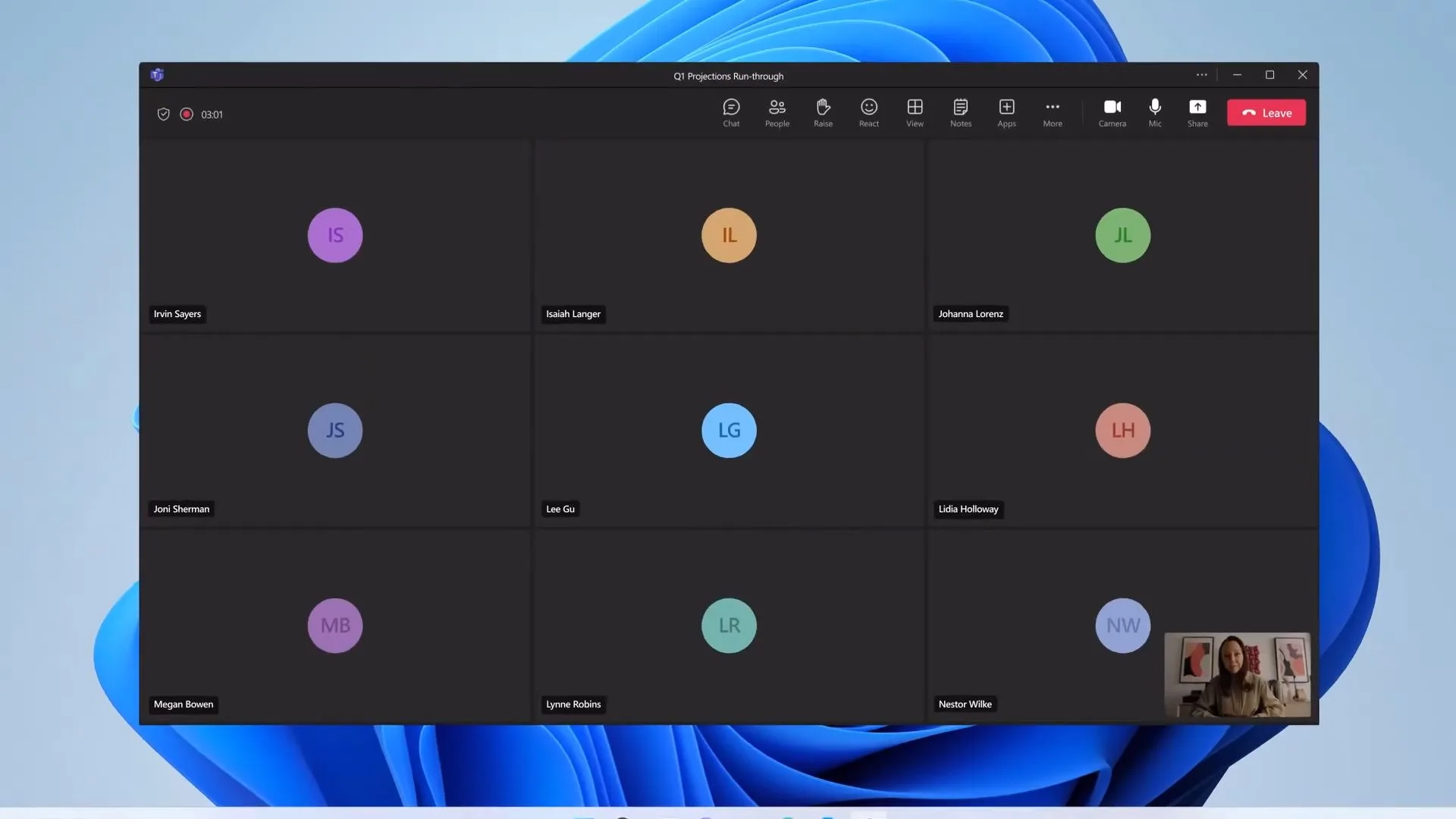
Image credit: Microsoft Teams
However, it’s important to note that access to this feature requires a commercial Microsoft 365 Copilot license, which is priced at $30 per user per month. This investment is aimed at organizations already utilizing Microsoft’s AI tools, enhancing the overall value of their subscription.
Who Will Benefit Most from These Updates?
While the mic test will likely resonate with every individual user due to its immediate practicality, the Copilot recap feature offers significant advantages to enterprises facing legal or security challenges related to meeting data storage.
By implementing these enhancements, Microsoft is set to revolutionize not only the initiation of meetings but also the management of what follows, providing a seamless experience that truly supports modern workflows.
As we look forward to these changes, it’s clear that Microsoft is committed to fostering a more user-friendly and secure digital environment. Don’t let audio hiccups or data management issues disrupt your productivity. Embrace these advancements and prepare to transform your virtual meetings!
Are you excited to upgrade your virtual meeting experience? Stay ahead of the curve and engage with these features as they become available!