Google Enhances Gemini for Home: Transforming Your Smart Home Experience
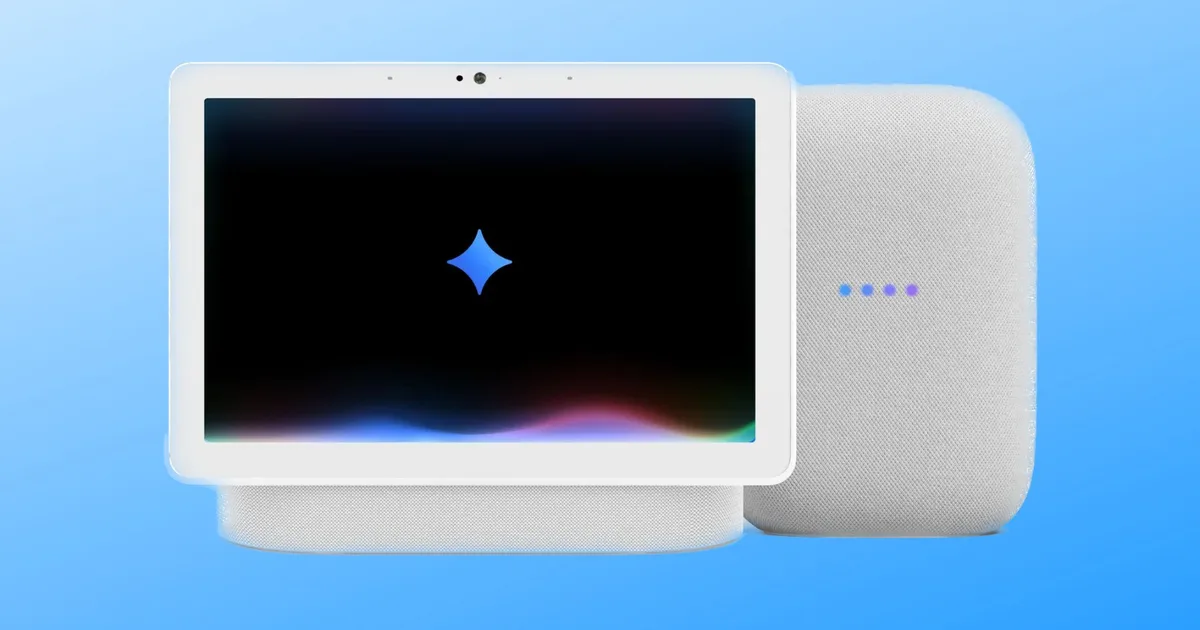
Google just unveiled exciting enhancements to Gemini for Home, making your smart home experience even more refined and efficient. If you’re the proud owner of a Google smart display or speaker, these new features will undoubtedly enhance the way you interact with technology in your elegant abode. With improved intelligence and speed, Gemini is set to transform your everyday routines.
Gemini for Home: A Smarter, More Personalized Experience
Image Credit: Google
One of the standout updates is how Gemini leverages information you’ve stored in Ask Home to address your camera-related inquiries. For instance, if you’ve noted that your nanny’s name is Alice, simply ask Gemini when Alice arrived, and it will promptly retrieve the relevant camera footage for you.
Additionally, you can request a Home Brief via your speaker or display, providing a succinct summary of your home activities while you were out. Gemini also introduces user-friendly thumbs-up and thumbs-down buttons following most voice interactions on smart displays, making it easier than ever to provide feedback.
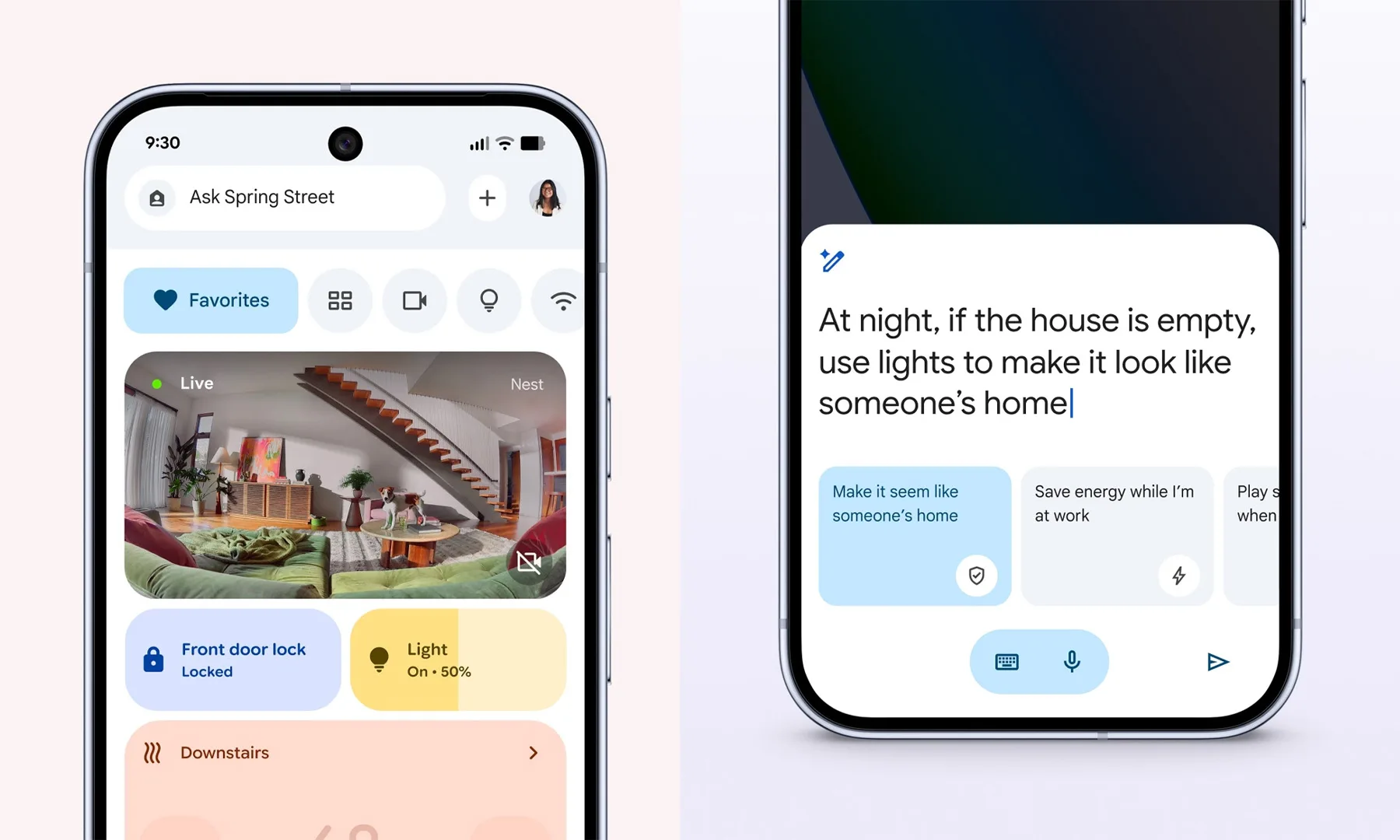
Image Credit: Google
Response times have seen significant improvement too. The backend processing for common commands has been optimized, enhancing the speed and efficiency of basic tasks like turning on lights, setting alarms, and managing timers. You’ll notice a more seamless experience, making your life easier and more enjoyable.
Adult users will now also receive more insightful responses to general queries, such as cocktail recipes, while strong parental controls remain active to safeguard younger users.
Enhancements in the Google Home App
Image Credit: Simon Sage / Digital Trends
Accompanying these updates is version 4.16 of the Google Home app, which introduces a range of valuable improvements. Setting up devices has never been easier thanks to a new QR code discovery process. This automatically guides you to the correct setup pathway for your devices.
For Nest Thermostat users, a single tap now allows you to pause outdoor temperature settings without disrupting your long-term schedule. Additionally, thermostat schedule banners have been revamped to show more relevant and timely information, ensuring you’re always in sync with your environment.
Finally, iPhone users can now manage compatible third-party thermostats and air conditioners seamlessly through the app, mirroring the capabilities previously available to Android users.
With these updates, your smart home is not just a collection of devices but an integral part of your luxurious lifestyle. Ready to elevate your home experience further? Explore the new features today and let technology seamlessly integrate into your daily routines. You’re not just living; you’re thriving in style.