Exploring Copilot+ PCs: Your Ultimate Guide to Everything You Need to Know

Imagine stepping into a high-tech future where your laptop is not just a tool but a companion that understands your needs. In 2026, this dream has become reality with the emergence of **Copilot+ PC** branding across a range of Windows laptops. From well-known brands like Microsoft, Samsung, HP, and Dell, these AI-ready notebooks promise a blend of cutting-edge technology and efficiency. At first glance, the name may evoke thoughts of an enhanced Copilot chatbot, but there’s much more to the story.
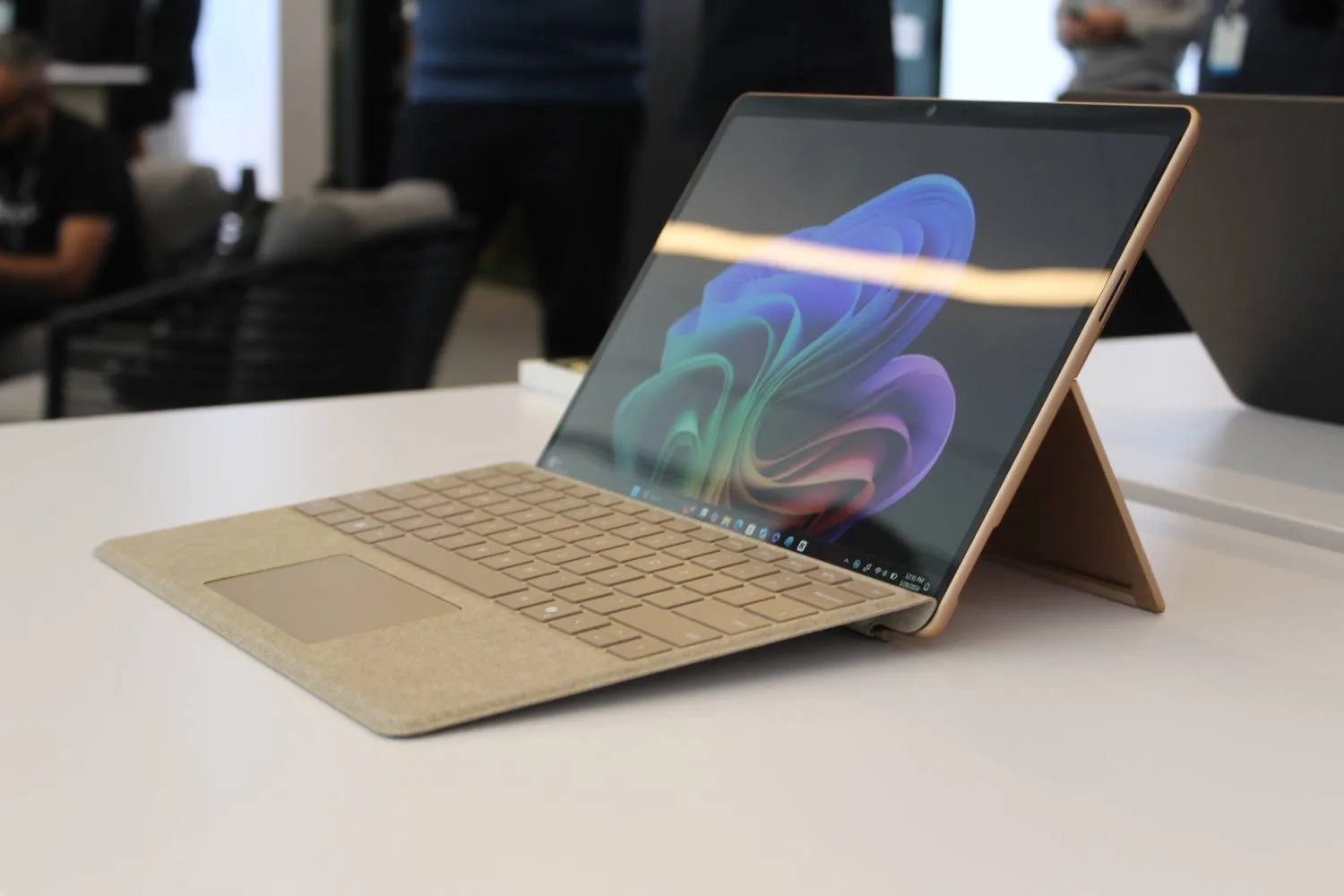
A **Copilot+ PC** is a Windows 11 device that meets Microsoft’s stringent hardware standards. It’s equipped with a compatible processor featuring a dedicated **Neural Processing Unit (NPU)**, ensuring advanced on-device AI functionalities. To tap into features like Recall, Click to Do, and more, these devices must also include a specific amount of RAM and storage. This setup not only enhances performance but also minimizes dependence on cloud servers, allowing for efficient background processing.
The landscape of **Copilot+** PCs has evolved significantly since their debut in June 2024. Initially restricted to Snapdragon X processors, the lineup now includes the latest **AMD Ryzen AI** and **Intel Core Ultra** models, offering users a diverse selection between Arm and conventional x86 architectures. Here’s what you need to know about these innovative tools.
Luke Larsen / Digital Trends
What Exactly is a Copilot+ PC?
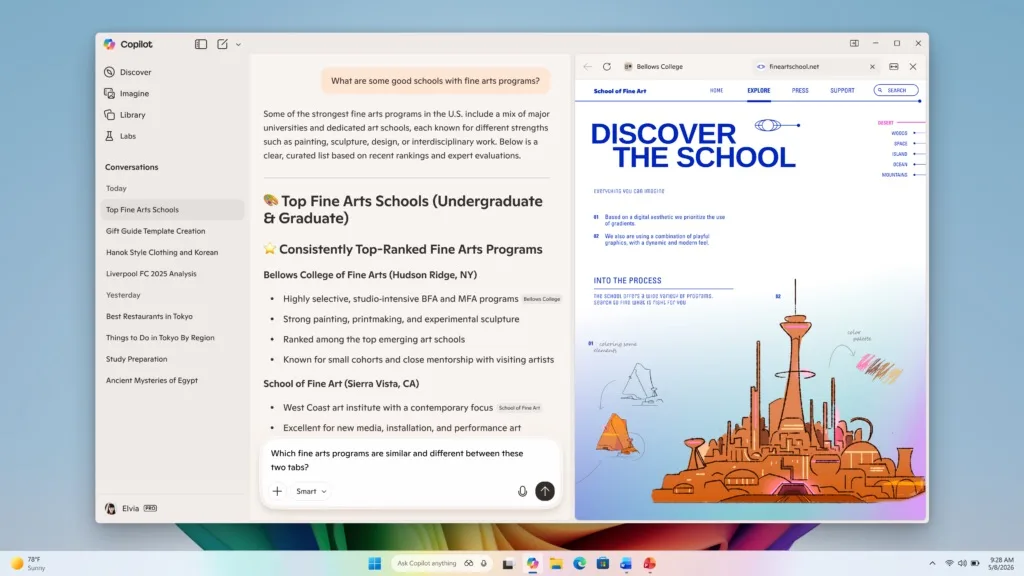
**Copilot+** represents Microsoft’s certification for a specialized class of AI-enabled Windows 11 PCs. To qualify, a device must pair a powerful **NPU** with Microsoft’s stipulated memory and storage benchmarks. Interestingly, the Copilot app itself isn’t reliant on this hardware; even regular Windows 11 systems can access it through an internet connection. What sets **Copilot+** apart is its unique set of features that leverage local AI processing for enhanced performance.
Purchasing a **Copilot+ PC** doesn’t automatically grant you access to premium Copilot capabilities or a **Microsoft 365** subscription. While many built-in Windows features are standard, certain functionalities may require an internet connection, an account, or an additional subscription.
Hardware Requirements for a Copilot+ PC
ComponentMinimum Requirement
Processor-Compatible chip with a 40+ TOPS NPU
Memory-16GB DDR5 or LPDDR5
Storage-256GB SSD or UFS
Operating System-Windows 11 with necessary updates for Copilot+ experiences
Currently, Microsoft recognizes the following processors as compatible:
- **AMD Ryzen AI 300 & 400 series**
- **Intel Core Ultra 200 & 300 series**
- **Qualcomm Snapdragon X series**
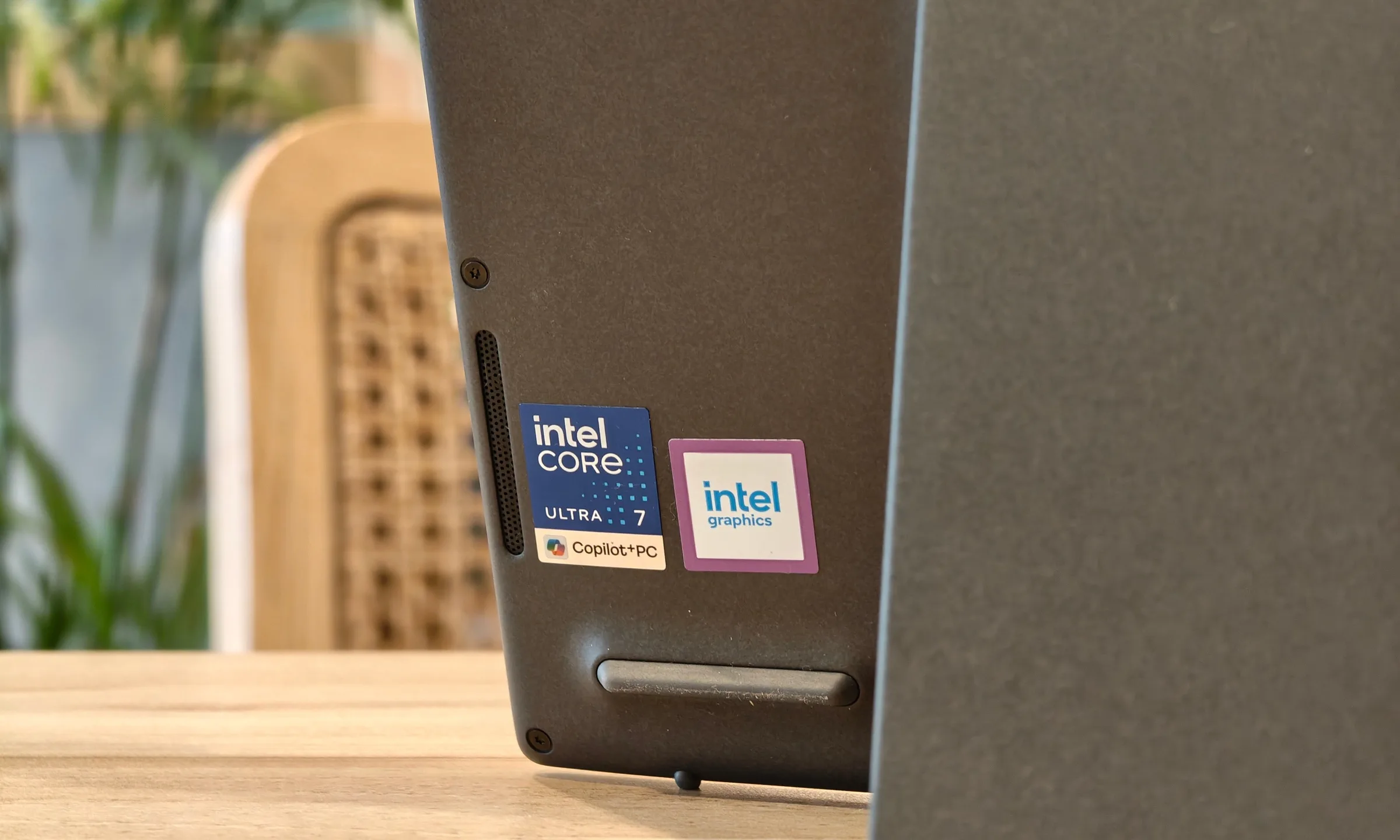
It’s vital to note that just because a processor is part of these families, it doesn’t ensure compatibility with all features. Always look for the **Copilot+ PC** badge and check the manufacturer’s specs to confirm.
Microsoft
What are TOPS, and Why is an NPU Necessary?
At the heart of **Copilot+ PCs** lies AI technology. Previous generations had NPUs, but they often lacked applications to utilize them fully. The NPU is an integral part of the processor tailored for managing AI tasks efficiently. While CPUs and GPUs can also handle AI models, the NPU excels at running background tasks like image analysis and speech recognition without burdening the main processor.
Microsoft uses **TOPS** (trillions of operations per second) to gauge an NPU’s capability. A **Copilot+** system requires a minimum performance level of 40 TOPS. However, this figure doesn’t account for CPU speed or gaming capabilities; thus, two devices with the same **Copilot+** badge can still have vastly different overall performances.
The Differences between AI PCs and Copilot+ PCs
“AI PC” is a broad industry term that typically refers to computers featuring an NPU or similar technology designed for accelerating AI tasks. In contrast, **Copilot+ PC** represents a more stringent classification set by Microsoft. While all **Copilot+ PCs** are AI-enabled, not every system branded as an AI PC meets the necessary standards set by Microsoft.
Luke Larsen / Digital Trends
Are All Copilot+ PCs Based on Arm Architecture?
No, not all **Copilot+ PCs** rely on Qualcomm’s Arm-based Snapdragon X processors. While the first systems were primarily Arm-based, Intel and AMD have since introduced qualifying x86 chips to the mix. However, compatibility can be inconsistent. Snapdragon models often deliver impressive responsiveness and battery efficiency, while Windows 11 employs an emulator for running many x86 and x64 applications lacking native Arm support.
What AI Features Do Copilot+ PCs Offer?
Since its launch, the feature set for **Copilot+ PCs** has significantly expanded. The availability of these features can vary depending on the processor, region, language, account type, and Windows updates. Some of the standout offerings include:
Snapshot from Windows 11 Recall.Nadeem Sarwar / Digital Trends
Recall
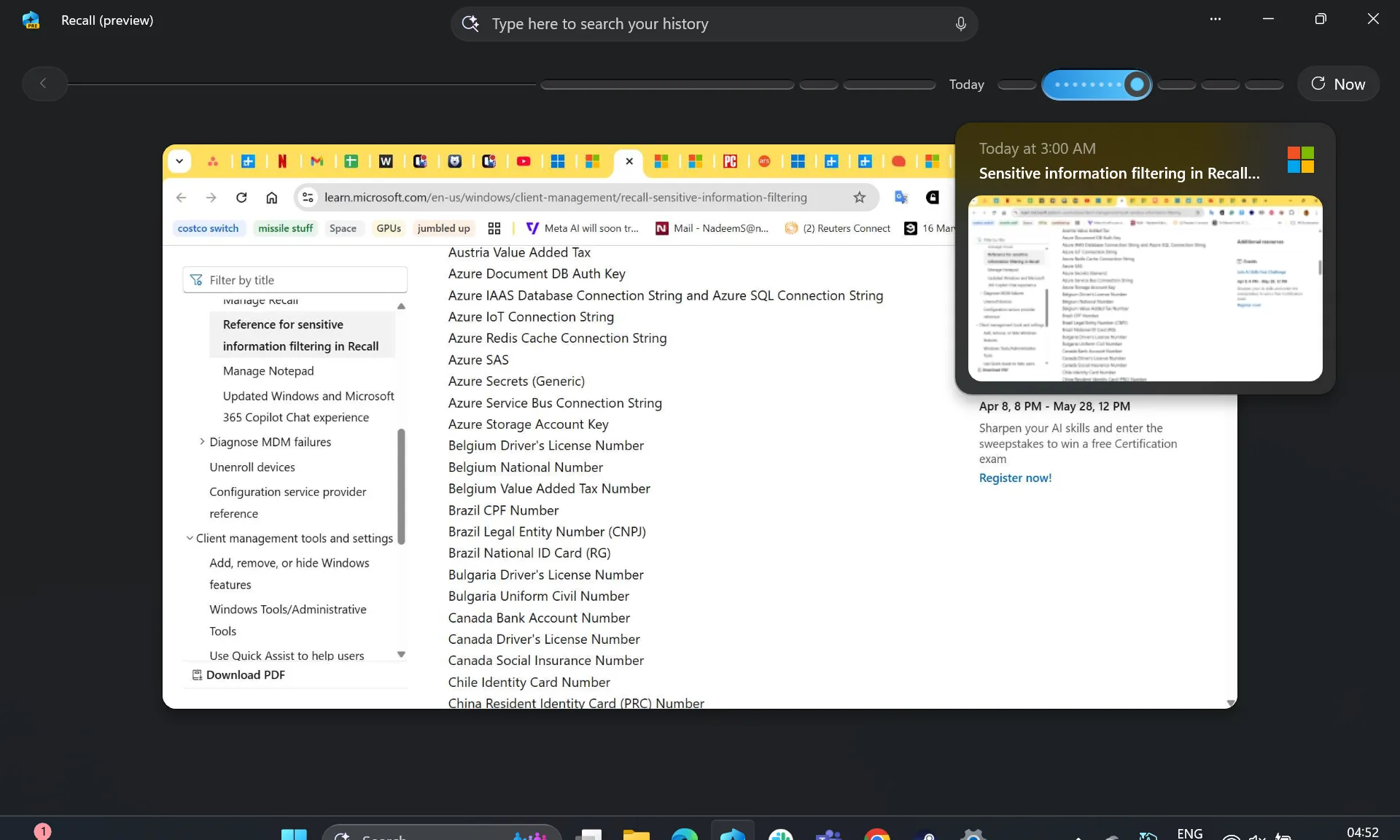
Recall functions as an optional and searchable timeline that captures snapshots of your screen activity. By describing a document, image, or app, you can search through this timeline to find previously viewed items. Currently labeled as a preview, Recall continues to evolve.
Click to Do
This feature analyzes selected text and images, offering contextual actions. You may be able to copy text, summarize content, or even search the web based on your selection. However, some functionalities may require a subscription.
Improved Windows Search
This feature enhances file searching by using semantic indexing to find files through natural descriptions. Searching for “team at the conference” can yield results without needing to know the precise filename, appearing in File Explorer and the Windows search box.
Agent in Settings
With Agent in Settings, you can describe a Windows issue in everyday language. The feature identifies relevant options and can even assist in applying supported changes to your settings. Microsoft expanded language support for this feature in 2026.
Live Captions with Translation
While Windows 11 already has Live Captions, **Copilot+ PCs** enhance this feature by enabling local translation in over 40 languages into English and from supported languages to Simplified Chinese.
Creative and Accessibility Tools
These systems support a range of AI functionalities across apps such as Paint and Photos, including tools for background blur, automatic framing, and voice focus, among others. Certain tools are still processor-restricted, particularly features like Automatic Super Resolution, which may have specific NPU requirements.
Is Recall Secure?
Recall faced significant scrutiny upon its initial announcement, prompting Microsoft to delay its wider release and improve security measures. The current iteration is opt-in, requiring Windows Hello Enhanced Sign-in Security with biometric authentication. Snapshots are encrypted and stored locally, tied exclusively to the individual Windows profile.
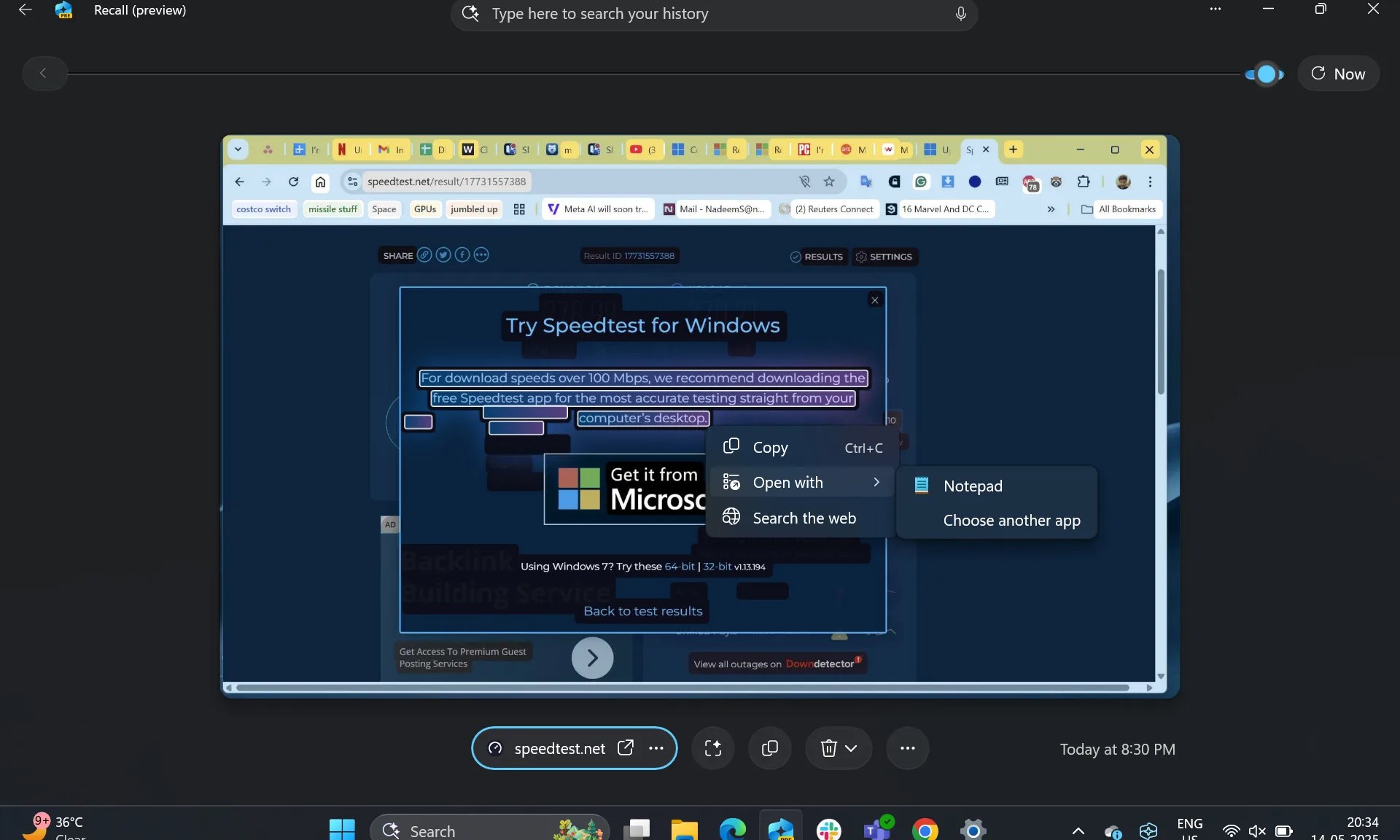
Quick commands on Windows 11 Recall.Nadeem Sarwar / Digital Trends
To safeguard sensitive information, features that filter out passwords and payment details are enabled by default. Users have the option to pause snapshots, delete data, or exclude specific applications or websites. Recall can also be removed as an optional component from Windows.
Storage requirements for Recall need to be considered as well. Microsoft recommends at least 50GB of free space for optimal performance. A typical 256GB system will allocate 25GB for snapshots, which can hold about three months’ worth of activity before older entries are removed.
Are Copilot+ PCs Faster and More Efficient?
Marketed as the fastest and most energy-efficient Windows devices, **Copilot+ PCs** promise remarkable battery life and performance. Test results indicate up to 22 hours of local video playback and 15 hours of web browsing, although actual performance may vary based on processor type, display quality, battery size, and user workload.
Vikhyaat Vivek / Digital Trends
However, the **Copilot+ badge** itself doesn’t determine speed or performance ranking. Snapdragon systems focus on efficiency, AMD focuses on integrated graphics and multitasking, while new Intel Core Ultra processors can offer a balance between battery life and performance. Traditional hardware specifications remain crucial in assessing a PC’s capabilities.
Should You Invest in a Copilot+ PC?
Simply having a **Copilot+ PC** badge isn’t an automatic reason to purchase, but if you’re in the market for a high-end or upper mid-range device, it’s likely you’ll encounter one. Entry-level models typically rely on older architectures, lacking the new NPUs. Currently, RAM capacities also present a hindrance; as a result of the recent **RAMmageddon**, low-cost models with only 8GB of RAM are making a comeback.
Ultimately, while **AI tools** like Recall and Click to Do offer increased convenience, they may not fundamentally transform your Windows experience right away. I own a **Copilot+ PC** myself, and I find that most of these features don’t play a significant role in my daily usage. However, as technology advances, this could change.
Embrace the future of productivity and innovation with **Copilot+ PCs**. Whether you’re a professional seeking efficiency or a student aiming to optimize your studies, these devices offer a compelling glimpse into what’s next. The journey into AI-powered computing has just begun, and now is the perfect time to explore the possibilities. Why not take the plunge into this new frontier today?