Windows Recall: Uncovering Hidden Access to Your Private PC History
A new tool targets Recall after you sign in, raising fresh questions for anyone relying on Microsoft’s privacy safeguards
In the world of digital security, the privacy of your information is paramount. Recently, concerns have resurfaced regarding Microsoft’s Recall feature in Windows 11, a tool designed to streamline the management of your PC’s historical data. As innovations emerge, so too do challenges, prompting users to reconsider how much they trust these enhancements to safeguard their personal information.
Understanding Windows Recall
Originally, Windows Recall aimed to simplify how users access their digital journey on PCs, capturing everything from app usage to website visits. However, the revelations stemming from a new tool, TotalRecall Reloaded, have raised significant alarms. This tool suggests that even with the recent updates Microsoft implemented—for instance, making the feature opt-in and including encryption with Windows Hello—there may still be vulnerabilities lurking just beneath the surface.
Where Are the Weaknesses?
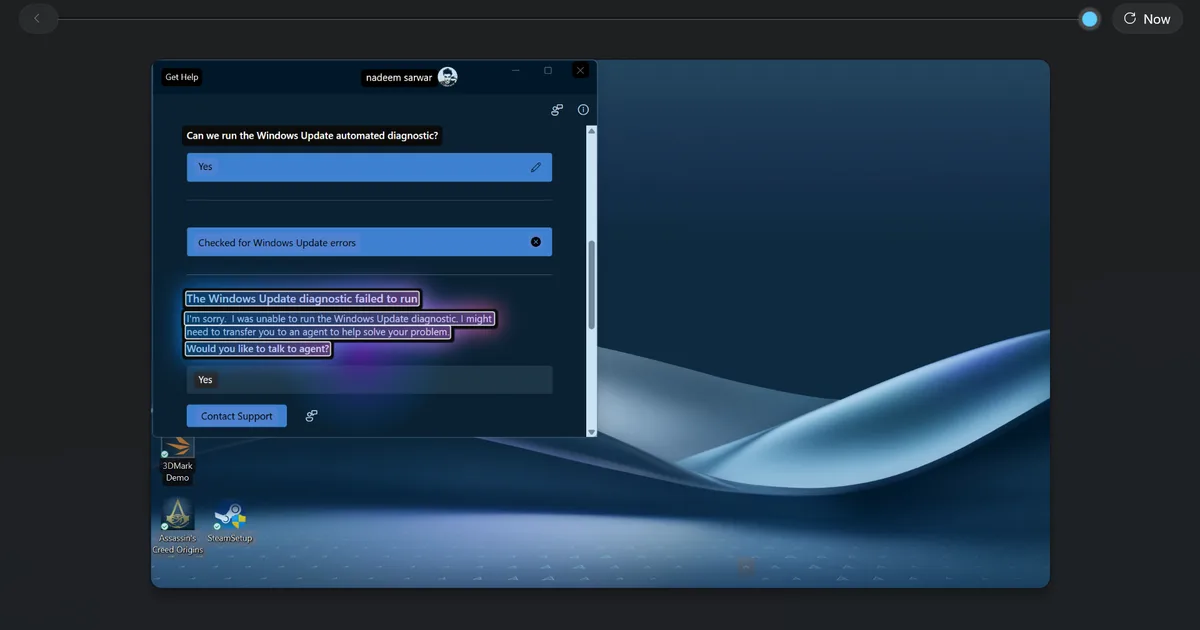
The latest findings indicate that the protection may falter after a user authenticates via Windows Hello. Once the system unlocks, it begins relaying sensitive information, such as screenshots and extracted text, to an internal process known as AIXHost.exe.
Image Source: Nadeem Sarwar / Digital Trends
What stands out here is that TotalRecall Reloaded can inject code into this process without needing administrator privileges. It waits for user sessions to begin, at which point it can pull screenshots, collect metadata, and even delete archives—all without additional Windows Hello authentication.
Microsoft’s Perspective on Security
In response to these findings, Microsoft reiterated that the behavior exhibited by TotalRecall aligns with their intended protective measures. They clarified that the actions observed do not equate to a breach or unauthorized access to user data. The company received the findings on March 6 and, by April 3, classified them as not a vulnerability.
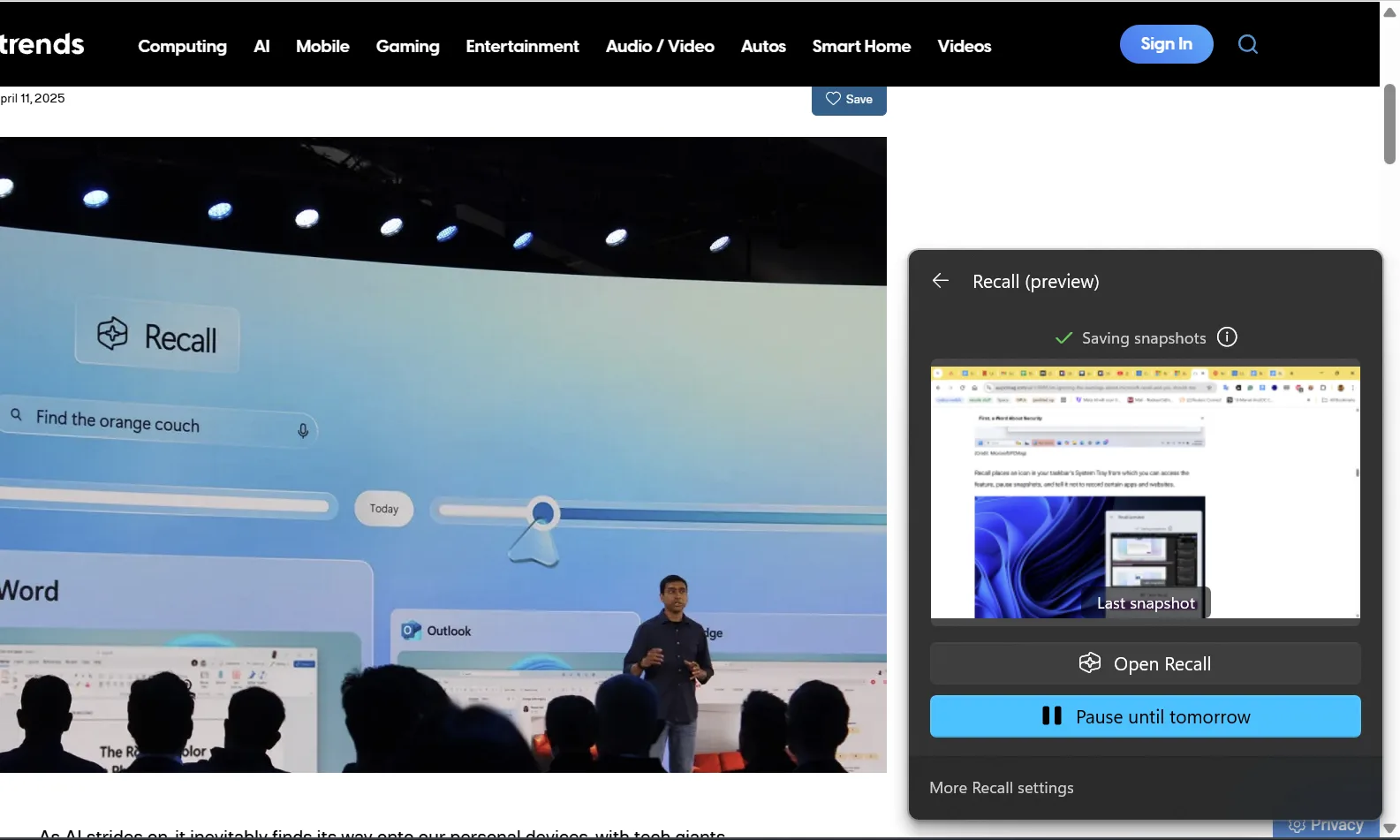
Image Source: Nadeem Sarwar / Digital Trends
Nevertheless, this response does little to quell the unease surrounding the platform’s security. Users who gain access to a PC and authenticate via the fallback Windows Hello PIN could potentially access a treasure trove of sensitive information, including emails and browsing history.
Continuing Trust Issues in Digital Spaces
Windows Recall has faced scrutiny from critics who alarm at its ability to capture extensive user activity. This latest revelation only serves to deepen skepticism, as many question whether Microsoft’s reassurances are enough. High-profile applications like Signal, Brave, and AdGuard have already chosen to keep their data out of Recall, reflecting widespread concern that transcends the realm of security researchers.
Final Thoughts: Protect Your Privacy
For those navigating the digital landscape with Windows 11, the conversation surrounding Recall serves as a crucial reminder. If you find that you don’t require this feature, it may be wiser to keep it disabled. Conversely, if you opt-in for convenience, approach it with a clear understanding of the privacy trade-offs involved. As the landscape evolves, it’s wise to remain vigilant about how third-party tools interact with your digital presence.
Your privacy matters, so take charge of your data management today. Stay informed, stay secure, and ensure that your digital footprint remains your own.