Why Samsung Internet on Windows Surprised Me: A Two-Week Review of Its Impressive Features
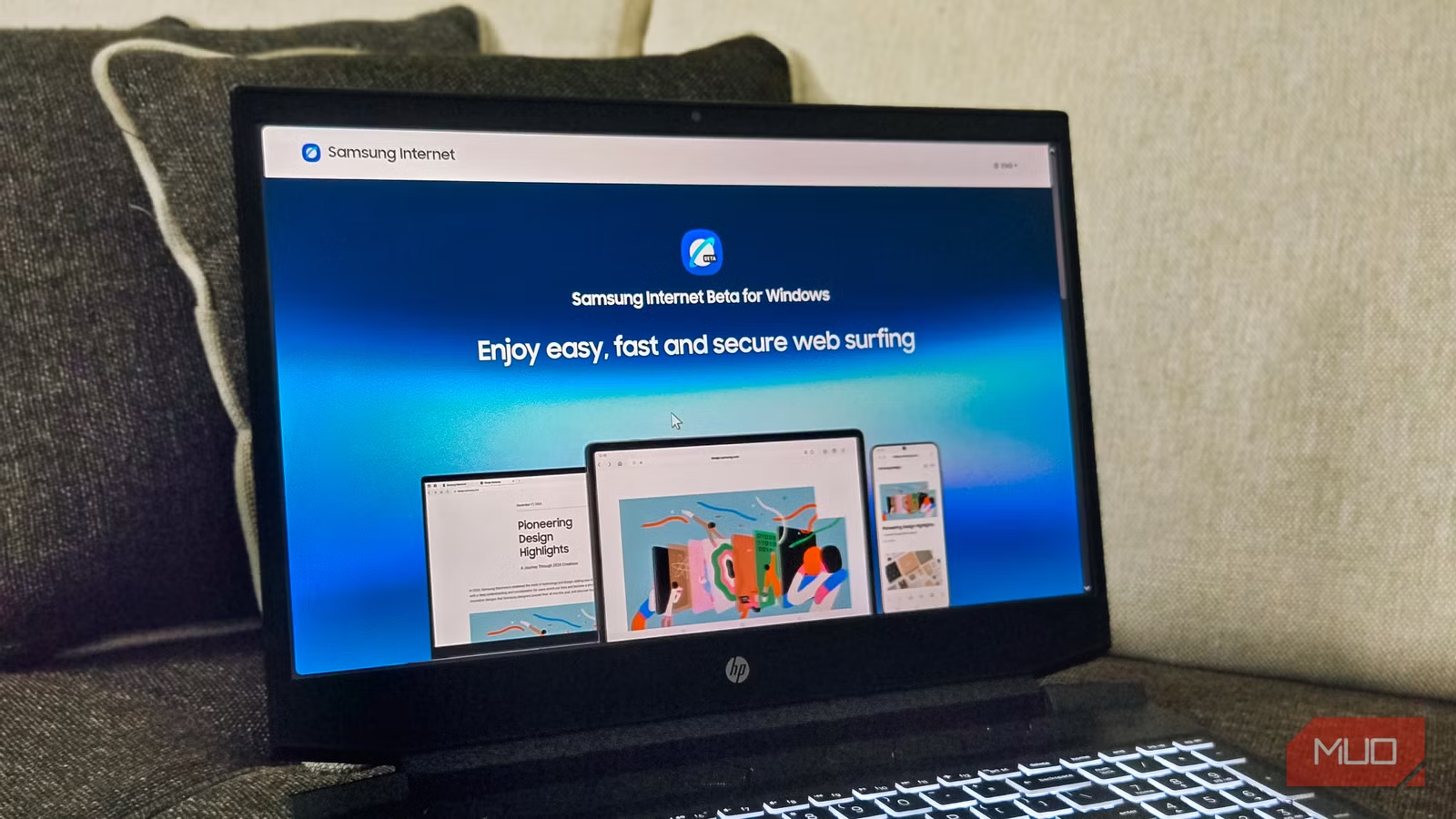
I’ve been a loyal Samsung user for years, yet I never quite understood the allure of Samsung Internet—especially when Chrome seemed to serve me well. When Samsung unveiled a Windows version of its browser, I wondered why anyone would bother trying something new. After two weeks of using Samsung Internet as my primary browser on Windows, however, I’ve had an eye-opening experience. There’s no denying it: this browser is not only efficient but also impressively polished for a beta release.
What is Samsung Internet for Windows?
As it stands, Samsung Internet for Windows is still in its beta phase and is currently available only in South Korea and the U.S. Designed to offer safe, swift browsing, it features cloud syncing across devices, secure logins through Samsung Pass, and a seamless experience for continuing web sessions. Your bookmarks and browsing history sync effortlessly, ensuring you have easy access to your favorite sites.
Built on Chromium
Familiarity with Chrome Extensions
Samsung Internet for Windows is powered by the Chromium engine, providing compatibility with most Chrome extensions from the Chrome Web Store. Whether you need ad blockers or security tools, you probably won’t face any issues installing your favorite add-ons.
Out of the box, Samsung Internet features a clean and minimalistic interface. By signing in with your Samsung account, you can synchronize tabs from your Samsung phone, adding convenience to your workflow. Plus, you can customize backgrounds, add widgets, and generate shortcuts to frequently visited sites.
The home screen is devoid of clutter, offering useful links without bombarding you with news feeds. This cleaner approach is a refreshing change from other browsers that relentless push headlines at you every time you open a new tab.
Multitasking Features and AI Integration
Enhanced Productivity Tools
In today’s digital age, AI features have become standard across browsers, and Samsung Internet is no exception. The built-in browsing assistant can summarize web pages, and with downloadable language packs, you gain access to translation capabilities that match those found in other major browsers.
For multitasking enthusiasts, the split-screen feature enables you to open two tabs side by side, a game-changer when comparing products or referencing documentation while working. The sidebar also enhances productivity by providing quick access to favorite websites without disrupting your current tab.
Built-In Ad Blocker and Impressive Performance
Ad Blocker That Works
One standout quality of Samsung Internet is its built-in ad blocker, which eliminates bothersome pop-up ads while keeping track of how many it has blocked. This feature enhances page loading speeds, offering a smoother browsing experience.
I was particularly astounded by its overall performance. It loads pages swiftly, and I noted lower memory usage in Task Manager compared to both Comet and Edge with identical tabs open. If you’re seeking a capable alternative to Google Chrome that conserves system resources, Samsung Internet is definitely worth considering.
Areas for Improvement
Missing Features
Despite its strengths, Samsung Internet remains in beta and is still missing several features that many users might find essential. For instance, there’s no option for a multi-profile setup, which is a drawback for those seeking to separate work and personal browsing. Moreover, the absence of gesture support for navigation and the inability to add a custom search engine are noticeable.
Interestingly, while the built-in ad blocker performs admirably on most sites, it struggles with YouTube ads. I tested video playback on both Comet and Samsung Internet, and found that while Comet successfully blocked ads, Samsung Internet allowed them to slip through. This inconsistency may stem from Samsung’s partnership with Google or could simply be a bug waiting for a fix.
Completing Samsung’s Ecosystem
Samsung Internet isn’t just another Chromium browser; it fulfills a role within Samsung’s growing ecosystem. For Samsung device users desiring synchronized browsing experiences, this browser meets a crucial need. It’s fast, clean, and free from unnecessary bloat. While some features are indeed lacking and the YouTube ad situation is frustrating, it’s impressive for a beta release.
If Samsung continues to refine this browser, it might just become my secondary choice for both phone and PC. Remarkably, I never expected to write that just two weeks ago.
Join Us on This Journey
Curious to experience Samsung Internet for yourself? Embrace the cleaner, faster, and more efficient browsing that’s tailor-made for aesthetics and functionality. Discover how easy it can transform your online activities today!