Unlocking the Future: How Google’s Secret App Revolutionizes AI on Mobile Devices
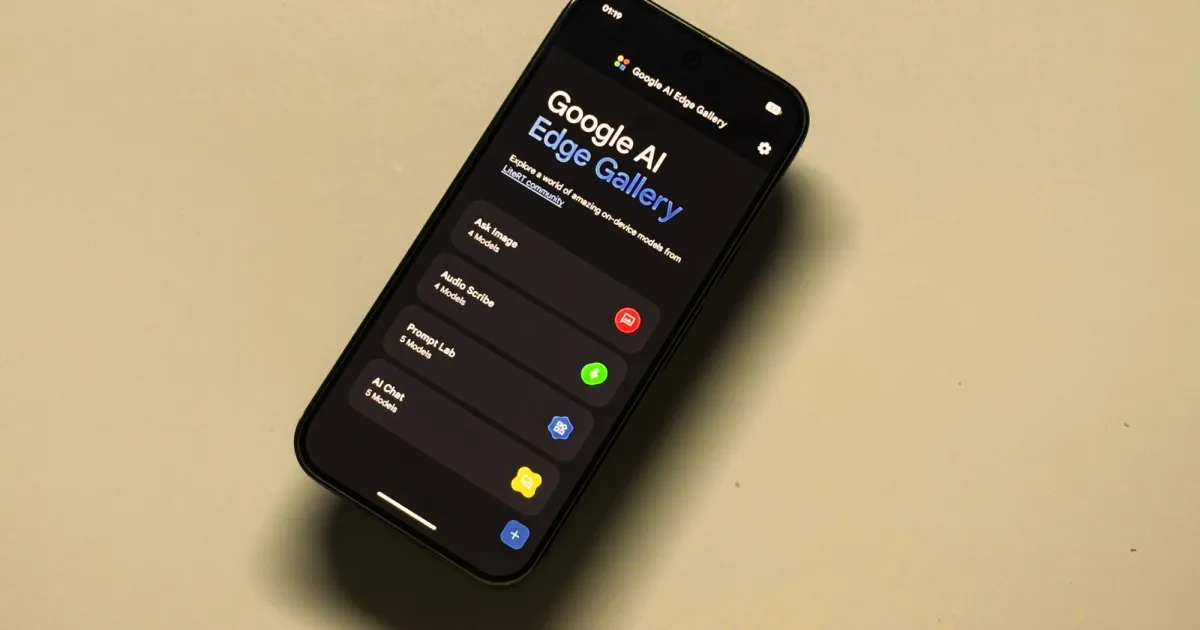
Google AI Edge Gallery: Exploring the Future of On-Device AI
In a world where smartphones are becoming increasingly intelligent, the Google AI Edge Gallery stands as a compelling glimpse into the future of on-device artificial intelligence. This experimental app offers a playground for developers and curious tech enthusiasts alike, allowing you to interact with advanced AI models directly from your device—without the need for an internet connection. Imagine effortlessly generating text, analyzing images, or even conducting research—all in the palm of your hand.
The Promise of On-Device AI
The shift towards on-device AI isn’t just about convenience; it’s about empowerment. Here are a few reasons why this approach is revolutionary:
- Offline Functionality: You can access AI capabilities anywhere, even without a data connection.
- Data Privacy: All processing occurs locally, meaning your personal information remains secure on your device.
- Speed: Local processing often results in faster response times, allowing for more efficient interactions.
However, it’s important to note that lighter AI models come with some limitations in their complexity and capabilities. More advanced models, requiring greater processing power, typically necessitate an internet connection.
What Is the Google AI Edge Gallery?
Recently launched after a stint on GitHub, the Google AI Edge Gallery is now available in the Play Store. This app serves primarily as a resource for developers aiming to integrate AI experiences into their applications but is also accessible for everyday users looking to experiment with AI.
Envision it as a dynamic marketplace—not for standard apps, but for AI models ready to run on your smartphone. For instance, if you’ve recently purchased an Android phone like the Pixel 10 Pro, you already have AI features powered by advanced models such as Gemini at your fingertips. Unlike conventional apps such as ChatGPT, these models work without needing to transmit your data to remote servers.
Image Credit: Nadeem Sarwar / Digital Trends
This app is specifically designed for offline AI model execution. Whether you’re summarizing a lengthy article or deriving insights from images, you can accomplish all this without needing additional apps. The versatility of this setup means you can choose the best AI model suited for your task.
Why Is This App So Useful?
Picture this: you’re nearing your data limit or perhaps in an area with spotty connectivity. Or maybe the thought of sending sensitive information over the internet doesn’t sit well with you. In these scenarios, the Google AI Edge Gallery shines as a reliable companion. Here are a few use cases:
- Efficiently converting a PDF into concise bullet points.
- Utilizing AI to generate academic content based on provided visuals.
- Summarizing reports without venturing online.
For each of these situations, simply select the appropriate model within the gallery and get to work. The compatible models are accessible through the HuggingFace LiteRT Community library, providing a variety of options.
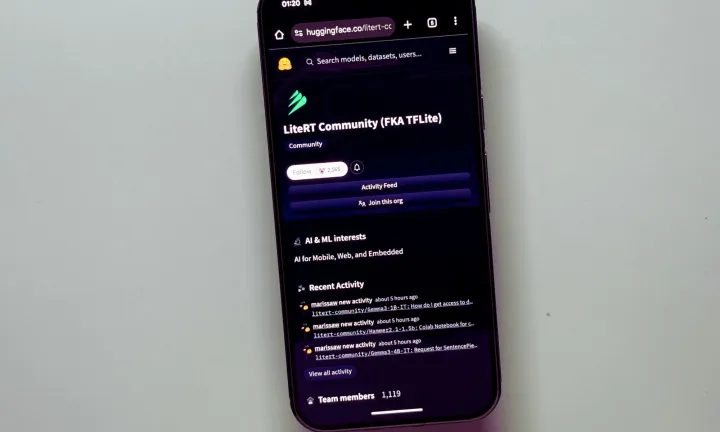
Image Credit: Nadeem Sarwar / Digital Trends
Google’s AI models, especially those in the Gemma series, boast multimodal capabilities. This means they can handle text, image, and audio tasks seamlessly. However, you’re free to explore other models too, such as DeepSeek or Meta’s Llama, broadening your AI experimentation.
Technical Overview
All models available in the Google AI Edge Gallery are optimized for LiteRT, a high-performance runtime developed for on-device AI tasks. For those familiar with TensorFlow or PyTorch, there’s the option to import custom models as long as they meet specific compactness requirements. Converting files to the appropriate format is simple—just place them in your phone’s download folder and import them into the app.
The User Experience
During my exploration of the Gemma 3n model—one of the most versatile options—I was able to engage in conversations, process visuals, and even generate audio. Users have the ability to select between CPU or GPU processing based on their preferences, adjusting parameters like sampling and temperature.
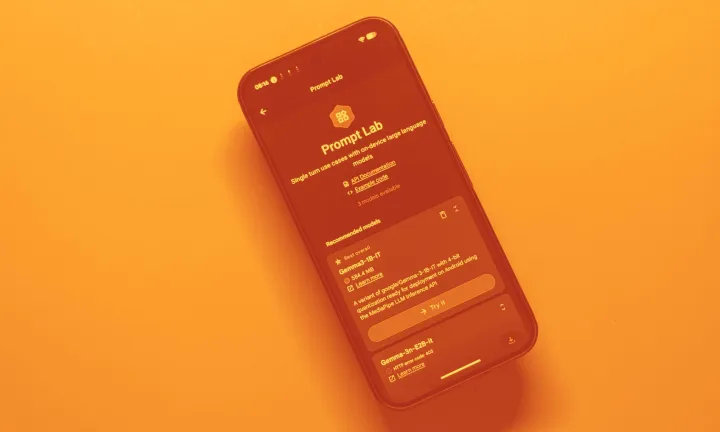
Image Credit: Nadeem Sarwar / Digital Trends
The temperature setting dictates how varied the model’s responses are. A lower temperature yields more structured and predictable outcomes, while a higher temperature introduces creativity and variability—albeit with the possibility of error. It’s all about finding the right balance that suits your needs.
Performance Insights
Testing various models revealed fascinating differences. For example, when I asked Gemini to identify a cat in a photo, it responded in three seconds—swift and accurate. In contrast, the same query with Gemma 3n took about eleven seconds. It’s a clear reminder that while some models excel in speed, others may offer greater detail in their responses.
Notably, transcription tasks were impressively handled, especially using Google’s Gemma 3n-E2B model, which accurately summarized an audio clip in under ten seconds.

Image Credit: Nadeem Sarwar / Digital Trends
However, not all models play nicely with GPU acceleration, leaving some users to rely on CPUs for their tasks. The Phi-4 mini model showcased similar speed to Gemma in article formatting tasks when processed on a CPU.
Looking Ahead
The Google AI Edge Gallery may not yet replace traditional internet-connected chatbots, but it signals promising advancements. Ideal for devices equipped with powerful NPU or AI accelerator chips, this app could redefine how we engage with AI on mobile devices.
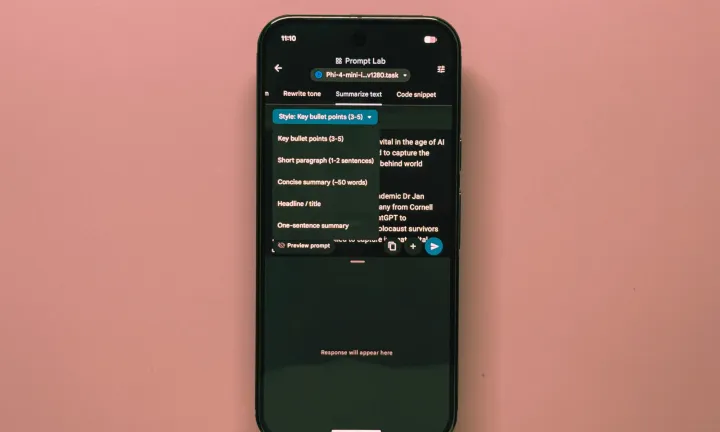
Image Credit: Nadeem Sarwar / Digital Trends
As mobile processors evolve to support AI functionalities, applications like Google AI Edge Gallery could soon serve as essential tools for on-the-go tasks—privately and efficiently.
Embrace this new wave of technology. Try the Google AI Edge Gallery today and discover how powerful on-device AI can enhance your daily life.