Unlocking ChatGPT’s New Lockdown Mode: Is It Worth Enabling for Enhanced Security?
A digital safe mode that prioritizes caution over convenience.
In today’s digital environment, where trust is paramount, OpenAI has introduced an intriguing security feature known as Lockdown Mode in ChatGPT. This innovative setting is tailored specifically for individuals operating under heightened digital scrutiny, such as journalists and activists. While most users may find satisfaction with standard security measures, Lockdown Mode offers peace of mind for those navigating sensitive scenarios.
What Is Lockdown Mode in ChatGPT?
Lockdown Mode represents a high-security configuration that curtails the functionality of ChatGPT. When activated, it compels the system to adopt a more cautious approach, thus minimizing the risk of exploitation or accidental data leaks. OpenAI emphasizes that this adjustment may necessitate certain sacrifices in terms of useful features, aiming instead to significantly reduce the product’s attack surface.
Image Credit: OpenAI
One of the most notable modifications involves web access. Under Lockdown Mode, ChatGPT is restricted to only accessing cached content, effectively eliminating real-time data retrieval. This step is designed to safeguard sensitive information, yet it can result in outdated or incomplete search results.
Image handling adheres to stricter guidelines, too; while users can still upload their own images, ChatGPT cannot incorporate images into its responses. Additionally, the Deep Research feature, which allows for intricate analyses, is fully disabled, along with Agent Mode, which permits the system to take autonomous actions.
Further restrictions are placed on networking and file management. For instance, Canvas-generated code is prevented from accessing external networks, and ChatGPT cannot download files for analysis. However, it will work with files you upload manually, limiting its ability to fetch new data independently.
Together, these safeguards work to limit the system’s outreach and autonomy, reinforcing a secure environment for users engaged in sensitive tasks.
Who Can Use Lockdown Mode Right Now?
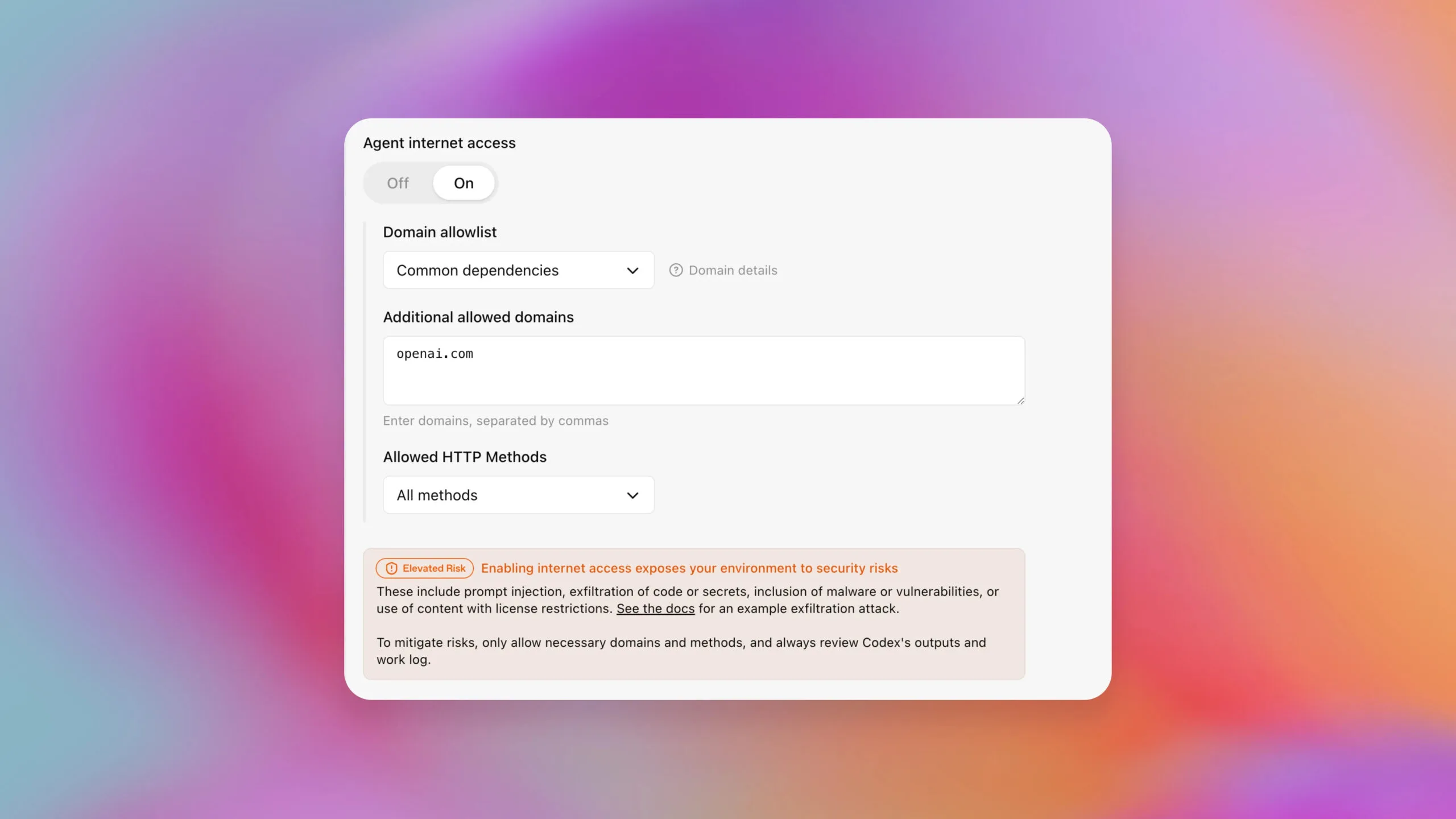
Image Credit: OpenAI
Currently, Lockdown Mode is accessible to ChatGPT Enterprise, Edu, ChatGPT for Healthcare, and ChatGPT for Teachers. OpenAI is actively working on rolling out this feature to consumer and team plans in the near future.
For organizations, management of Lockdown Mode occurs at the workspace level. Administrators can craft custom roles specifically for this mode, ensuring that tight controls are implemented without imposing changes uniformly across all users.
In addition to Lockdown Mode, ChatGPT has also enhanced its functionalities with the option to steer Deep Research using content from your own sites and applications, giving you more control over your results. However, recent updates to ad settings for free accounts mean that while users can avoid ads, expectations regarding usage limits may vary.
Embracing these advancements can not only bolster your digital experience but also ensure that your data remains secure and well-managed. As you explore these features, consider how Lockdown Mode might provide the extra layer of protection you need in your unique digital landscape.
With technology continually evolving, it’s essential to remain informed and proactive about your digital safety. Explore the benefits of Lockdown Mode today, and feel empowered in your online interactions!