Unlock the Power of Microsoft OneDrive: Now You Can Converse with Your Files and Enhance Productivity!
Introducing the latest updates to OneDrive, where sophisticated technology meets everyday convenience. Picture a world where routine tasks are simplified, and creativity flourishes—all thanks to cutting-edge AI tools now enhancing your experience. With these innovative features, managing your files has never been more intuitive or enjoyable. Let’s dive into the exciting new functionalities that OneDrive has to offer.
Transforming Your Files with AI
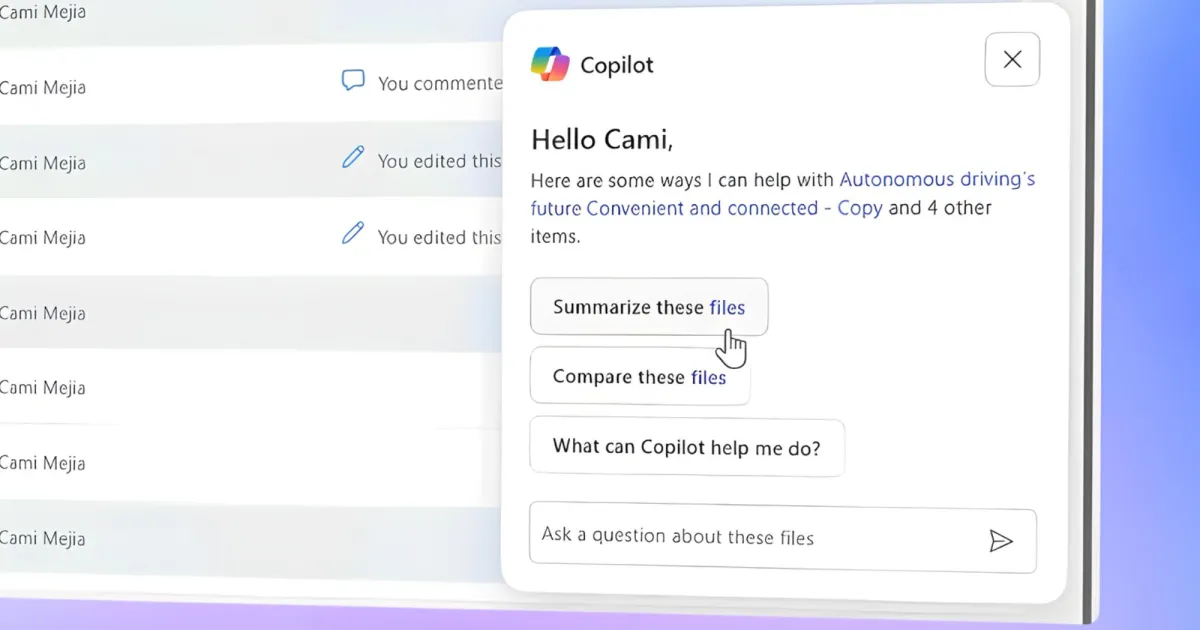
OneDrive’s new Copilot icon is set to revolutionize how you interact with your documents. By simply describing the task, you can command Copilot to summarize any PDF, document, slide, or image at your fingertips. Imagine asking for a quick recap of crucial meeting notes or extracting essential details from an image—it’s all possible now.
You can utilize natural language commands like:
- “What are the main action items in this deck?”
- “Show me changes from this document since the last version.”
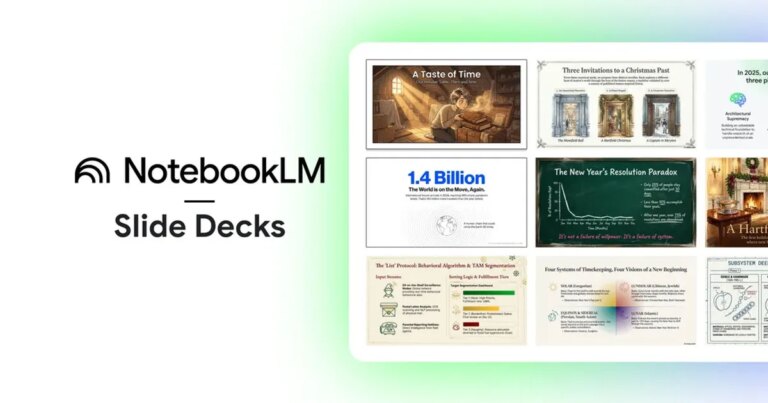
Moreover, Copilot has the intriguing capability to transform meeting summaries into audio overviews, just as Google’s NotebookLM does for study materials. This feature not only makes reviewing notes easier but also offers a fresh way to absorb information.
Microsoft
Streamlined Access and Shortcut Creation
Accessing your frequently used files and folders is now more efficient than ever. OneDrive introduces a one-click shortcut feature, allowing you to quickly open what you need without scrolling through endless lists. Plus, a dedicated section in File Explorer conveniently gathers all assets shared via OneDrive, enhancing your organization.
Simplifying Sharing and Collaboration
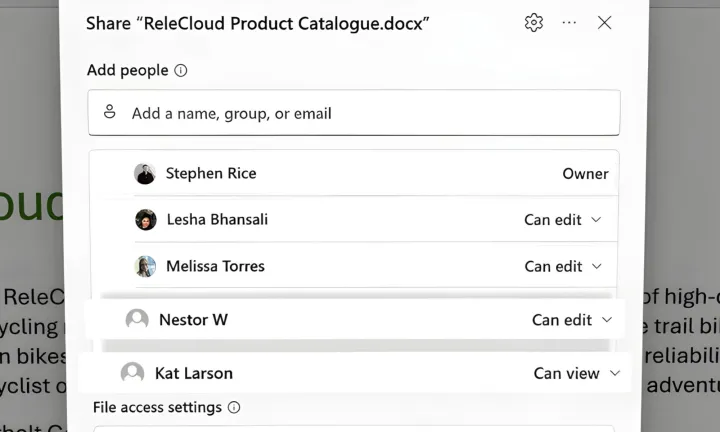
The platform is also rolling out hero links, a feature that makes sharing documents a breeze. Much like Google Drive, you can easily invite collaborators and choose their access levels—editor, viewer, and more. What sets OneDrive apart is its ability to generate a summary of the content, giving recipients a clear understanding of what they’re getting into.
Another practical addition is bulk transfer, enabling users to seamlessly move entire sets of files from one account to another. This is particularly useful for organizing projects or changing ownership of assets.
Microsoft
Enhanced Searching and Editing Functions
Keep your work dynamic with OneDrive’s new AI-powered search feature. Now you can locate files simply by describing their content in words. Whether you’re on your desktop or mobile device, OneDrive offers editing tools that harness AI to enhance your photos, even combining blurry images for sharp results through a feature known as Photo Stacks.

Microsoft
As we embrace this new era of intelligent assistance, OneDrive continues to evolve, ensuring that your experience is not just efficient, but enjoyable. Ready to unlock these transformative features? Dive in now and discover how OneDrive can elevate your workflow and creativity. Your future self will thank you!