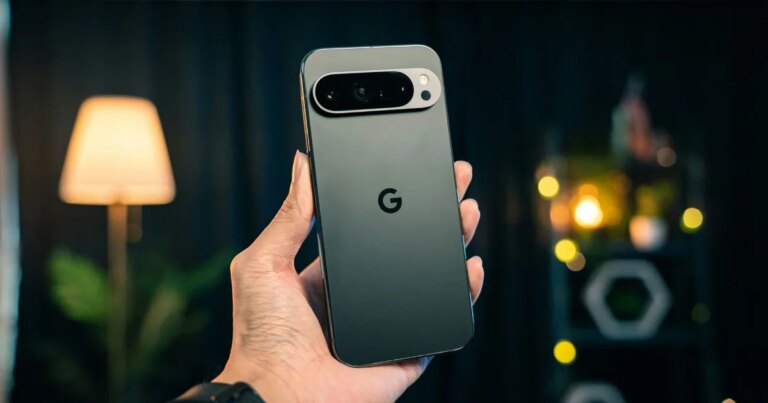
Unlock Multilingual Support: Chrome’s Gemini Side Panel Now Understands You

Google has officially launched its AI browser assistant, Gemini, in India, New Zealand, and Canada, marking a significant expansion of its accessibility. This innovative tool now offers support for over 50 languages, including Hindi, French, and Spanish, empowering millions of users to enhance their browsing experience without needing to switch language settings. Imagine having a sophisticated AI assistant at your fingertips, seamlessly integrated into your everyday tasks on desktop, iOS, and Chromebook Plus devices.
The Gemini 3.1 assistant resides conveniently in a side panel, allowing you to continue browsing while receiving instant help. Whether you need a summary of a lengthy article or seek to modify a recipe to be vegan, Gemini has got you covered. One of its standout features is the ability to recall previously visited pages, finally giving you the freedom to close those tabs you’ve kept open for weeks.
Your Other Google Apps Work Inside the Panel
The Gemini assistant connects effortlessly with essential Google applications like Gmail, Maps, Calendar, and YouTube. This connectivity allows you to enhance your productivity dramatically.
- Schedule meetings while reading event pages.
- Retrieve location details for upcoming trips.
- Ask questions about YouTube videos and receive key points pulled directly from transcripts.
This integration simplifies your workflow, enabling you to multitask without losing focus.
Image Source: Google
The Gmail integration is particularly noteworthy. You can compose emails without leaving your browser tab. Just dictate your message, and Gemini will draft it for you. Rest assured, you can revise everything before sending—eliminating the worry of misplaced words.
Gemini Works Across Your Open Tabs and Images
Gemini takes functionality to the next level by analyzing multiple open tabs and transforming that data into practical insights.
For instance, if you’re researching protein powders, Gemini can generate a comparison table detailing ingredients and prices from various sites. Planning a team offsite? It can aggregate suggestions from different pages and even recommend icebreakers.
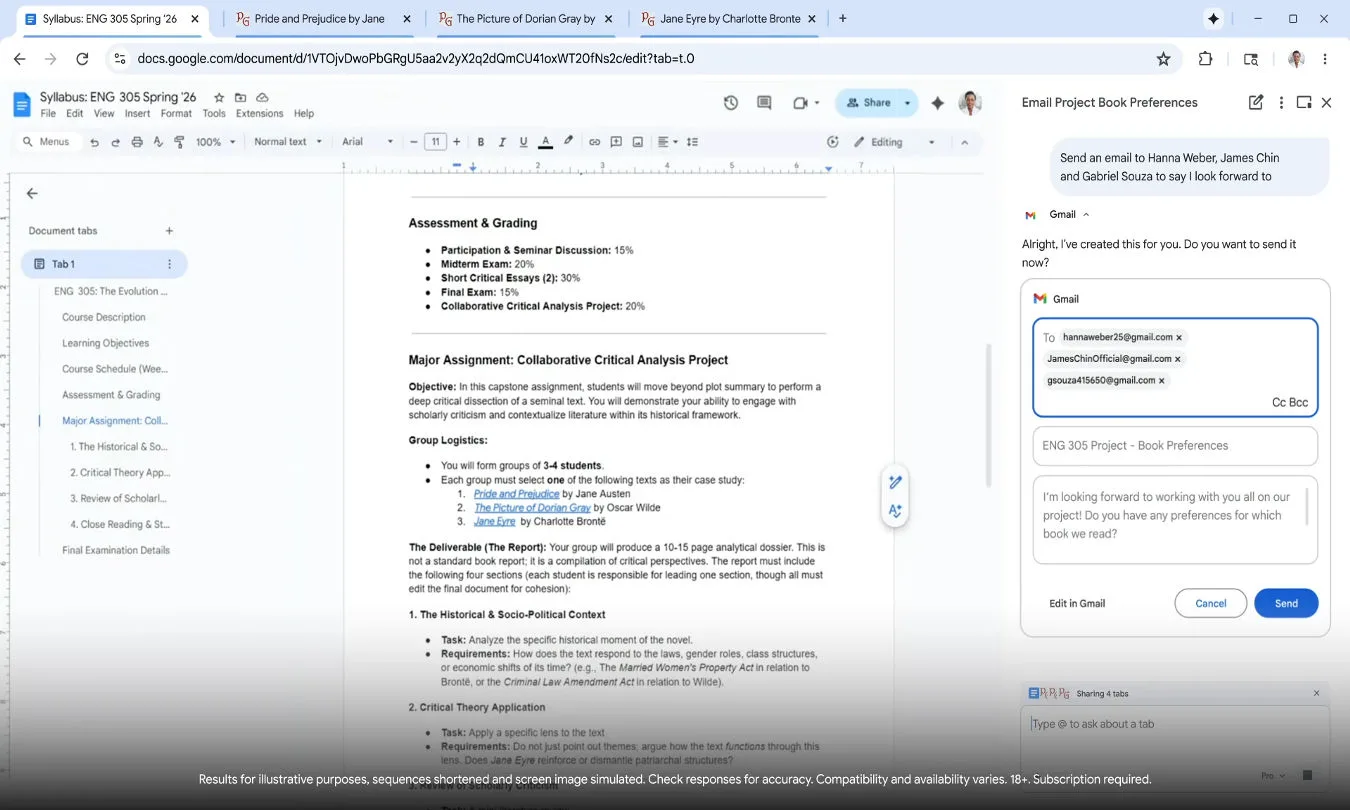
Image Source: Google
The update also introduces Nano Banana 2, a dynamic image tool embedded in Chrome. You can effortlessly alter images right in your browser—no need for uploads or cumbersome copy-pasting. Curious about how a different couch might look in your living room? Just type your request, and watch the magic happen.
Security and the Road Ahead
Security remains a top priority for Google in this rollout. The AI models are designed to recognize and combat prompt injection attacks. Moreover, they include safeguards that require confirmation before executing sensitive actions, like sending an email. Continuous automated red-teaming helps identify vulnerabilities, while Chrome’s auto-updates ensure swift fixes for any emerging threats.
This exciting rollout is currently live in India, New Zealand, and Canada, with plans for broader expansion into additional regions and languages as the year progresses. If you’re in one of these countries, you can start exploring the potential of Gemini in your browser today!
Embrace the future of browsing with Gemini—your intelligent assistant designed to make every online experience smoother and more productive. Don’t miss out on this opportunity to enhance your digital life. Dive in today, and let the AI assist you in ways you never imagined!