Unlock Early Access to Gemini for Home on Third-Party Speakers—Get Started Faster!
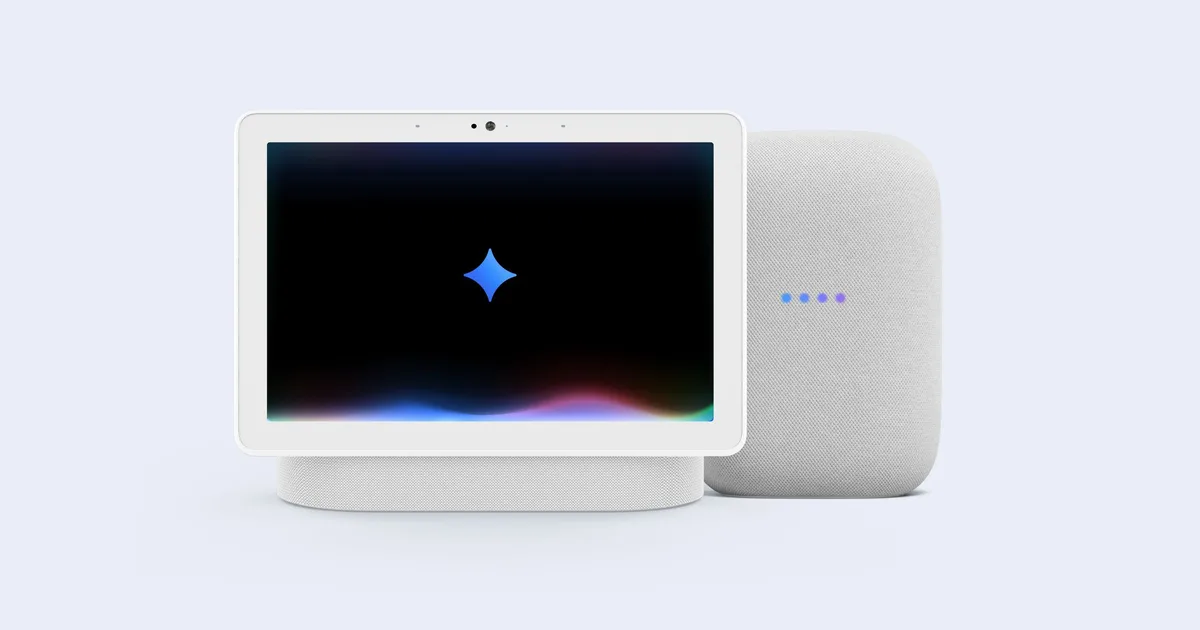
Google is making significant strides in enhancing your smart home experience with the rollout of Gemini for Home. This revolutionary upgrade promises to elevate how you interact with your devices, making them not just smarter but genuinely responsive to your needs. If you’ve been waiting for your upgrade, the wait is nearly over. Let’s dive into what you need to know to get on board with this exciting development.
Fast-Track Your Access to Gemini
Google has recently announced a much-anticipated acceleration in the invitation process for Gemini for Home. If you haven’t received your invite yet, fear not—there’s a straightforward way to gain early access. Simply sign up through the Google Home app, and you could receive your invitation within the next 24 hours.
How to Sign Up
- Open the Google Home app on your device.
- Navigate to the settings and look for the option to sign up for early access.
- Submit your request and keep an eye on your notifications for your upcoming invite.
This is an excellent opportunity for Google Home users who have yet to experience the seamless functionality that Gemini brings.
Expanded Compatibility for Third-Party Devices
In an exciting development, Gemini for Home is not only limited to Google’s devices. Google has confirmed that support is being extended to third-party products as well. This means those who own Assistant-powered devices from other brands can enjoy the enhanced functionalities of Gemini, making it a universally appealing upgrade.
Are You Already Invited?
If you’re uncertain about your invitation status, you can easily check this in the Home settings of your Google Home app. For those who haven’t gotten an invitation yet, signing up can still prompt you to receive one shortly. It’s worth noting that while most users will see a speedy response, a small fraction may encounter delays due to device or account compatibility issues.
Device Compatibility
For the full experience of Gemini for Home, here’s what you should know about device compatibility:
-
Fully Supported:
- Second-Gen Google Nest Hub
- Nest Audio
- Second-Gen Nest Mini
- Nest Hub Max
- Supported but Limited:
- First-Gen Nest Hub
- Google Home
- Google Home Max
- First-Gen Google Home Mini
- Various third-party speakers
While older devices may not offer the full Gemini Live experience, they’ll still be able to leverage certain features of the upgrade.
Join the Future of Smart Living
With Gemini for Home, Google is redefining the way we engage with technology in our homes. Imagine a voice assistant that understands you better, responds faster, and integrates seamlessly with your daily life—a truly transformative experience awaits.
Don’t miss your chance to elevate your smart home. Take action today, sign up for early access, and get ready to embrace the future of tech in your residence. Let’s make your home not just smarter, but genuinely intuitive.