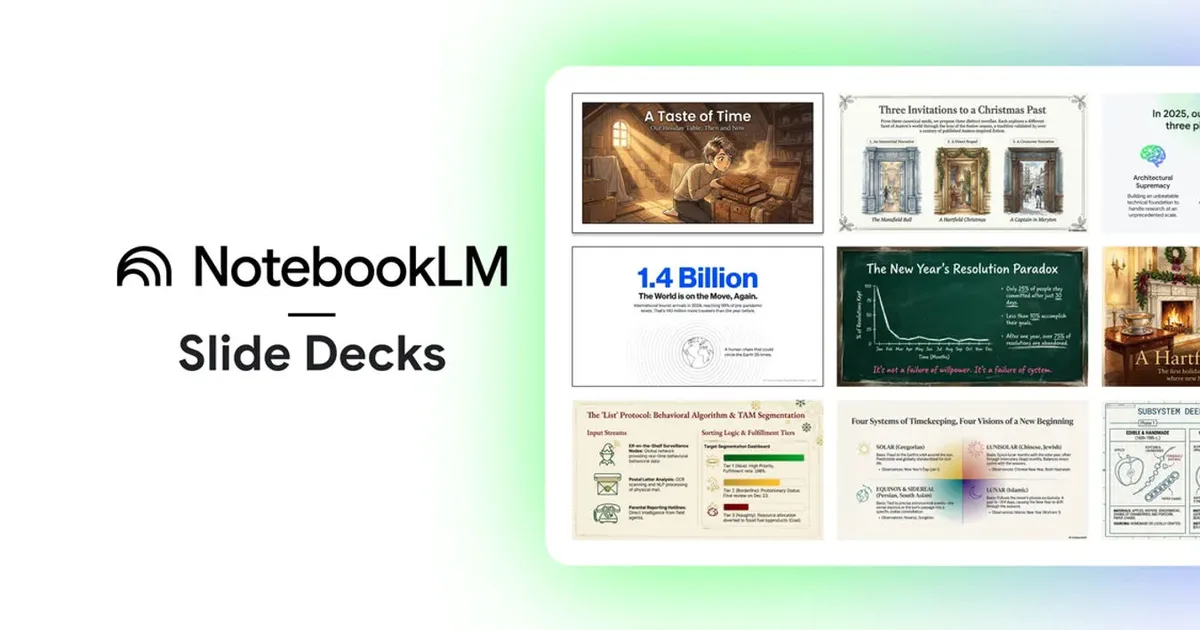
Transform Your Notes into Stunning Slides Instantly with NotebookLM
New Prompt Revisions and PPTX Export: Streamlining Your Presentation Process
Navigating the world of presentations can often feel like a juggling act—especially when the perfect look is crucial. NotebookLM is stepping up its game, focusing on enhancing your presentation experience like never before. The latest updates are here to transform your workflow and save you precious time.
Effortless Slide Edits at Your Fingertips
With these new features, revising your presentation slides is smoother than a sea breeze. You can now adjust your slides directly by simply inputting prompts, completely changing the way you create and refine your decks.
- Prompt-Based Revisions: No need to overhaul your entire presentation. Identify a slide that needs tweaking and describe the adjustments you want. Whether you’re tightening the language or reorganizing content, you can make these changes on a slide-by-slide basis.
This iterative approach is crucial. Feedback rarely comes in one go, and chances are you’ll receive several rounds of input. With NotebookLM’s slide-by-slide editing capability, those late-night formatting marathons can become a thing of the past.
However, be mindful of layout consistency. As you make revisions, keep an eye on whether your design elements remain uniform. If discrepancies arise, you’ll want to allocate some time to tidy up what the prompts adjusted.
Seamlessly Export to PPTX
One of the standout features is the PPTX export option, which elevates NotebookLM from a draft tool to a robust presentation platform. You can now save your decks as PowerPoint files, making it easier to fit your work into existing templates or share it with colleagues who prefer Office formats.
This functionality simplifies the transition for users uneasy about trying out new tools. You can perform your initial brainstorming and structure-building in NotebookLM, and then effortlessly shift your draft into PowerPoint for final touches, including speaker notes and branding adherence.
Google has hinted at an upcoming Google Slides export option as well. While the exact timing is still uncertain, it presents an exciting opportunity for those who rely on Google’s suite for collaboration.
Key Takeaways for Your Next Deck
If you frequently create presentations, consider testing these features on a real project rather than an informal one. Start drafting in NotebookLM, run through revisions, and then export to PPTX to see how editable it remains post-tweaking.
Currently, the ideal workflow involves using NotebookLM for outlining and initial composition, then transitioning to PowerPoint for fine-tuning and delivery. The potential addition of Google Slides export could enhance this process even further, making collaboration smoother for teams that primarily use that platform.
Are you ready to elevate your presentation game? Embrace the innovative features of NotebookLM and create presentations that not only look stunning but also resonate with your audience. Step into a world where efficiency meets elegance—your next great presentation awaits!