

Transform Your Dual-Monitor Experience: The Ultimate Windows Tool for Seamless Setup
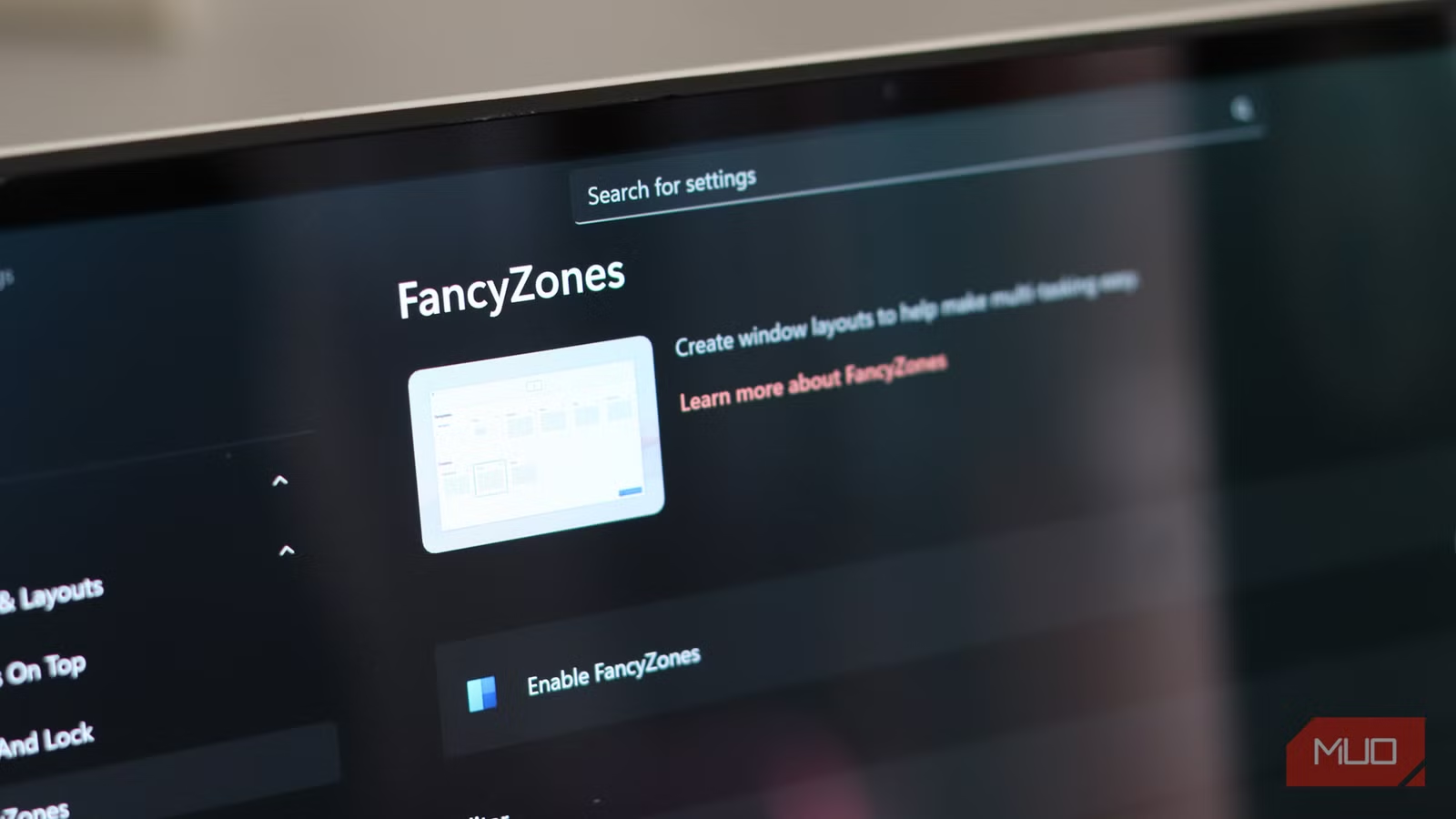
I’ve often praised the seamless experience that a dual-monitor setup brings to my workflow. After exploring numerous tools designed to enhance this experience, one stands out among the rest: PowerToys. This innovative, free application is essential for every Windows PC user, even if you’re not utilizing a dual-monitor setup. Among its impressive features, FancyZones has remarkably streamlined my daily tasks and improved my overall productivity.
You might wonder if you can already drag windows into designated areas—absolutely! However, if you seek unmatched control over your workspace, PowerToys is definitely the right choice for you.
A Game-Changer for Gaming and Work
Effortless Multitasking with Layout Editor
When gaming with friends, I often take on the role of navigator, needing quick access to interactive maps—a must-have in today’s gaming landscape. With the Layout Editor in FancyZones, I can effortlessly customize my screen. For instance, I can simultaneously monitor a Discord stream and keep an interactive map on my vertical monitor. This flexibility isn’t just for gaming; I can create tailored layouts that enhance my productivity during work hours or relax with my favorite shows.
What I particularly appreciate is the degree of customization available. You can adjust the number of zones and their spacing, ideal for any screen size. Whether you have a compact monitor or a sprawling ultrawide display, FancyZones allows you to set up to 128 zones—a bewildering yet exciting prospect.
Keyboard Shortcuts That Enhance Speed
Efficiency at Your Fingertips
As someone who transitioned to a new note-taking app purely for its keyboard shortcuts and minimalist design, I’m thrilled with how FancyZones integrates shortcut functionality. Instead of interrupting my flow by dragging and dropping, I utilize simple keystrokes to manage my workspace. Whether I’m organizing my clipboard or adjusting my windows, these shortcuts are invaluable.
Here are a few of my go-to keyboard shortcuts:
- Win + Shift + : Opens the layout editor for quick changes
- Win + Left/Right Arrow: Moves the focused window between zones
- Win + PgUp/PgDn: Cycles through windows in the same zone
- Win + Ctrl + Alt + [Number]: Applies a custom layout swiftly
- Win + Shift + Arrow Key: Moves windows between monitors
With these shortcuts, I streamline my workspace and minimize distractions. When I need to concentrate during work tasks, I can easily manage my apps, pushing distractions to smaller zones.
Simplifying Window Management
Flawless Snapping Without Hassle
Most Windows users are familiar with the clumsy process of dragging windows around, especially in a dual-monitor environment. It can quickly become frustrating when windows are misplaced or improperly sized. Enter FancyZones, which transforms this process. By holding Shift while dragging, I can effortlessly select the exact zone for each window, allowing me to organize my workspace with precision.
This feature allows me to arrange multiple windows within a single zone and quickly toggle between them. It’s a refined version of an essential Windows tool, and the customization options are fantastic for any scenario.
Overcoming Initial Intimidation
Discovering the Full Potential of PowerToys
I understand that not everyone feels comfortable navigating complex software. PowerToys might initially seem overwhelming with its multitude of features. But that’s perfectly normal! Every user has to start somewhere, and PowerToys can significantly enhance your experience on Windows.
I encourage you to explore all that PowerToys offers; you might find features that cater specifically to your needs and enhance your daily tasks.
Why FancyZones Is a Productivity Essential
Enjoyable for Work and Play
In my quest for productivity-boosting applications, I often find myself distracted. FancyZones allows me to hide unneeded windows until I’m ready to engage with them. Custom layouts cater to my workflow, making multitasking more effective than ever.
And when I switch gears to gaming, FancyZones shines just as brightly. I can have interactive maps and streaming on one screen while immersing myself in gameplay on the other. It’s a dream setup that combines functionality with enjoyment. I genuinely hope Microsoft integrates PowerToys into every Windows installation in the future.
Feeling inspired to streamline your workflow? Dive into the world of PowerToys and experience the transformative capabilities of FancyZones for yourself! Unlock new levels of productivity and effortlessly balance work and play. Embrace the power of customization—start your journey today!


