Transform Gemini into Your Personal App Butler with Android 17!
Google has recently unveiled a transformative glimpse into Android 17, suggesting a revolution in how we interact with our smartphones. With advanced developer tools now introduced, users can expect AI agents, like Gemini, to seamlessly manage tasks in the background. Imagine requesting assistance without the hassle of navigating multiple apps; that’s the essence of this exciting update.
A Game-Changer: Enhanced Functionality
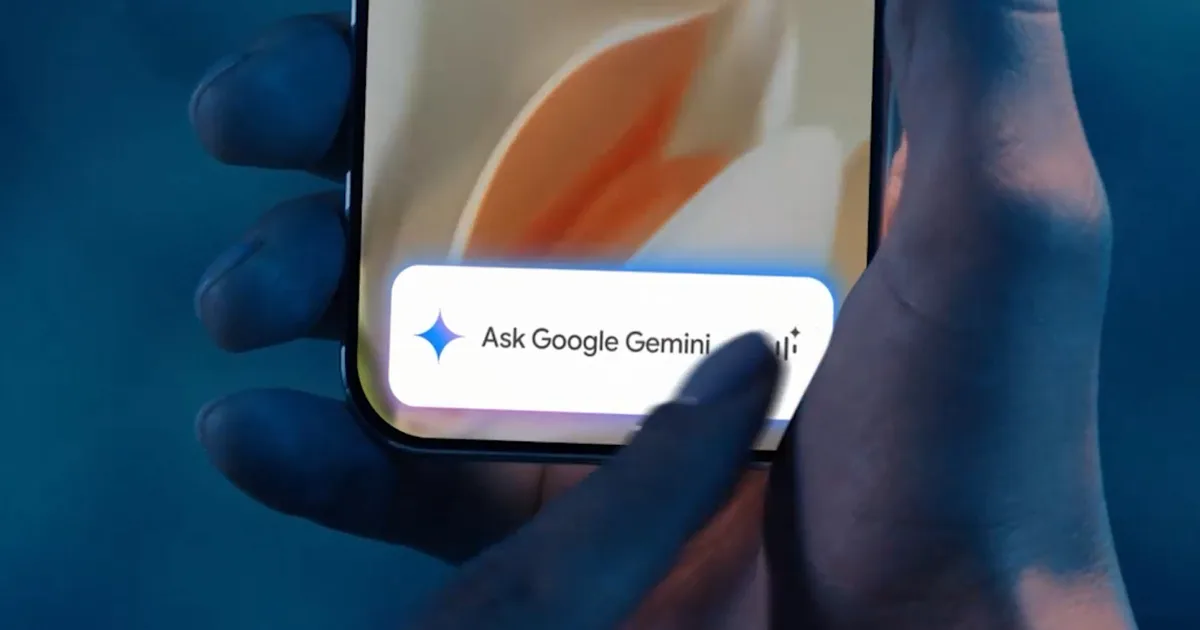
No longer will you need to juggle between apps. Simply communicate your needs to the AI, and it seamlessly takes the reins. Google describes this evolution as the “agentic future,” and it’s starting to roll out on the Galaxy S26 series and select Pixel 10 devices. A simple long press of the power button gives you direct access to Gemini, which is capable of managing various services—ranging from booking ridesharing trips to organizing your calendar—all while you focus on other tasks.
Gemini’s Two Distinct Modes of Operation
1. AppFunctions: Streamlined App Communication
Google’s innovative approach hinges on two main tracks. The first is AppFunctions, where developers can make specific app features accessible directly to AI. For instance, if you ask Gemini to show you “pictures of my cat” from the Samsung Gallery, the AI retrieves them without you ever needing to open the app.
- Supported Actions: Calendar reminders, note-taking, and task management are among the many features available across various devices.
2. UI Automation: Generalized Task Management
The broader framework involves UI automation, which enables Gemini to execute tasks across apps that don’t yet have dedicated integrations. Currently in beta, this feature supports a curated selection of food delivery, grocery, and rideshare apps.
Maintaining Control: Your Privacy Matters
Naturally, entrusting AI with managing your apps raises concerns around privacy. Google has emphasized that these features are designed with security as a core principle. You maintain oversight of Gemini’s activities through real-time notifications or a live view. If anything seems amiss, you can step in at any moment.
- Extra Security Measures: Sensitive transactions, like purchases, trigger alerts, ensuring you stay informed. The automation occurs locally on your device, further safeguarding your data.
What Lies Ahead with Android 17
While these features herald an exciting shift in smartphone interaction, it’s important to note this is just the beginning. Currently, Google is collaborating with an initial group of developers to refine the experience, with the UI automation preview available on select devices and in limited regions.
However, the roadmap suggests that Android 17 will significantly expand these capabilities, granting more users and developers access to this intelligent, automated experience. If you have a Galaxy S26 or a Pixel 10, you’re in for an intriguing trial when the beta features launch.
For everyone else, the takeaway is clear: your phone is on the brink of becoming a smarter assistant, moving from tedious app navigation to simply telling AI what you need. The future, as outlined with Android 17, promises an intuitive approach that may soon feel like second nature.
Ready to embrace the agentic future? Keep your eyes peeled for the upcoming updates, and get ready to let AI simplify your everyday tasks. Your next seamless experience is just around the corner!