Topaz Labs
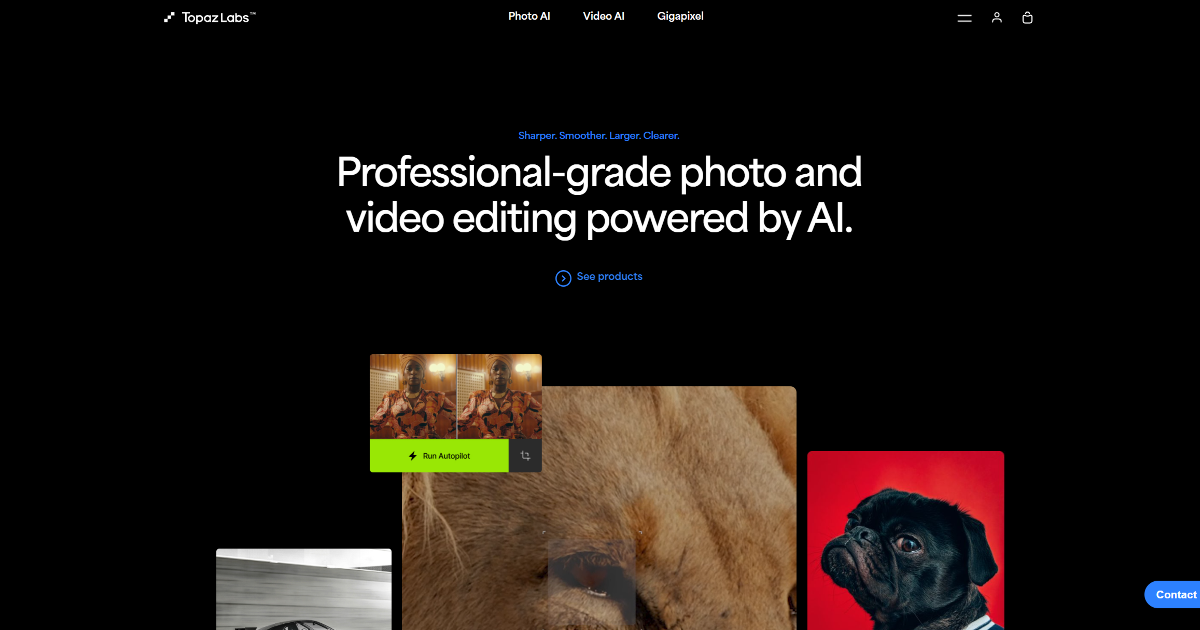
In today’s digital age, where visual content reigns supreme, having the right tools to enhance your photos and videos is crucial. Topaz Labs has emerged as a leading provider of AI-driven solutions that elevate the quality of visual media. Whether you’re a professional photographer, videographer, or a hobbyist, Topaz Labs offers a suite of products designed to transform your creative projects.
What is Topaz Labs?
Topaz Labs is a software company specializing in AI-powered photo and video enhancement tools. Their products are crafted to help users improve image clarity, stabilize videos, upscale resolutions, and more, making them invaluable assets for creatives seeking to refine their work.
Key Features of Topaz Labs
-
AI-Powered Enhancement: Utilizes deep learning algorithms to automatically enhance image and video quality without manual intervention.
-
Video Stabilization: Offers robust stabilization features to transform shaky footage into smooth, professional-looking videos.
-
Image Upscaling: Employs AI to upscale images with remarkable clarity and detail preservation.
-
Batch Processing: Supports processing multiple files simultaneously, saving valuable time for professionals.
- Local Processing: Ensures all editing tasks are performed locally on the user’s machine, providing faster processing speeds and enhanced security.
Benefits and Advantages
-
Enhanced Productivity: Drastically reduces the time required for editing photos and videos.
-
High-Quality Output: Delivers superior quality enhancements that are difficult to achieve manually.
-
Versatility: Suitable for various professional and creative needs, from simple edits to complex projects.
- Secure and Private: Local processing means files never leave your computer, ensuring privacy and security.
How Topaz Labs Works
Topaz Labs’ software leverages advanced AI algorithms to analyze and process images and videos. By understanding the content, the AI can intelligently enhance details, reduce noise, and upscale resolutions, all while maintaining the integrity of the original media. This approach allows for efficient and effective improvements without the need for manual adjustments.
Use Cases / Real-World Applications
-
Professional Photographers: Rely on Topaz Labs for quick and efficient photo enhancements.
-
Videographers: Utilize the stabilization and enhancement features for producing high-quality video content.
-
Digital Artists: Employ the tool to refine their artwork and create detailed digital images.
-
Film Production Companies: Use the software to enhance and stabilize film footage.
-
Academic Researchers: Enhance images for detailed analysis.
- Real Estate Agents: Improve property photos for listings.
Comparison with Alternatives
While there are other image and video enhancement tools available, Topaz Labs distinguishes itself through its AI-driven approach, local processing capabilities, and user-friendly interface. Unlike some competitors that rely on cloud-based processing, Topaz Labs ensures faster processing speeds and enhanced security by keeping all tasks local. Additionally, the software’s versatility and range of features make it a comprehensive solution for various creative needs.
Pricing and Plans
-
Photo AI: Starts at $199 for a one-time purchase.
-
Video AI: Available for $299, offering comprehensive video enhancement capabilities.
- Gigapixel AI: Priced at $99, specializing in image upscaling.
For the most accurate and current pricing details, refer to the official Topaz Labs website.
Pros and Cons
Pros:
-
Enhanced Productivity: Significantly reduces editing time.
-
High-Quality Output: Achieves results that are challenging to obtain manually.
-
Versatility: Accommodates a wide range of professional and creative projects.
- Secure and Private: Processes data locally, ensuring privacy.
Cons:
-
Hardware Requirements: Demands high-performance hardware for optimal functionality.
-
Cost: Premium pricing could be a barrier for hobbyists or freelancers on a tight budget.
- Complex Features: Some features may have a steep learning curve for beginners.
Tips for Getting the Most Out of Topaz Labs
-
Familiarize Yourself with the Interface: Spend time exploring the software to understand its capabilities and workflow.
-
Utilize Tutorials and Support: Take advantage of the extensive tutorials and support resources available on the Topaz Labs website.
-
Regularly Update the Software: Keep the software updated to benefit from the latest features and improvements.
- Optimize Hardware Performance: Ensure your system meets the recommended hardware specifications for smooth operation.
Conclusion
Topaz Labs offers a suite of AI-driven tools that significantly enhance the quality of photos and videos. With features like AI-powered enhancement, video stabilization, and image upscaling, it caters to a wide range of professional and creative needs. While it requires a robust hardware setup and comes with a premium price tag, the benefits it provides in terms of productivity and output quality make it a valuable asset for those serious about visual media enhancement.
For more insights and user experiences, you can refer to reviews on Digital Camera World and Skylum Blog.