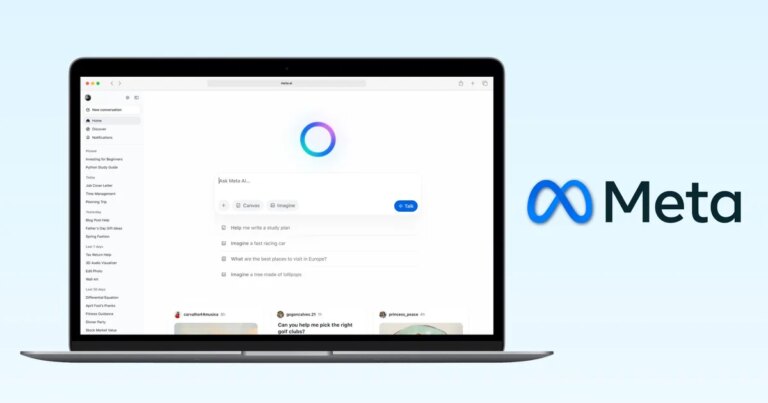
Streamline Your Workflow: Meta Launches Manus AI Agent for Windows and Mac Automation
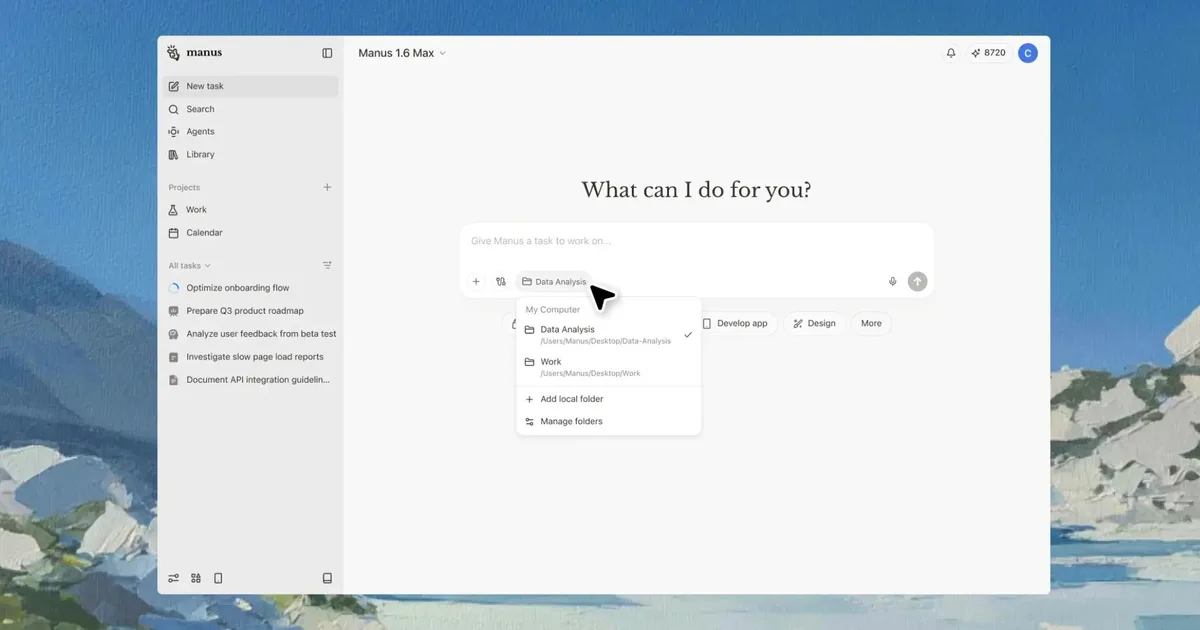
Imagine a world where your mundane tasks are effortlessly handled by a personal assistant—your own AI agent, simplifying your daily digital interactions. Enter **My Computer** from the innovative Manus team, a groundbreaking tool designed to streamline your workflow right from your desktop. Whether you’re managing files or juggling communications, this app is set to revolutionize your productivity experience.
Unleashing the Power of Automation with My Computer
Upon opening the Manus app, you’re greeted with a sleek chatbot interface, complete with a prompt box for your commands and options to attach files or folders. Simply drop a folder and type in what needs organizing—the AI takes care of the rest.
Manus AI
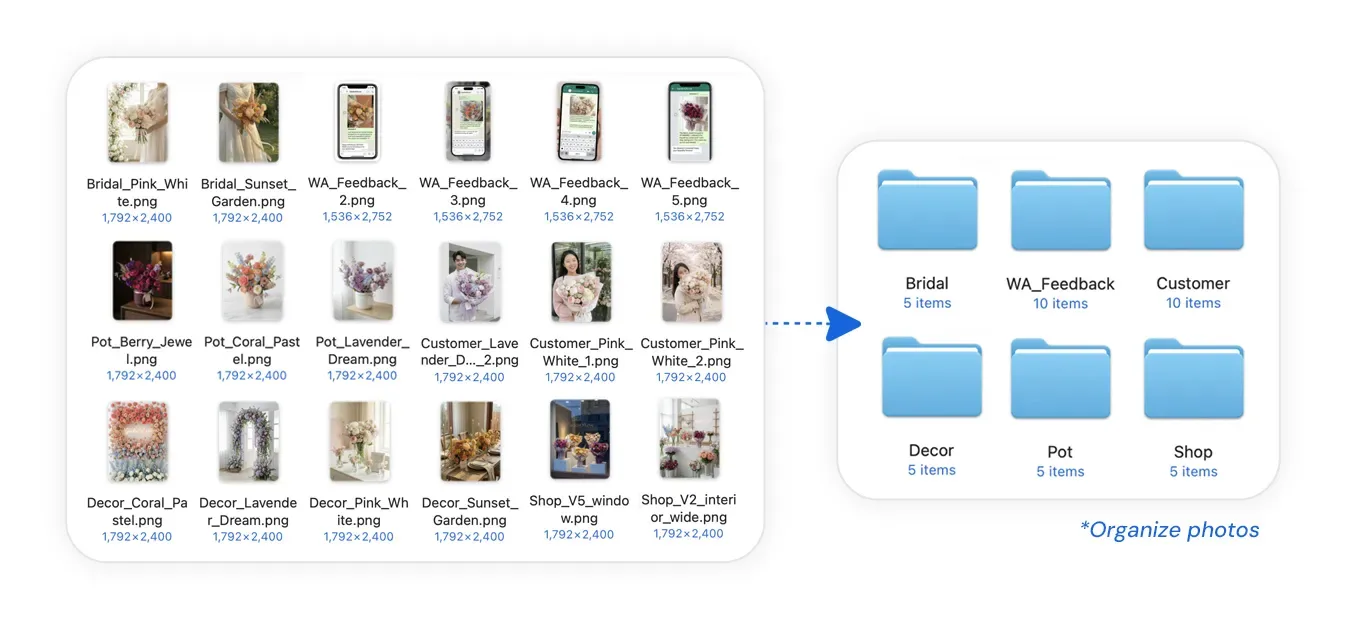
This remarkable agent scans your files and comprehends their contents, using command-line commands to create folders, move files, and arrange everything seamlessly. Think of it as having a digital organizer dedicated solely to enhancing your workflow.
For instance, imagine a florist inundated with thousands of unsorted photos. With a simple request to sort them into categories such as bouquets or decorations, the AI swiftly analyzes each image, categorizing them into neatly organized folders within moments.
Manus AI
But the capabilities of **My Computer** extend beyond mere organization. It can integrate with Google apps, executing actions across various services. Need to send a file from your desktop while you’re busy? Let the AI handle it for you, ensuring your communications remain uninterrupted.
How Manus Compares to Competitors
Since Meta’s acquisition of Manus, the app has transitioned from a cloud-based service to a powerful desktop tool, placing it directly in your workflow. The free version offers a taste of its capabilities, while access to enhanced features starts at just $20 per month or $17 annually.
In a rapidly evolving market, **My Computer** is going head-to-head with other notable AI agents like **OpenClaw**. Both solutions now function locally on your hardware, enhancing productivity without compromising data security.
OpenClaw
OpenClaw, an open-source alternative, has gained traction for its flexibility, yet experts caution users about potential privacy risks. In contrast, Manus positions itself as a polished offering under the Meta umbrella, paired with user-centric control.
Moreover, Perplexity is also making strides with its own **Personal Computer** agent, which can manage entire workflows by offloading tasks that users traditionally perform. This creates an interesting crossroads for users: will you opt for free, open-source solutions with more control, or a sophisticated, paid service that prioritizes ease of use?
Your choice hinges on how much autonomy you’re comfortable relinquishing and the level of trust you place in automation to manage your tasks effectively.
Ready to elevate your productivity and embrace AI-enhanced efficiency? Dive into the world of **My Computer** today and discover the difference it can make in your everyday tasks. Don’t let your workload overwhelm you—let technology lend a helping hand!