Samsung Enhances Bixby Beta in One UI 8.5 to Compete with ChatGPT and Gemini
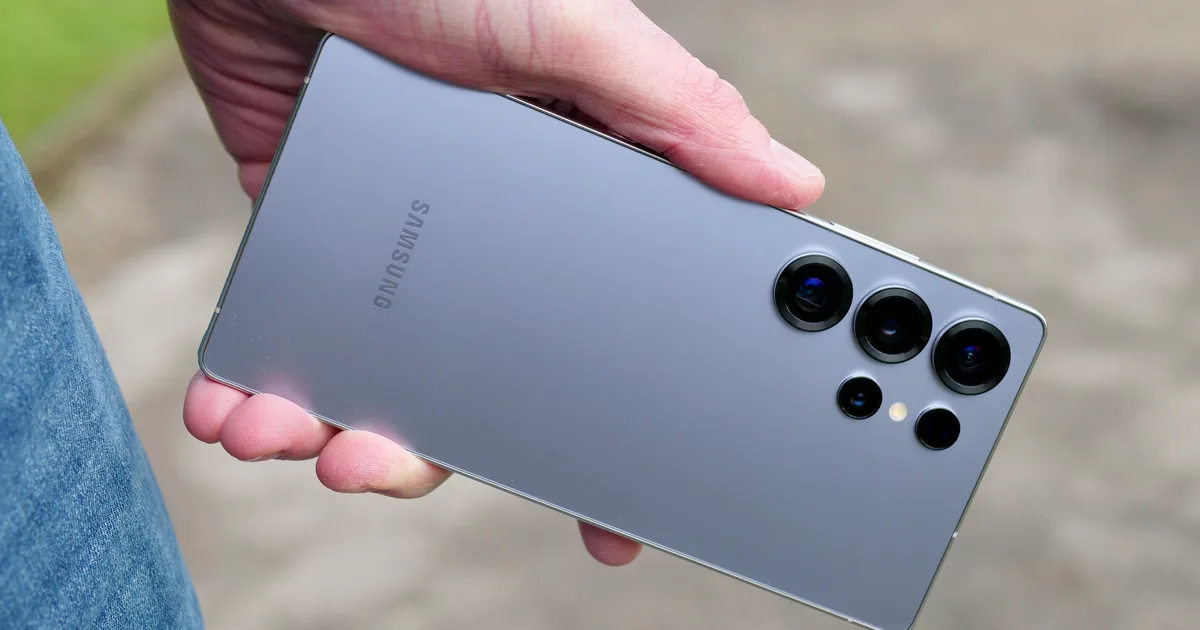
Samsung’s new Bixby beta is bringing an exciting shift in how we interact with our devices, appealing directly to users who appreciate sophistication and efficiency. Imagine a voice assistant that truly understands your commands in a natural, conversational manner—Welcome to the future of smartphone interaction. This innovative update is designed to simplify your experience with Galaxy phones, allowing you to engage more seamlessly than ever before.
Conversational Control: Revolutionizing Interaction
In an effort to enhance user experience, Samsung is pushing boundaries with its latest Bixby beta. The aim? To transform the assistant into something more akin to ChatGPT or Gemini, yet tailored specifically for managing your Galaxy device. You won’t need to memorize precise commands anymore; instead, the assistant is set up to understand the context of your requests, translating your natural language into effective actions.
This refresh is tied to One UI 8.5, and while it first rolls out in select regions such as Germany, India, Korea, Poland, the UK, and the United States, broader availability will follow. However, specific timelines and supported devices are still under wraps, so users should stay tuned.
Natural Language Control: Less Menu Diving
Imagine being able to control your device simply by speaking your mind. Samsung showcases this feature by allowing you to say, "I don’t want the screen to turn off while I’m looking at it." Bixby comprehends your request and activates the "Keep Screen on While Viewing" option without you having to navigate through convoluted menus.
This is essential for users accustomed to digging deep into settings where terminology can often be confusing. With this conversational approach, simple commands translate into immediate results—quick and hassle-free.
Addressing Frustrations with Smart Troubleshooting
Samsung is also enhancing Bixby’s troubleshooting capabilities. The assistant now takes context into account when you pose questions, checking existing settings and recommending solutions you can apply in an instant.
For instance, if your screen remains on when your phone is tucked away, Bixby identifies the issue and directs you to the “Accidental Touch Protection” setting, allowing you to toggle it with ease. This direct integration into the phone’s controls means practical solutions are now just a request away.
Instant Answers: Real-time Web Integration
Another significant update is Bixby’s ability to conduct real-time web searches within its interface. Instead of shuttling you to a browser, if you ask for kid-friendly hotels in Seoul, Bixby can pull up live web results directly on your screen.
If you’re lucky enough to be in one of the launch regions, make sure to check your device for One UI 8.5, and put Bixby to the test with everyday requests. This feature has the potential to replace multiple queries you might typically ask ChatGPT or Gemini, ultimately enhancing your overall experience.
Embrace the sophistication of Samsung’s Bixby beta and discover how it can redefine your interaction with technology. Now, that’s a conversation worth having!