Plus AI
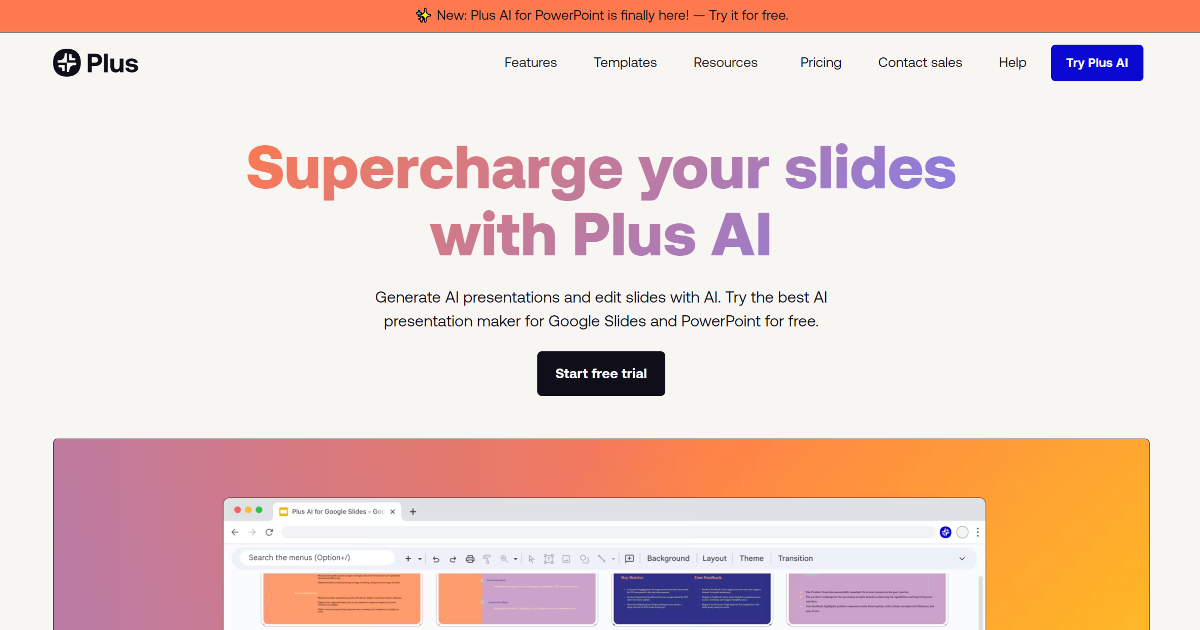
In today’s fast-paced digital landscape, creating compelling presentations can be a daunting task. Enter Plus AI, a groundbreaking tool designed to revolutionize your presentation workflow. By seamlessly integrating with Google Slides, Plus AI leverages advanced AI capabilities to streamline the creation and editing of presentations, making it an indispensable asset for professionals and educators alike.
What is Plus AI?
Plus AI is an AI-powered productivity tool that enhances Google Slides by automating various aspects of presentation creation. It enables users to generate presentations from simple prompts, convert documents into slides, and refine content with advanced editing features. This integration allows for a more efficient and intuitive workflow, eliminating the need to master new software.
Key Features of Plus AI
- Prompt to Presentation: Transform a brief description into a comprehensive presentation.
- Document to Presentation: Convert PDFs, Word documents, or text files directly into slides.
- Multilingual Support: Create and edit presentations in multiple languages, broadening accessibility.
- Advanced Editing Tools: Refine slides with features like rewrite, remix, and custom instructions.
- Google Docs Integration: Extend AI capabilities to document creation and editing within Google Workspace.
Benefits and Advantages
Plus AI offers several advantages:
- Efficiency: Significantly reduces the time required to create professional presentations.
- Ease of Use: Integrates directly within Google Slides, eliminating the need to learn new tools.
- Multilingual Support: Enables content creation in various languages, enhancing global accessibility.
- Customizability: Allows for tailored content generation through custom instructions and preset libraries.
How Plus AI Works
Plus AI operates by integrating with Google Slides, providing an intuitive interface where users can input prompts or upload documents. The AI then processes this input to generate slides, which can be further refined using advanced editing tools. This seamless integration ensures a smooth workflow, allowing users to focus on content rather than formatting.
Use Cases / Real-World Applications
Plus AI is versatile and can be utilized in various scenarios:
- Marketing Professionals: Quickly generate compelling pitch decks.
- Educators: Create engaging educational content with minimal effort.
- Business Analysts: Produce detailed reports and presentations efficiently.
- Event Planners: Craft visually appealing presentation materials for events.
Comparison with Alternatives
When compared to other automation software, Plus AI stands out due to its seamless integration with Google Slides and its advanced AI-driven features. While other tools may offer similar functionalities, Plus AI’s direct integration and user-friendly interface provide a unique advantage.
Pricing and Plans
Plus AI offers a 7-day free trial, allowing users to explore its full features. Subscription plans are available, tailored to individual or enterprise needs. For the most accurate and current pricing details, refer to the official Plus AI website.
Pros and Cons
Pros:
- Efficiency: Reduces the time required to create professional presentations.
- Ease of Use: Works directly within Google Slides, eliminating the need to master new tools.
- Multilingual Support: Offers the ability to read, write, and translate in numerous languages.
- Customizability: Features like custom instructions and preset libraries allow for tailored content generation.
Cons:
- Platform Limitation: Primarily designed for Google Slides, which may not appeal to users of other presentation software.
- Learning Curve: New users may need time to familiarize themselves with AI features.
- Subscription Model: After a free trial, continued access requires a subscription.
Tips for Getting the Most Out of Plus AI
- Explore Tutorials: Utilize the tutorials available on the Plus AI website to familiarize yourself with its features.
- Provide Detailed Prompts: The more specific your prompts, the more accurate and relevant the generated presentations will be.
- Leverage Multilingual Capabilities: Use the multilingual support to create presentations in various languages, expanding your reach.
Conclusion
Plus AI is a powerful productivity tool that transforms the way presentations are created and refined. Its seamless integration with Google Slides and advanced AI features make it an invaluable asset for professionals across various industries. Whether you’re in marketing, education, or business analysis, Plus AI offers a user-friendly solution to enhance your presentation capabilities efficiently.
For more information, visit the official Plus AI website.
Note: For the most accurate and current information, refer to the official Plus AI website.