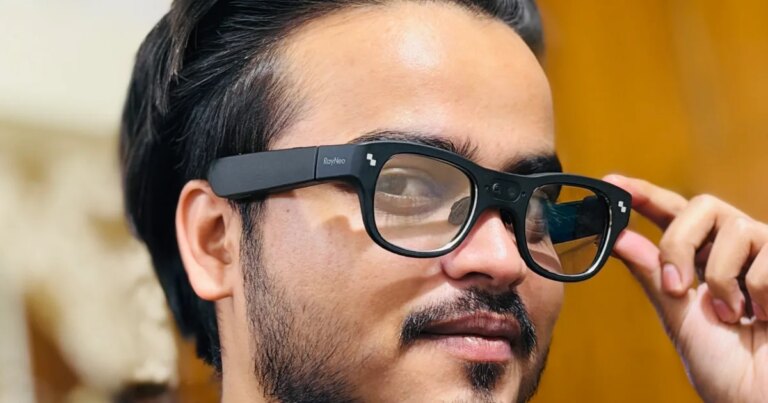
Master Your Photography: How the Pixel 10 Pro’s AI Camera Coach Elevated My Skills
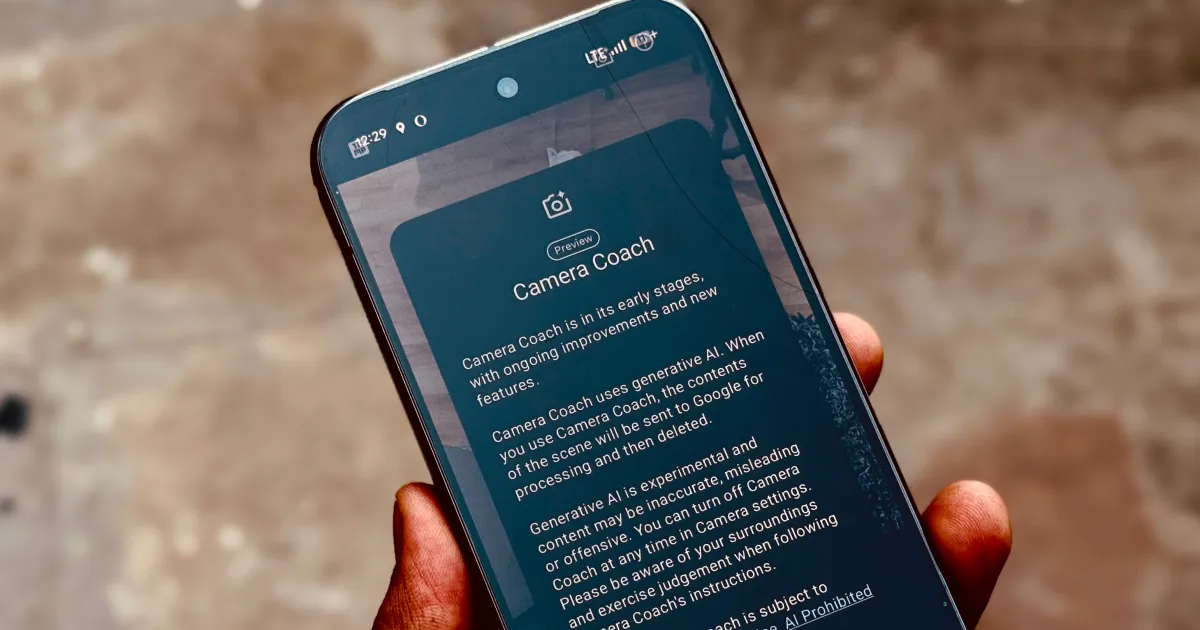
I am not saying an AI is better than you. I’m just saying Google’s AI can help make your clicks look better.
Photography is an art form that many of us aspire to master, yet it can often feel daunting, especially when we aim for that perfect shot. Enter the Google Pixel’s Camera Coach, a cutting-edge tool designed to elevate your photography game, combining your creative vision with artificial intelligence to create stunning images. Whether you’re a social media enthusiast eager to impress or simply love capturing life’s fleeting moments, this innovative feature can transform your photographic experience.
A New Spin on Photography
The Pixel smartphone delivers two compelling reasons to invest: an exceptional camera and an Android experience enhanced by impressive AI capabilities. To truly unlock the potential of these features, however, you’ll want to dive deep into how they work.
Photography often comes with its set of clichés—advice like “stick to the rule of thirds” or “master exposure settings” fills the discourse. Yet, there’s also the school of thought that encourages breaking the rules entirely. The Camera Coach finds a sweet spot between these extremes, making photography more accessible for everyone.
What Is the Camera Coach?
Imagine having a knowledgeable guide who offers advice on composition and style right in your pocket. That’s what the Camera Coach is all about. Integrated into the pre-installed camera app, this AI-driven assistant analyzes your frame, considers various stylistic options, and provides real-time guidance to help you achieve the desired look.
After several days testing it with my Pixel 10 Pro, I can confidently say it dramatically improved my photography skills—turning my fumbling attempts into well-composed shots.
How Does the Camera Coach Work?
The magic of the Camera Coach lies in its Gemini AI models. This technology analyzes visible elements within your camera’s viewfinder and focuses on two main functions:
- Shot Composition: It generates tailored suggestions based on what you’re aiming to capture.
- Real-Time Enhancements: It offers feedback on how to best improve your composition, laying out various framing options.
When you activate the Camera Coach from the top-right corner of the camera screen, it quickly assesses the scene. The speed at which it processes depends on the strength of your mobile or Wi-Fi connection, as well as the complexity of your shot.
For instance, if you’re aiming your camera at a playful cat, the AI may suggest a few compositions: one could focus on the cat’s face, while another captures its full silhouette, adjusting for ideal lighting and background detail.
Making the Most of Your Shots
Once you’ve selected a preferred style from the carousel that appears, the camera shifts to a full-screen viewfinder. There, you can access all the camera controls and see tailored suggestions unfolding one after another.
Google promises that the Camera Coach will equip users with foundational photography skills, empowering you to be the go-to photographer in any setting. While I might not fully agree with that sweeping claim, I will say that this tool has significantly enhanced my ability to capture captivating photos during moments when I otherwise might have struggled.
Is the AI Camera Coach Worth It?
Absolutely. I discussed the AI’s insights with a friend who is a seasoned photojournalist, and while he critiqued some suggestions, he acknowledged that the Camera Coach excels at grounding users in the fundamentals while sparking creative brainstorming.
Take this example: I snapped a photo of a local building, and while the shot wasn’t horrendous, it lacked the “wow” factor.
Without Camera Coach.
After invoking the Camera Coach and following its suggestions—like removing distracting foreground elements—I ended up with a far more aesthetically pleasing shot.

With Camera Coach.
The difference becomes even more striking in tricky lighting conditions. Here’s what I captured in standard mode:

Without Camera Coach.
After consulting the Camera Coach, my photo of that same cat looked notably better, showing how beneficial this tool can be.

With Camera Coach.
The best part? The Camera Coach offers hyper-specific and context-aware suggestions like “focus on the eyes” or “try a different angle,” empowering you to capture shots you might not have considered otherwise.

Without Camera Coach.
After tweaking the framing using the advice provided, my final shot emerged markedly better.

With Camera Coach.
Limitations to Consider
That said, not every suggestion is a home run. Some users might feel they don’t need AI guidance to snap a great photo, and this sentiment is entirely valid. Additionally, the Camera Coach relies on a steady internet connection, which can lead to frustrations when you’re in areas with weak signal strength.
I found myself struggling to utilize the feature effectively during a recent photo session, where poor connectivity prevented me from maximizing the Camera Coach’s capabilities.
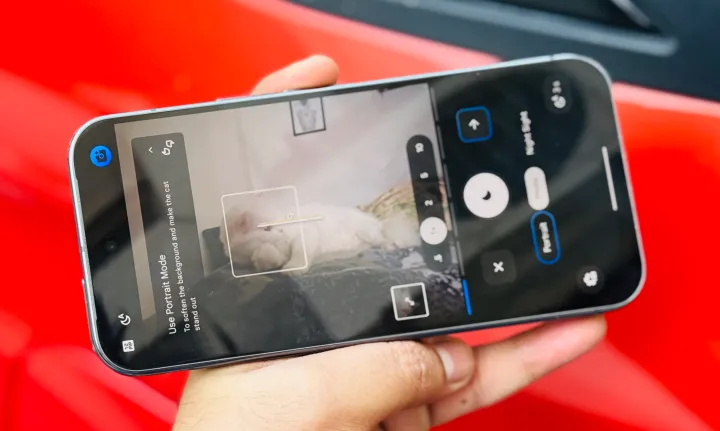
UI of Camera Coach on Google Pixel 10 Pro.
Moreover, there were instances where the AI’s suggestions didn’t align with my vision—like when framing a portrait that the Coach strongly advised to adjust in a way that omitted important details.
The Verdict
In summary, while the Camera Coach provides vital pointers that can indeed elevate your photography, it’s essential to blend AI suggestions with your intuition. This feature nudges you to explore new angles and approaches, encouraging a fresh perspective on capturing the ordinary.
Over time, as you refine your photography skills, you may feel less reliant on the Camera Coach. Yet, in those moments where inspiration and creativity seem to run dry, this remarkable tool is there to provide that much-needed spark.
So why not take your photography to the next level? Unleash your inner artist and let the Camera Coach guide you towards your best shots yet!