How to Fix Gemini’s Circle: Workarounds for Searching Lost Share on Affected Phones
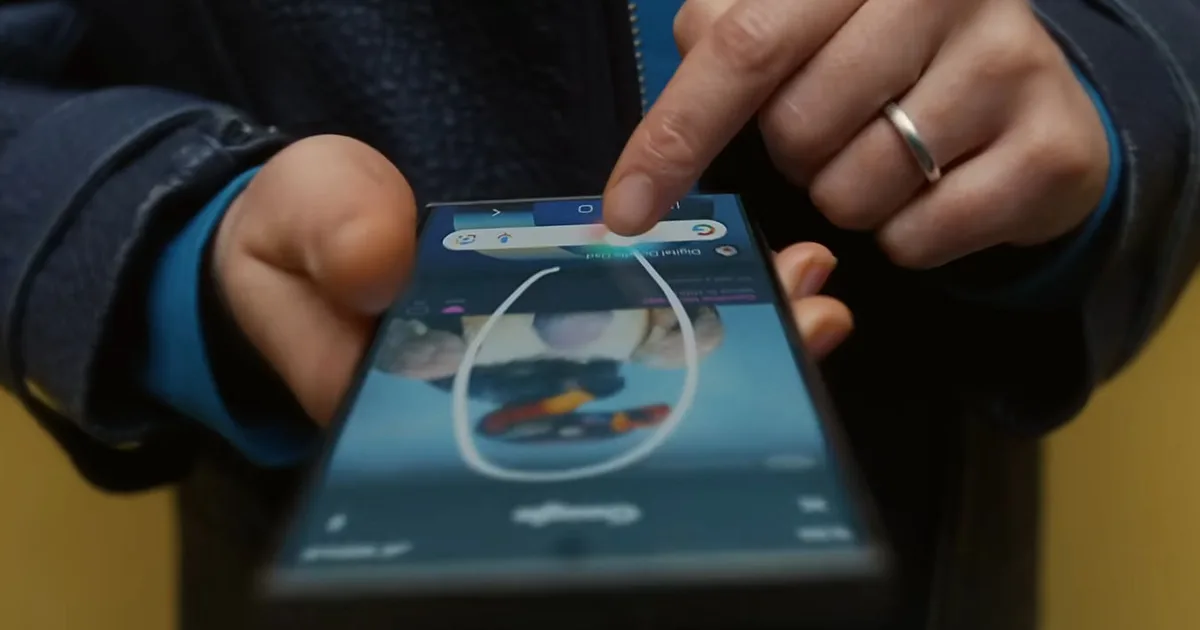
Some Android users have recently expressed frustration over the disappearance of the Share option in the Circle to Search feature, a tool that was celebrated for its convenience. This functionality made sharing content from your screen effortless, but now it appears to have lost some of its flair, leading to a less efficient experience for those who relied on it daily.
For avid users of this feature, the ability to share directly from a visual search was invaluable. It allowed for quick communication without cluttering your gallery with unnecessary screenshots. So what’s happening?
The Shift in Workflow
The Circle to Search feature is designed to minimize friction during your mobile browsing experience. By enabling sharing directly from the overlay, it effortlessly transformed a quick search into an instant shareable moment. Without this direct option, users find themselves navigating back and forth between apps, taking extra steps that compromise efficiency.
Feedback gathered from Reddit suggests that this issue is prevalent across various devices. While options like Create and Select text remain intact, the absence of the Share option has left many feeling inconvenienced. This feature was initially rolled out in August 2024 after being introduced in beta earlier that year, which makes its sudden loss even more puzzling.
Is It a Bug, Rollback, or a Test?
At this time, Google hasn’t provided an official explanation for these changes. Some users believe the issue is linked to a specific beta build of the Google app, version 17.3.60.sa.arm64. Interestingly, one user reported that resetting the app to factory settings restored the missing Share option.
Steps You Can Take
If you’re experiencing this issue, here are some actionable steps you might consider:
-
Switch Channels: If you’re currently on the beta channel for the Google app, reverting to the stable version may solve your problem.
-
Reset the App: For those seeking immediate solutions, resetting the Google app to factory defaults has been linked to the restoration of the Share feature.
- Use Workarounds: Alternatively, you can always use the Select text option to copy what you need and share it directly from another app, or capture a screenshot and send it manually.
Staying updated on app changes and the latest Google releases can also provide clarity. If this loss of functionality is a temporary glitch or a planned test, forthcoming updates should clear the air.
The Android community thrives on shared experiences and solutions. If you’ve faced this issue, consider discussing it with your peers and sharing your workaround tips. After all, these challenges often lead to collective ingenuity.