How a Vertical Second Monitor Solved My Hidden Productivity Problem
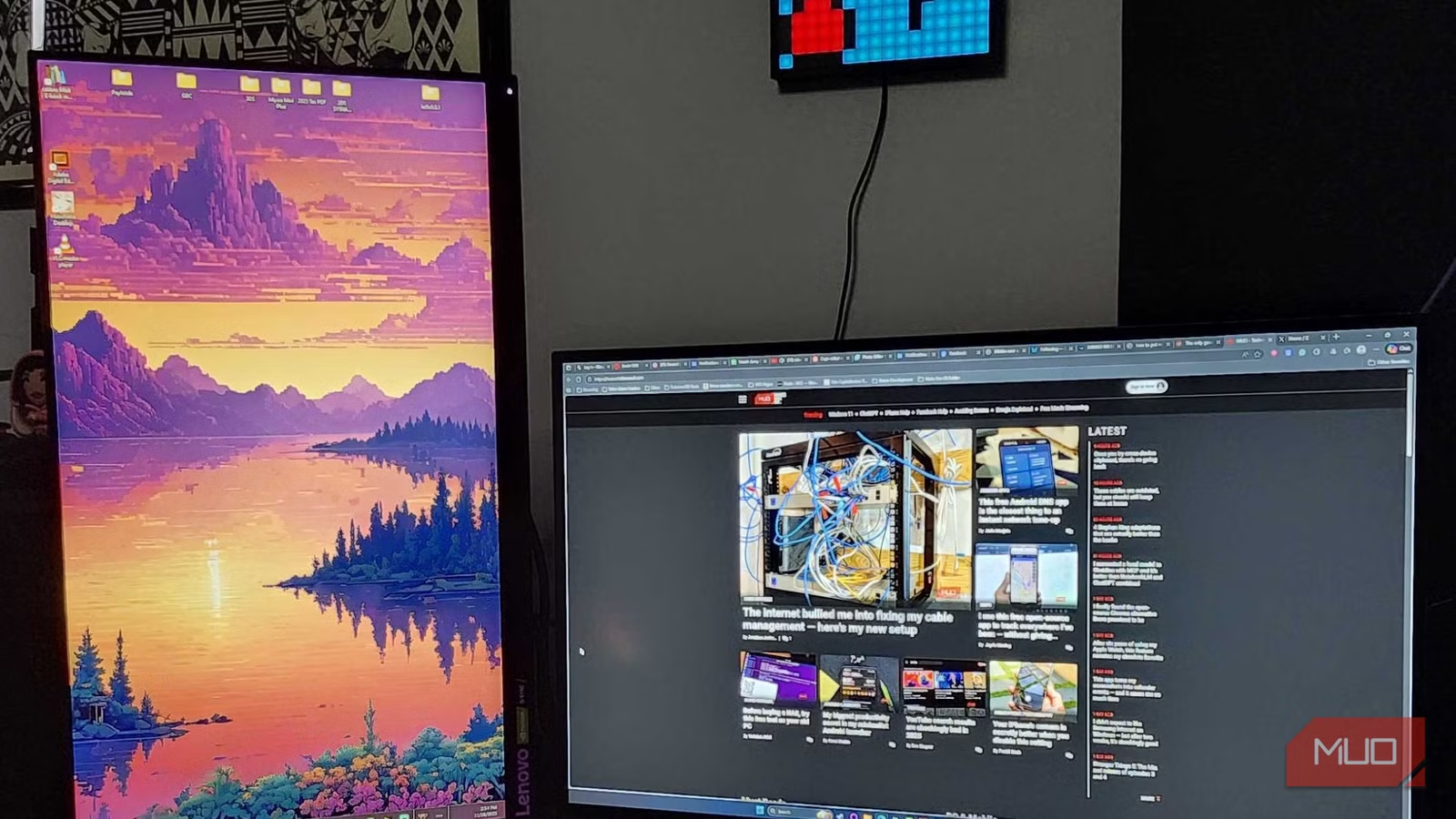
I’ve been an advocate for the dual-monitor setup ever since my first day in a bustling office. While some individuals might prefer the simplicity of a single large screen, my constantly shifting attention and multitude of projects demand the versatility that a second monitor provides. However, managing desk space has always presented its own challenges. Between upgrading my PC and introducing quirky décor, finding the right position for an additional monitor often felt like a juggling act.
Then I stumbled upon a trick that not only elevated my productivity but also freed up substantial space: positioning my spare monitor vertically. Trust me, it’s a transformative experience that you’ll want to explore for yourself.
The Benefits of a Vertical Monitor
Effortless App Management
I spend countless hours diving into various messaging platforms. Whether I’m gaming with friends on Discord or engaging in discussions on Slack, having real-time access to these apps simplifies my day. With a vertical monitor, I can effortlessly keep chat windows open, ensuring I never miss a crucial message while juggling tasks.
- Simultaneous conversations: Easily manage multiple discussions without overwhelming your main screen.
- Quick responses: Keep notifications visible, allowing for instant replies when necessary.
Enhancing Video Calls
Video calls have become an essential part of my life. Even with my parents living nearby, I often connect via Facebook Messenger or Google Meet. Transitioning to a vertical monitor during these calls has dramatically improved my experience. It eliminates those annoying black bars on the sides of the screen, providing a more immersive interaction.
- For casual chats: Use vertical orientation for a more intimate feel during personal calls.
- For formal meetings: Switch to horizontal mode when needed, maximizing screen real estate for presentations and participant visibility.
Keeping an Eye on Streaming Chats
As a streamer, maintaining audience engagement is critical. One common pitfall is losing sight of chat activity while focused on gameplay. I discovered that dedicating my vertical monitor to my streaming chat has been a game-changer.
- Multi-platform monitoring: If you’re a multi-streamer, divide your vertical screen for seamless chat management.
- Visibility: Keep chat windows easily accessible, ensuring you remain attentive to your audience’s interactions.
Considerations for Viewing Angles
When I first introduced a vertical monitor into my setup, I faced the challenge of viewing angles. My primary monitor is an OLED, which delivers stunning picture quality, while my secondary one is LED and can present viewing challenges from certain angles.
- Explore your monitor: Before committing to a vertical setup, evaluate how your monitor performs from various perspectives.
- Avoid distractions: Ensuring optimal viewing conditions can help maintain your focus during critical tasks.
A Vertical Monitor Has Changed My Life
Ultimately, your setup boils down to personal preference. I once swore by two horizontal monitors, but as my computer becomes more than just a gaming hub, the vertical monitor has proven indispensable. This new arrangement simplifies multitasking, allowing me to stay engaged in ongoing conversations while seamlessly managing emails and more.
If you’re hesitant about making the switch, remember that you can always revert to the horizontal setup. Just be sure to adjust your screen orientation! Embracing a vertical monitor doesn’t have to be a permanent decision, but the productivity benefits it brings can be genuinely life-changing.
Ready to revolutionize your workspace? Give the vertical monitor setup a try and experience the boost in efficiency for yourself! You might just find your productivity soaring to new heights.