Exciting News: Google Gemini Set to Launch Highly Anticipated Image Editing Feature
A new tool could finally let you draw and write on Gemini images
What’s the latest buzz in the world of AI-generated imagery? It seems that Google Gemini is set to revolutionize the way we interact with its creations. A recent leak from Android Authority has unveiled exciting news: Gemini is working on a new image-annotation feature that will allow users to draw, highlight, and add text directly onto images—all within the app. Imagine transforming your creative vision without any interruptions!
Enhancing Your Creative Workspace
This upcoming feature is designed to streamline your creative process. Currently, users must export images from Gemini and import them into separate editing applications for annotations. This tedious step can be frustrating, but the new tool aims to change that.
-
Direct Markup: You’ll have the ability to easily highlight areas, circle important details, or add handwritten notes, all within Gemini’s interface.
- Guided Instructions: Want to fine-tune your images? Simply draw over specific sections and instruct Gemini on what changes to execute. This interactive capability will give you much tighter control over your edits.
Image credit: TestingCatalog News on X
Why This Matters
So, why is this feature a game-changer? Until now, creators relying on AI-generated images from Gemini faced the inconvenience of exporting and retouching. The introduction of annotation tools means you could transform Gemini into a comprehensive creative workspace.
- Annotate areas for correction.
- Leverage labels to guide your edits.
- Achieve quick and relevant visuals without extra steps.
As a creator, you’ll appreciate how this can elevate your workflow.
What’s on the Horizon?
While no official timeline has been provided for this new feature, early indications promise exciting developments:
-
Built-in Markup Interface: Picture drawing directly on images—no complications.
- Enhanced Editing Control: Easily circle elements and instruct Gemini to adjust or replace them based on your directives.
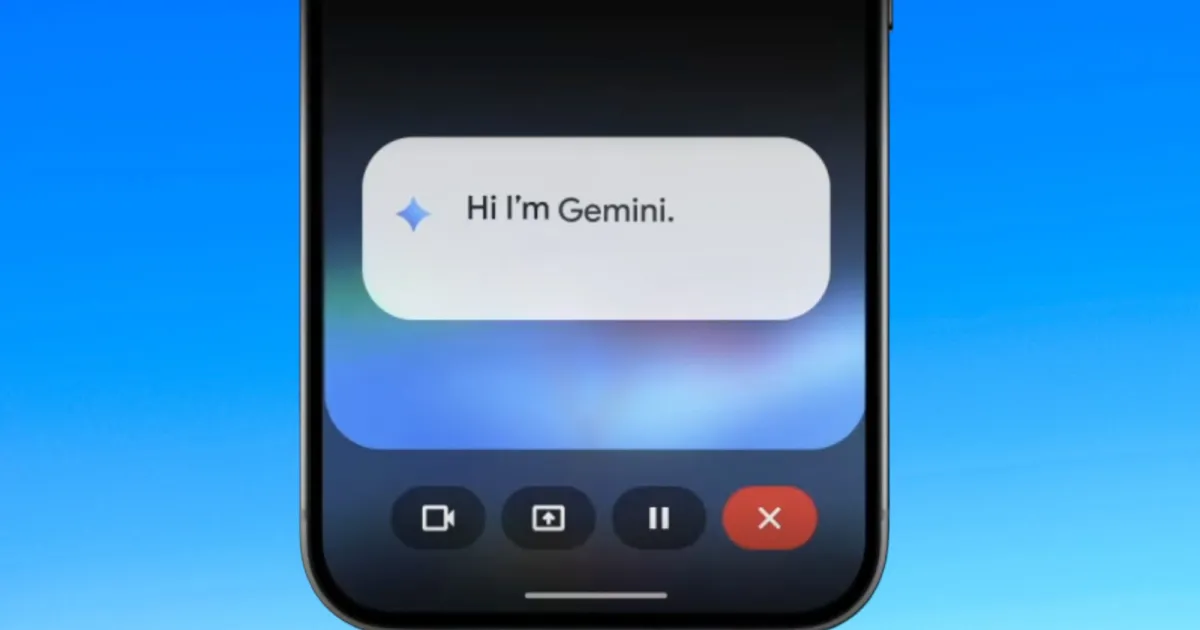
In addition to these capabilities, Google plans to enable Gemini to explain parts of your screen without needing you to circle them. This innovation could pave the way for more dynamic and rapid information retrieval.

Image credit: Google
Level Up Your Experience
Eager to maximize your potential with Gemini? Dive into curated prompts based on insights from extensive user experience, which could enhance your interaction with this remarkable AI.
In the fast-paced world of digital creativity, staying ahead means leveraging the best tools at your disposal. With these forthcoming features, Gemini promises to empower creators to bring their visions to life with unprecedented ease. Sign up for updates and embrace the future of creative expression today!