Discover the Ultimate Invisible Time-Tracking Tool: Boost Your Productivity for Free!
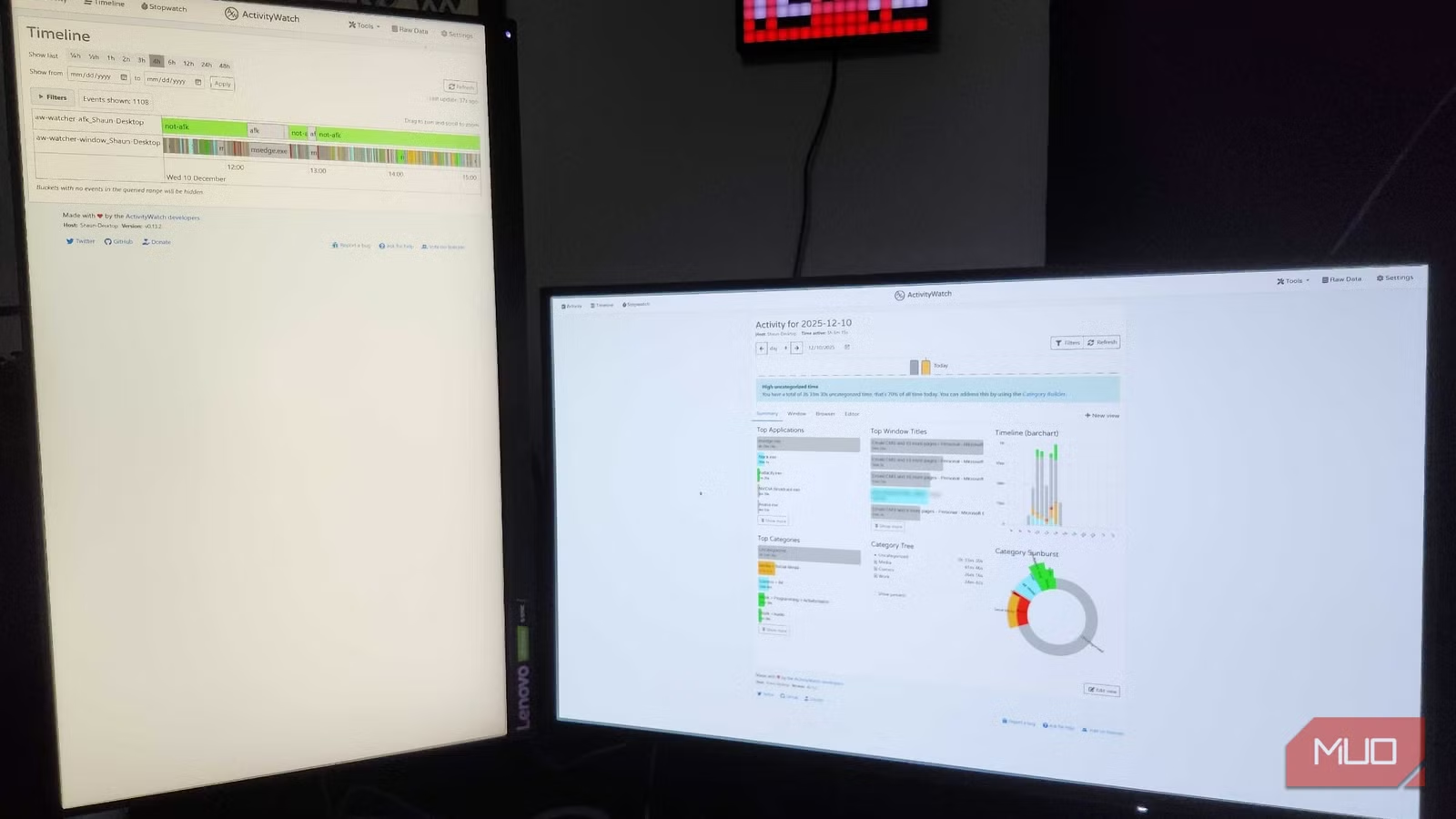
While working from home offers flexibility and convenience, it also comes with its fair share of distractions. If you find yourself veering off track, you’re not alone. I discovered that I needed a transformative approach to stay focused, and that’s when I stumbled upon ActivityWatch. This tool has been a game-changer, helping me reign in my scattered attention and boost my productivity.
Let’s explore how ActivityWatch can redefine your work-from-home experience.
Simplifying Your Productivity Tracking
Easy-to-Understand Visuals
ActivityWatch excels in providing straightforward visual data that allows you to quickly assess how your day unfolds. If you’re someone who often succumbs to the enticing lure of doomscrolling, you might find this app invaluable. It vividly displays how much time you dedicate to each application, offering a profound understanding of your daily habits.
The platform categorizes your activities simply, and users can even customize categories using keywords. This flexibility is perfect for both beginners seeking guidance and seasoned users ready to dive deep into their data.
In-Depth Analysis at Your Fingertips
Track Every Moment with Precision
One feature that stands out in ActivityWatch is its Timeline function. This powerful tool unveils a detailed breakdown of every action you take over a given timeframe. Whether you’re waiting for inspiration or listening to endless YouTube videos, you can pinpoint exactly where your attention wanders.
You can hover over timeline entries for added insights, which reveal what was on your screen at any given moment. Identifying these distractions is crucial for anyone aiming to maximize productivity and maintain an effective work-play balance.
Compatibility Across Platforms
Monitor Your Activities Anywhere
I confess—I’m often glued to my phone, especially in the afternoons. ActivityWatch is a lifesaver, enabling me to monitor my device usage across various platforms. While my Samsung S23 FE gives me weekly summaries, ActivityWatch provides a detailed analysis that holds me accountable for my screen time.
No matter if you’re on Windows, Linux, or Android, ActivityWatch keeps you informed. Unfortunately, iPhone users are still waiting for their version, but manual syncing across devices is available for those who use multiple systems.
A Targeted Solution for Distractions
Acknowledging Your Need for Focus
Recognizing that distractions can derail your home-based work is the first step toward improvement. If you’ve ever caught yourself aimlessly browsing instead of working, it’s likely that you’d benefit from ActivityWatch. It goes beyond basic screen time statistics, helping you identify which apps or sites consume most of your attention.
It’s enlightening to know not just how long you spend on an app, but what you are doing during that time. This knowledge is a stepping stone to regaining control over your device habits.
Non-Intrusive Insights
No Interruptions, Just Results
ActivityWatch impresses with its unobtrusive design. There are no annoying pop-ups reminding you to check your habits. Instead, you can review your usage at your convenience, whether you’re curious about your screen time or assessing progress in breaking unproductive habits.
Striking a balance between work and leisure is vital, and ActivityWatch aims to support you in this quest. It’s the ideal companion for anyone aiming to reduce time on social media or streaming sites while remaining productive.
Embracing tools like ActivityWatch can turn your remote work experience from chaotic to streamlined, allowing you to maximize your potential. Why not take the first step toward enhanced productivity today? Download ActivityWatch and start charting your path to a more focused and fulfilling workday.