Discover the Ultimate Free Windows Tool I’ve Relied On for Years—Unmatched Performance!
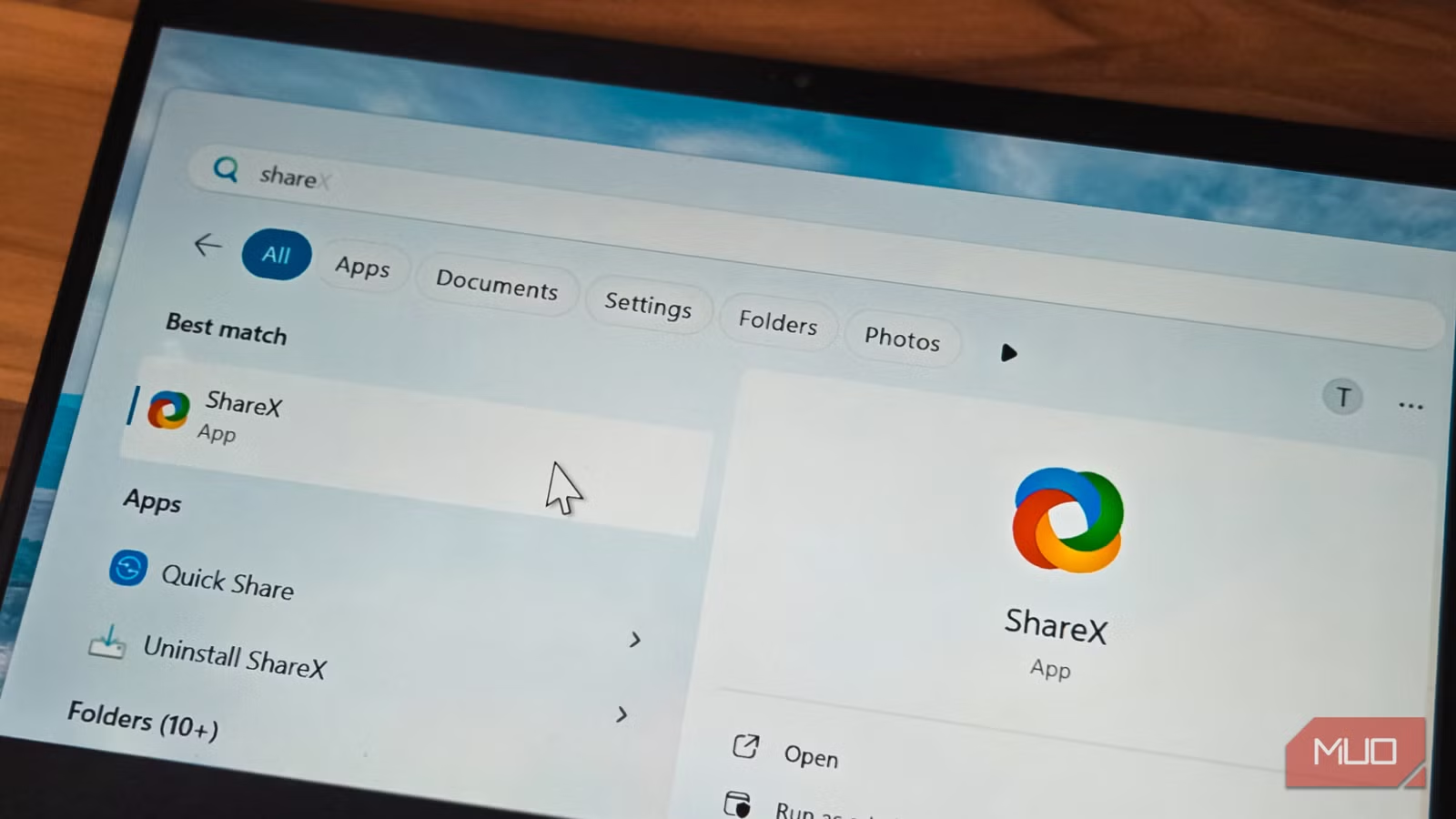
For those who treasure beauty and sophistication in every aspect of life, including digital experiences, finding the right tools is crucial. Imagine a screenshot tool not only brimming with features but also allowing for creative expression. ShareX embodies this perfect blend, making it a must-have for anyone seeking to enhance their visual storytelling. Let’s dive into why this tool should be in your digital arsenal.
Effortless Screenshot Capture with ShareX
Explore Versatile Screenshot Options
ShareX simplifies the process of capturing **screenshots**, providing various methods to suit your needs. As you navigate your screen, a magnified view assists in selecting the perfect area, ensuring you start at the precise pixel. Whether you’re interested in capturing:
- Active windows
- Rectangular regions
- Freehand selections
- Elliptical areas
- Automatically detected windows and UI elements
This tool also features a **delayed capture option**, which allows users to set a timer of 5 or 10 seconds. This is particularly valuable for opening menus or hover states that vanish upon pressing a key. Moreover, you can specify resolutions through the Capture menu, making it a breeze to maintain consistency for documentation or tutorials.
If you need to capture multiple screenshots in a sequence, the **Auto Capture feature** under the Workflows tab is a real game-changer. Simply designate a region and set a repeat interval—ShareX will handle the rest seamlessly!
Advanced Features for Creative Minds
Screen Recording, GIF Creation, and Live Annotation
While many tools are stepping up their game, ShareX takes screen recording and GIF creation a notch higher. You can easily annotate while capturing by adding arrows, text, or blurring sensitive information, all in real time. This means critical details can be marked before you even finalize the screenshot.
For casual screen recordings or GIF creation, ShareX fits the bill perfectly. Although dedicated software like OBS may be superior for extensive projects, ShareX offers an efficient solution that won’t clutter your system with extra installations.
Unparalleled Built-In Editor
Masterful Image Editing at No Cost
ShareX’s built-in image editor is exceptional, surpassing many paid alternatives. From standard annotation features like arrows and text to advanced options, it caters to every need. One standout feature is the **smart eraser**, which intelligently blends with the background, giving your screenshots a pristine and professional appearance.
Additionally, the editor is equipped with tools for creating tutorials, such as step counters and speech bubbles. You can crop, resize, and even apply stylized effects, all without committing until you save your work. This encourages creativity and experimentation without hesitation.
Optimized for Power Users
Custom Profiles and Keyboard Shortcuts
Beyond basic functionality, ShareX is loaded with productivity features that power users will appreciate. You can customize keyboard shortcuts for virtually every action. Want to capture specific monitor regions or upload directly to cloud services? ShareX makes this customizable to fit your workflow perfectly.
Create distinct profiles for different tasks—perhaps one for professional documentation that adds watermarks and uploads automatically, and another for personal use that copies images directly to your clipboard. Switching profiles is instantaneous, enhancing your efficiency.
With support for over 80 upload destinations—including Imgur, Google Drive, and more—ShareX can automate long sequences of tasks. Capture, resize, watermark, save, upload, and copy links, all in one smooth process!
Why I Rely on ShareX for Windows
After integrating ShareX into my daily routine, it has become an indispensable part of my Windows setup. From basic screenshots to intricate documentation workflows, this tool covers a vast range of needs—all without costing a dime.
At first glance, ShareX’s interface may seem overwhelming, resembling a typical complex app loaded with options. However, the essentials are straightforward: a simple click on the ShareX icon grabs a screenshot, automatically saving it. Double-clicking reveals your task list for editing and sharing, making it user-friendly.
Completely free and open-source, ShareX offers more functionalities than most premium software available today. If you’re on Windows and in search of a comprehensive yet accessible screenshot tool, embarking on your ShareX journey is worth every moment of exploration.
Now is the time to elevate your digital experience. Dive into the world of ShareX and unleash your creative potential today. Download it for free and see how it transforms the way you communicate visually!