Boost Your Productivity: How Windows 11’s Copilot Transforms Work through Voice Command
Embracing the Future: The New Era of Voice-Driven AI with Windows 11
Imagine a world where your computer seamlessly understands your commands, transforming your daily tasks into a breeze. With the advent of Microsoft’s Copilot for Windows 11, this dream is becoming a reality. As more people seek effortless technological interactions, it’s time to explore how this innovative AI assistant will change how we engage with our devices.
What’s New in Windows 11?
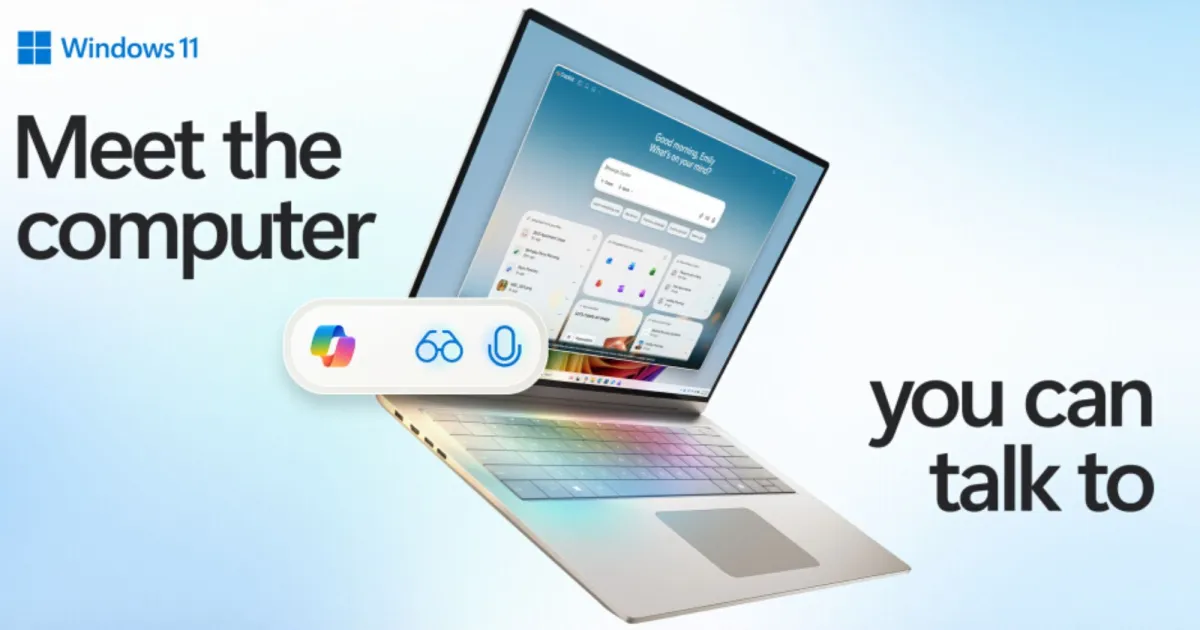
Microsoft is on a mission to revolutionize PCs with the introduction of Copilot AI. This cutting-edge technology will empower users to communicate with their devices through natural voice commands. Gone are the days of tedious navigation through menus—now, an easy “Hey Copilot” is all you need to get started.
- Users can access Copilot Vision and Copilot Voice, enabling multifaceted interactions right from their desktop.
Credit: Microsoft
These features collectively form the backbone of Microsoft’s ambitious Copilot Actions. Initially previewed as web-based, these actions will soon extend to local tasks, marking a significant step forward in how we can utilize our PCs.
Harnessing Copilot Actions
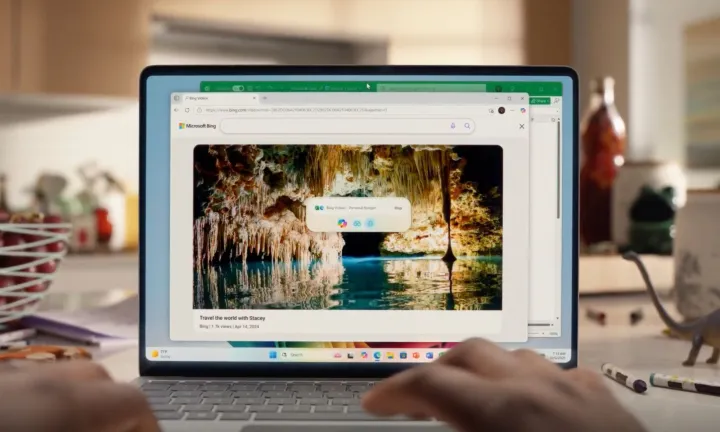
One of the most exciting aspects of Copilot Actions is its ability to execute tasks without your direct input. Just imagine asking your PC to extract information from a PDF, launch an application, or even find the right photos—all done effortlessly in the background while you focus on what truly matters.
- Copilot can autonomously:
- Extract data from files
- Open apps for specific tasks
- Locate images quickly
This kind of functionality lies at the heart of Microsoft’s vision, as the company believes it will redefine our interactions with technology.
Credit: Microsoft
What Can Copilot Do for You?
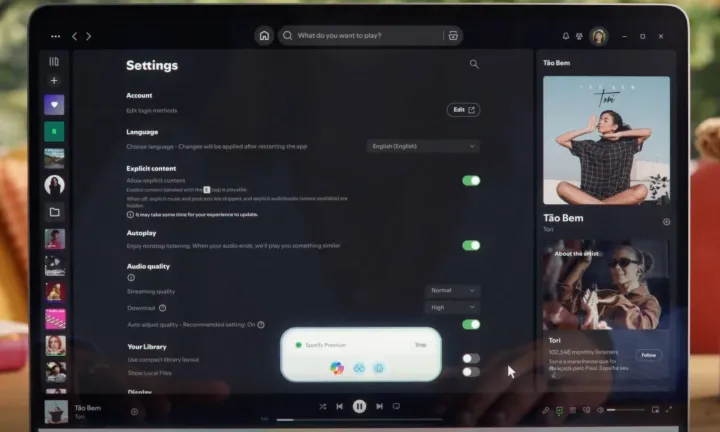
With Copilot Vision, the AI assistant possesses a keen awareness of your screen’s content. This capability enables it to provide tailored suggestions, help with photo editing, guide you through in-game challenges, or assist in planning your adventures. Thanks to features like Highlights, users can receive contextual step-by-step guidance to accomplish any task efficiently.
Additionally, Copilot transcends simple visual tasks by integrating deeply with productivity apps like Excel, Word, and PowerPoint. Here’s a glimpse into what you can expect:
- Transforming data sheets into actionable insights
- Engaging in text-based conversations for clarification
For users enrolled in the Insider program, text communications with Copilot Vision will soon be possible, opening up even more avenues for interaction.
Credit: Microsoft
Seamless Integration Across Services
The newly introduced Ask Copilot tool on the Windows 11 Taskbar provides a straightforward way to access both Copilot Vision and Voice with just a click. Furthermore, the rollout of Copilot Connectors will allow integration across various platforms such as OneDrive, Outlook, Google Drive, and Gmail.
This means the AI can pull together information from multiple sources, helping you manage everything from important emails to meeting schedules with ease.
Take the Leap into AI
The shift toward conversational AI is poised to redefine our workspace, akin to how the mouse and keyboard transformed our digital lives. When powered by Copilot, you can expect enhanced productivity and an intuitive way to navigate your tasks.
Are you ready to embrace this innovative change? Let Copilot be your guide into the future of technology, making life simpler, smarter, and more organized. Dive headfirst into the exciting world of AI, and discover how it can elevate your everyday activities. You deserve this transformation!